Does buying a projector instead of a TV stress you out? Because ‘hidden timer” makes you feel it is a bigger investment than the TV. Does the hidden timer give you anxiety as to how long projectors really last? Is it even worth it?
There is confusion about the projector’s lifespan. Because internet results show that it lasts from 2,000 to 30,000+ hours. But your actual situation is not explained there. Things need to be clarified so that you understand that projectors do last a long time. The lifespan of a projector is not limited by the whole device, just its light source. Different projectors use different types of light sources, such as lamps, LEDs, and lasers. To provide a comprehensive guide, we will educate you on projector lifespan and how to make your projector last longer.
The Quick Answer: Projector Lifespan by Type
Based on projector technology, it will last longer. Here’s a quick view of the lifespan data on how long each projector lasts:
- Lamp-Based (UHP) Projectors: 2,000 - 5,000 hours
- LED Projectors: 20,000 - 30,000 hours
- Laser Projectors: 20,000 - 30,000+ hours
Just because it is stated to last 5,000 hours, it will change in the practical world. E.g., in the real world, it is over 5 and a half years of watching a movie every single day. And 20,000 hours in the practical world is over 20 years. When considering DLP vs. LCD projector lifespan, LCD projectors do last longer if the DLP projector is not made with high precision, but not as long as laser projectors.
The 3 Projector Light Sources That Define Lifespan
The primary driver for the price of the projector and its longevity is its technology. All three technologies have pros and cons. To help you make a better decision, we are going to break down the pros and cons of each.
1. Traditional Lamp (UHP) Projectors
What they are: UHP projectors, “classic” bulb-based projectors commonly found in older models, and budget-to-mid-range options. The bulb is used to emit light through a fine filament, which is cheap, but it does have cons.
Lifespan: Lifespan of lamp projectors (UHP) is 2,000 – 5,000 hours. But what is the lifespan of a DLP vs an LCD projector? They both have similar technology to UHP, as they rely on lamps to project an image. DLP vs LCD projectors’ lifespan varies, but LCD outlasts DLP. DLP has a lifespan of 2,000 to 5,000, whereas LCD lasts 5,000 to 10,000.
The “Catch” (Cost & Maintenance): Since the projection’s main driver is the bulb, which degrades over time. And they must be replaced. Or a projector will project washed-out or blurry images.
- UHP projector’s lamp has a half-life, so how long will the projector bulb last? If the projector bulb’s life expectancy is rated for 5,000 hours, you will only be able to enjoy the best quality for 2,500 hours. The quality starts degrading after half-life, leaving you with blurred image quality.
- These projectors are affordable, and their bulb life expectancy is low, so they had to make it easier to replace the bulbs. So, is it worth replacing the projector bulb? The cost of replacing the bulb can be anywhere from $50 - $400, depending on the variant.
- The other factor that lowers a projector’s bulb life expectancy is heat and its fragility. Bad ventilation and airflow will heat the bulb and degrade the bulb's fine filament.
Who are they for? They are a good fit if you are budget-conscious and comfortable with future maintenance.
2. LED Projectors
What they are: What they are: LED projectors are solid-state, just like a TV, as they emit light using LED, unlike relying on a bulb or any motion. Thus, it provides better image quality than UHP. They are commonly used as portable projectors. They are a bit more expensive than UHP, as it’s a mid-range option.
Lifespan: 20,000 – 30,000 hours is how long an LED projector lasts. Although it will last longer than that with proper care. And it doesn’t need frequent bulb changes like a UHP projector.
The “Catch” (Non-Replaceable): You can’t change the LED of the projector so that it continues providing a better image quality because they are an integrated part of the projector. When the projector doesn’t turn on anymore, the LEDs are dead.
- Crucially: The LED projector lifespan is so much higher, and it would take you decades of heavy use to kill the projector. Because of the longer lifespan of the LED projector, before you try to utilize the whole lifespan, its technology, like resolution, will become obsolete first.
Who are they for? Because of the LED projector’s lifespan, it is a good choice for home usage as the “set it and forget it” option, because they require minimal to no maintenance.
3. Laser Projector
What they are: It is a premium, high-end option because it has the best of the best technology. That is why a laser projector’s lifespan is the longest. It uses a laser for illumination rather than a lamp.
Lifespan: How long does a laser projector last? Its lifespan is 20,000 – 30,000 hours. They will provide the same quality as the first 100 hours even after 30,000 hours if you follow a few steps correctly.
The “Catch” (Price): Just like LED projectors, you can’t replace the laser of the laser projector. Since it has the best technology, the only catch is the high upfront cost.
Who are they for? This is the ideal option for you when you want a true home cinema and are committed to having the best. They are a great choice for commercial users who need top-tier brightness with the best image quality with zero maintenance.
5 Ways You Are Accidentally Killing Your Projector
One of the failure points of a projector is its light source. But there is something else that could potentially fail, i.e., fans, lenses, chips, and the motherboard. However, you can avoid those failures to save hundreds of dollars and make the projector last longer just by following these easy tips to ensure the projector lasts as long as it is designed to.
- Poor Ventilation (The #1 Killer): Heat will lower the lifespan of the projector. Heat increases thermal expansion, which lowers performance as well. You should not have enclosed cabinets and have better airflow to make projectors last longer than usual.
- Skipping Filter Cleaning: The inevitable thing is stopping dust. This is why a filter has been installed in your projector to increase its lifespan. Dust will cover the air filter and clog fans. This will cause overheating. Check the user manual for filter cleaning instructions.
- Running on “Bright” Mode: If your projector is rated for 20,000 hours. This is how long your projector will last if you take a little bit of care. This is why “Eco-Mode” is a preset. It is beneficial by making your projector last longer. Eco-Mode will reduce energy consumption and heating in the projector's components. Hence, fans will run quieter. Plus, eco-mode will project images at lower brightness, which will dramatically extend a lamp’s lifespan.
- Improper Shutdown (Crucial for Lamp Models): It is common practice to just pull the plug to shut down electronics. But it is lowering your projector’s bulb life expectancy. This will cause your projector’s bulb to die sooner because the fan needs to cool the hot bulb. But it's not the case for Laser/LED projectors.
- Dusty or Smoky Environment: Smoke finds its way into the projector, and it blocks electrical pathways. Which causes overheating. To make the projector last longer, avoid smoke, vaping, and excessive dust because it will lead to projector failure.
Signs Your Projector or Bulb is Dying
Are you experiencing decreased image quality? This could be one of the signs your projector bulb is dying. Don’t expect lifespan to be near the end, and replace the bulb or projector with its Laser or LED, because there are more signs to confirm that.
- The Picture is Noticeably Dim: The most common sign of the projector’s bulb life expectancy is near its end. This is why it can’t emit as bright an image as it once did. For a Laser/LED projector, this could be one of the signs that the projector's lifespan is close to an end, even if it’s a Laser or LED.
- Flickering or Color Problems: Are you seeing a rainbow tint in a projected image, such as a tint of yellow, blue, or pink? Or image flickering? Try to fix the focus of your projector. If the problem persists, then you can’t make your projector last any longer. It’s near the end.
- The “Warning Lamp” Light: When there’s an issue with a lamp or projector bulb dying, the warning light for the lamp turns on. If the bulb is burned out, then replacing it will make the warning light go away.
- The Projector Shuts Off by Itself: The projector shutting off is a built-in safety feature to protect the projector from critical damage. The cause of it could be overheating, which is caused by a clogged filter. Or a bulb near its life expectancy will cause the projector to shut off as well.
Ensure that you have checked all the issues you are facing with your projector against this checklist to see if you really need a replacement or a repair.
The Big Question: Is It Worth Replacing a Projector Bulb?
Are you facing a high replacement cost for a dead bulb in your older lamp projector? What would be a better decision for you, repair vs. replace? Is it even worth replacing a projector bulb?
The “Repair vs. Replace” Analysis:
- Technology has improved: A new projector of today might be a significant upgrade to your older projector because it offers 4K, brighter images with a faster refresh rate, and better features for ease of convenience. And it won’t cost much more than the cost of a replacement bulb for the old 1080p model.
- The Rule of Thumb: New projectors are cheaper with better technology than older projectors. Thus, the cost of a new bulb will be more than 40-50% of a new, comparable projector. The smarter financial move is to upgrade rather than repair.
FAQ About Projector Lifespan
Do projectors wear out if not used?
No, your projector’s life expectancy won’t be affected by it. But dust settling inside the projector will definitely affect the projector's lifespan because of poor ventilation.
Can a projector run 24/7?
Only Laser/LED projectors can handle such intensive tasks. To make your lamp projector last longer, avoid 24/7 usage
Is it bad to turn a projector on and off frequently?
Yes, but only for lamp projectors. And it will wear the bulb and show the signs of the projector's bulb dying. It won’t affect the Laser/LED projector’s lifespan because they act like TVs.
Conclusion
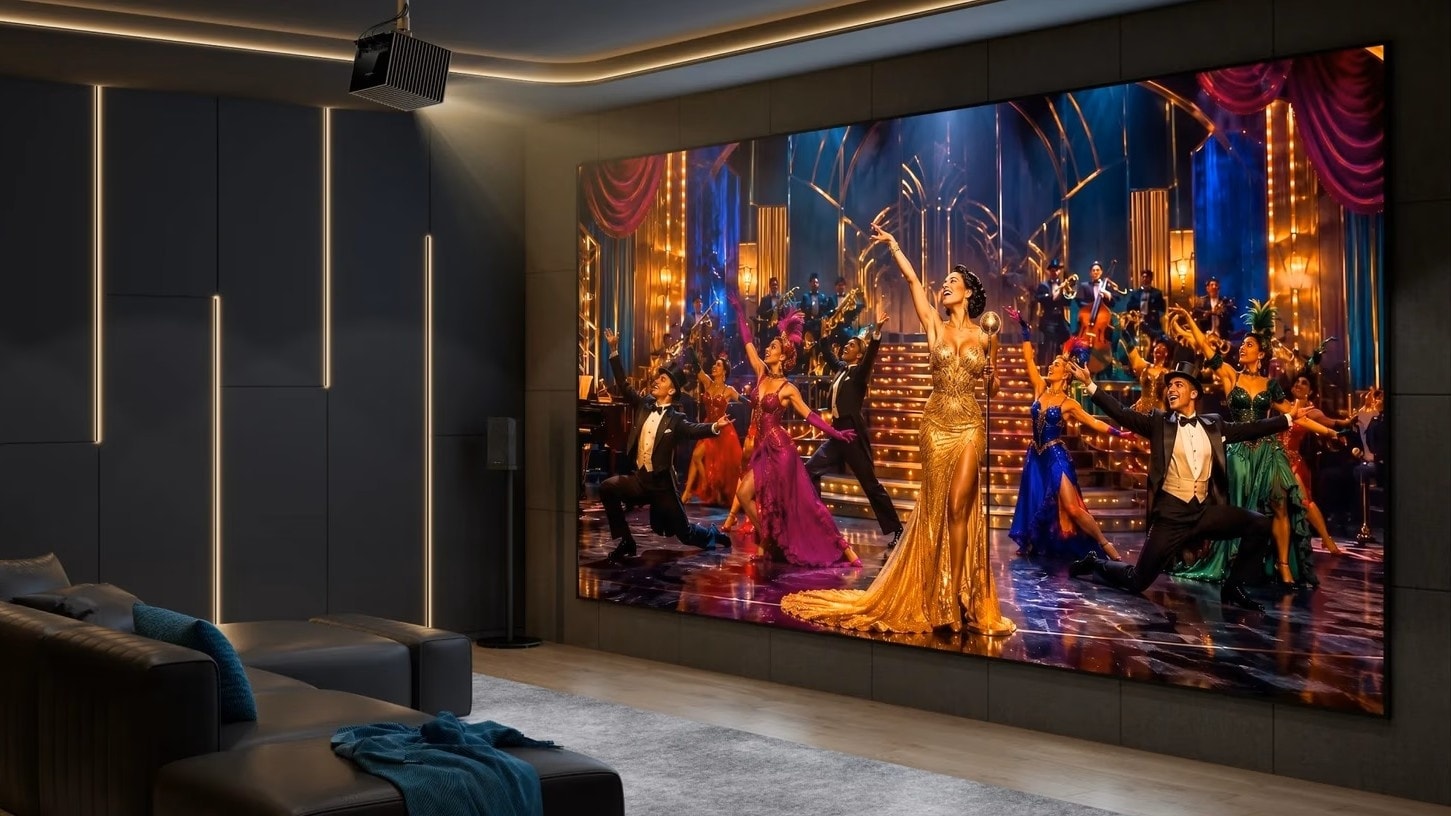
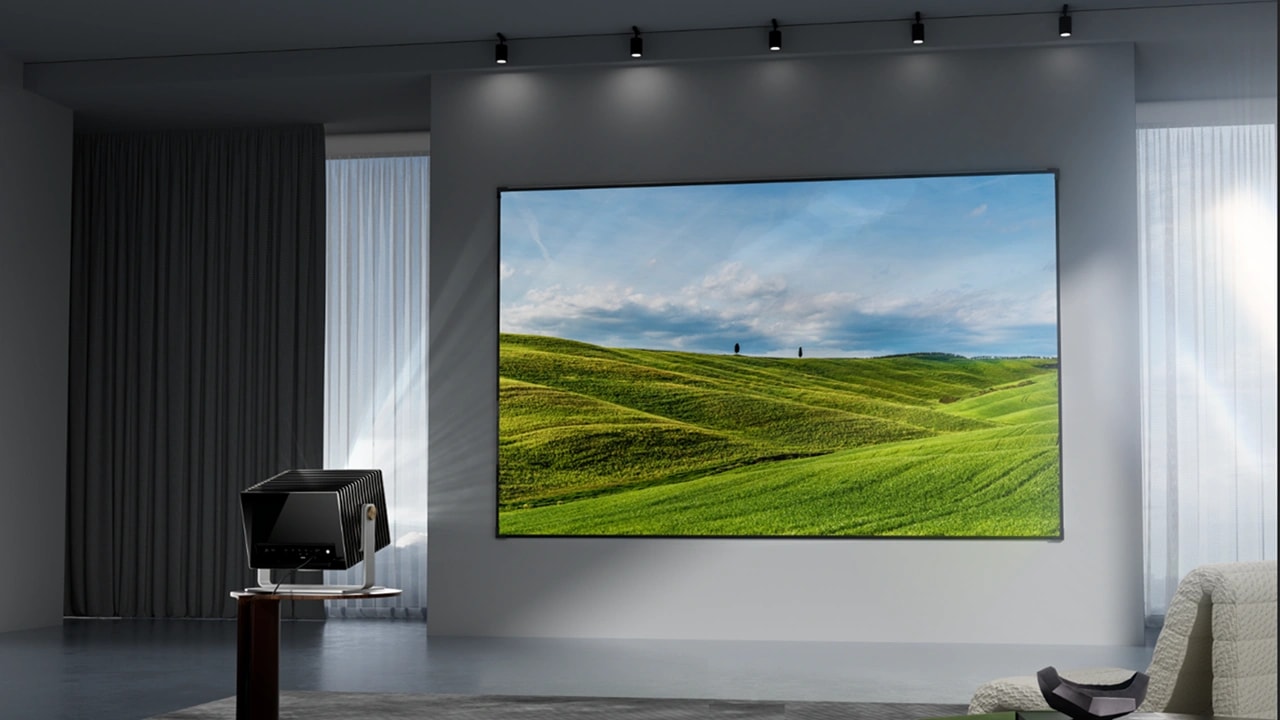
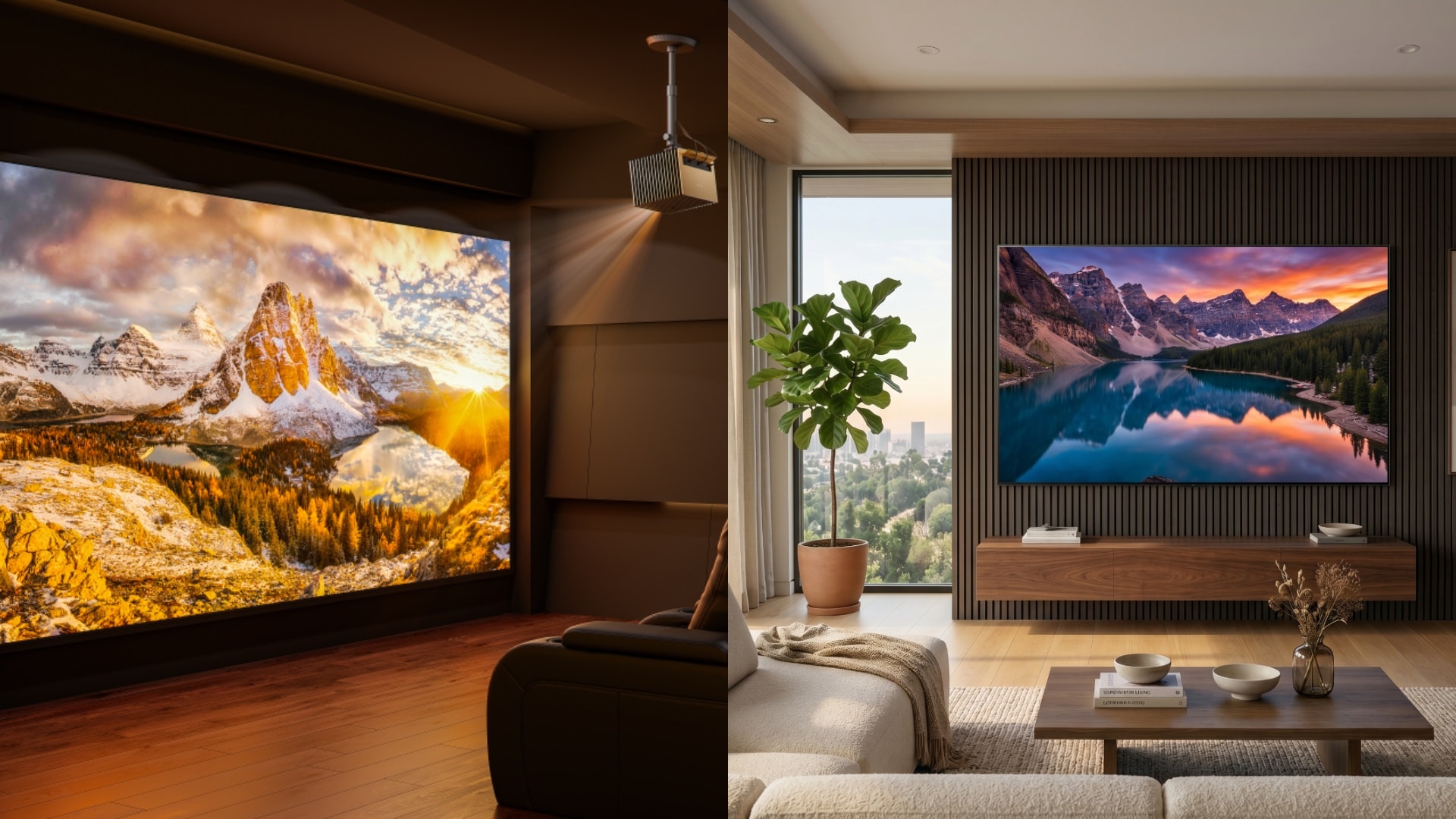
The only limiting factor for your projector’s lifespan is its light source. For lamp models, it requires maintenance like bulb changes, whereas Laser/LED models don’t need much. They are designed for longevity and better image quality so that you get the true theater experience with 4K up to a 300-inch screen size.
Lamp projectors don’t last as long as Laser/LED projectors. They are a maintenance-free option, perfect for the “set it and forget it” option. Most modern projectors have a better lifespan than older projectors, and they can last up to a decade with just a little bit of care. And Valerion’s resources are going to help you in taking better care of your projector.