Setting up a self-hosted media server can feel overwhelming, but utilizing the right platform drastically simplifies the process of building your home cinema. Choosing between Plex and Jellyfin means deciding between the highly polished, plug-and-play convenience of a commercial platform and the total freedom, privacy, and zero-cost appeal of an open-source challenger.
Both platforms can flawlessly stream your media library to a premium display, but deciding which one is better depends entirely on your hardware, technical comfort level, and privacy preferences.
Jellyfin vs. Plex: At a Glance
| Feature | Jellyfin | Plex |
|---|---|---|
| Cost | 100% Free & Open Source | Freemium (Premium features require paid "Plex Pass") |
| Hardware Transcoding | Included for free | Locked behind paid Plex Pass subscription |
| Authentication | Local (Privacy-first, no central servers) | Cloud-based (Centralized logins, includes telemetry) |
| App Support | Growing (Includes official Swiftfin app for Apple TV) | Universal (Polished native apps on almost every console and TV) |
| User Interface | Clean, ad-free, and focuses strictly on your local media | Polished, but pushes ad-supported streaming channels |
Evaluate Pricing and Core Features
The most common deciding factor when comparing these two platforms is balancing subscription costs with core functionality. As a 100% free and open-source platform, Jellyfin includes all of its features out of the box, whereas Plex uses a freemium model that paywalls its most powerful tools.
Avoid Hardware Transcoding Fees
Both platforms support transcoding, a crucial feature that converts heavy video formats on the fly to ensure smooth playback when streaming to mobile devices or over a weak Wi-Fi connection.
One major advantage Jellyfin offers is that its hardware transcoding is included completely free. By contrast, Plex considers hardware acceleration an essential feature for smooth playback but locks it behind its paid "Plex Pass" subscription tier.
Manage User Profiles and Offline Viewing
Plex excels at out-of-the-box user management, offering server administrators robust parental controls. However, establishing these specific restrictions requires a Plex Pass. Furthermore, Plex offers seamless downloading of media for offline viewing on phones and tablets, which is also a premium feature.
Jellyfin provides robust user profile controls for free, keeping all authentication 100% on your local server. However, a notable downside to Jellyfin's offline viewing is that it currently lacks built-in transcoding for downloaded mobile content, meaning you must download files in their original, uncompressed size.
Control Privacy and Authentication Models
Many home server enthusiasts are migrating away from Plex due to its reliance on cloud authentication and centralized telemetry.
Keep Your Viewing Data Local with Jellyfin
Jellyfin is built on a privacy-first architecture that provides total data privacy with zero forced telemetry. It operates entirely under your control without requiring cloud authentication. Because the server never reports back to a central corporate entity, you will not experience login disruptions to your local network even if your internet connection drops.
Navigate Centralized Logins and Telemetry with Plex
Plex relies on centralized authentication servers to manage user profiles. While this simplifies user management and makes remote access (watching away from home) incredibly plug-and-play, it introduces privacy concerns. Relying on the cloud also means that a Plex corporate server outage can occasionally lock users out of their own local media.
Conversely, Jellyfin requires a more technical networking and projector setup process for remote streaming. Because Jellyfin provides unique local credentials, users must manually configure port forwarding or a reverse proxy to access their server outside the home safely.
Maximize App Support and Device Compatibility
A media server is only as good as the client application you use to watch your movies.
Install Native Apps on Smart TVs and Projectors
Plex offers the broadest native app support across the market. It features highly polished applications on virtually every gaming console, smart TV, and streaming stick.
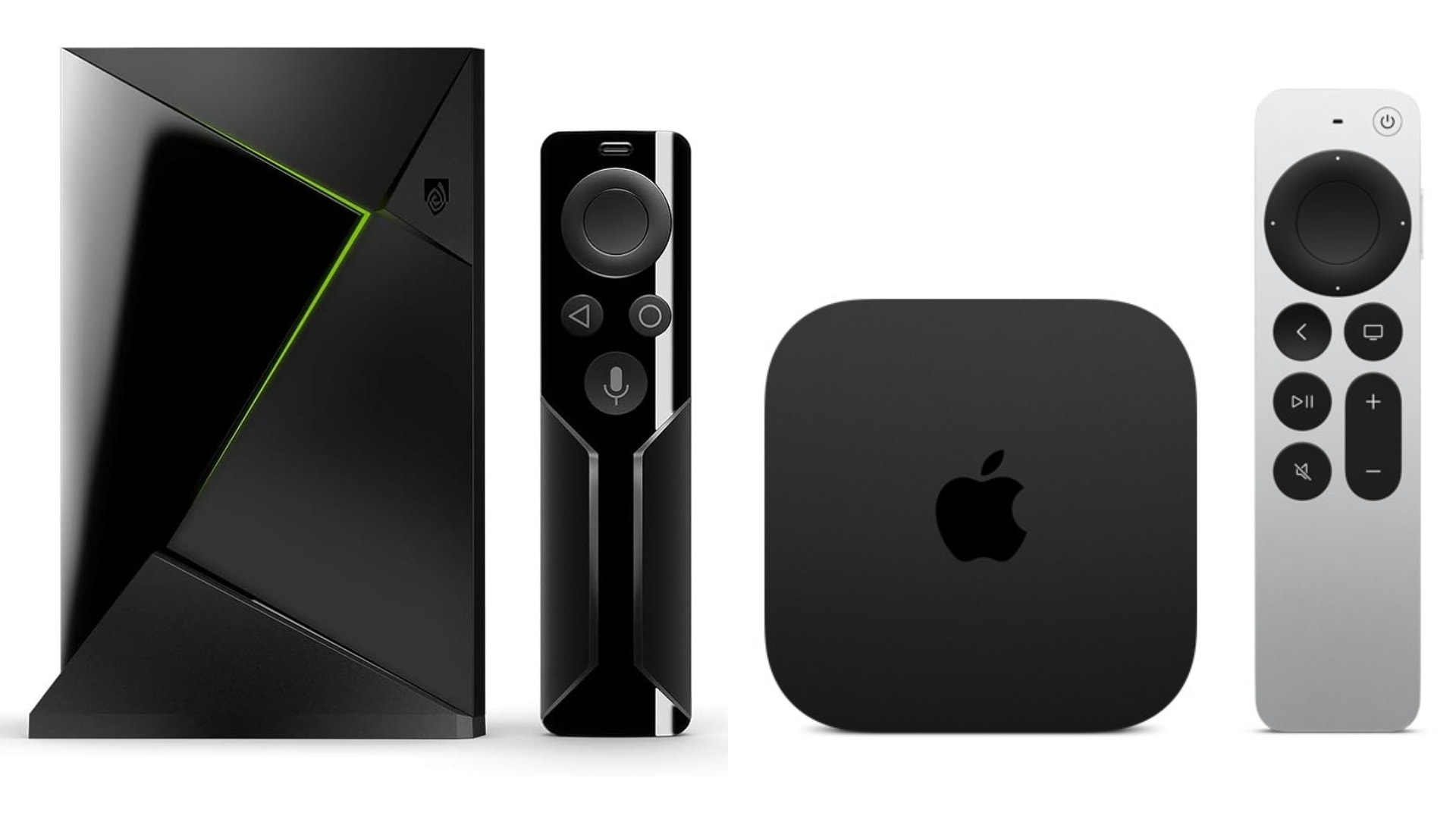
Jellyfin's ecosystem is growing rapidly. Historically, native support on Apple TV was limited, but with the release of the official Swiftfin app, Apple TV and iOS users now have a fully native, free client. Users who want advanced cinematic artwork or Dolby Vision support can still utilize premium third-party apps like Infuse, but it is no longer mandatory.
Customize the User Interface Without Bloatware
Jellyfin focuses strictly on delivering a clean, ad-free UI centered entirely on your personal media. The dashboard belongs to the host, with no external algorithmic feeds.
Plex's interface has evolved to resemble commercial streaming apps. Similar to the interface you see when you watch Netflix on a projector, Plex heavily promotes its own ad-supported free streaming channels and content discovery features alongside your personal library. While users can dive into the settings to disable these services, the platform's default presentation can feel cluttered.
Optimize Home Theater Performance
Software is only half the equation; successfully running a home media server requires hardware capable of handling high-fidelity files.
Stream High-Bitrate 4K and HDR Content
If your media server is streaming locally over a strong network, both platforms can natively direct-play massive, uncompressed 4K files and rich metadata like what is HDR10, ensuring vibrant colors and maximum sharpness.
To fully appreciate the jump in UHD vs 4K resolution, you need a high-end display. For example, a modern home theater projector like the Valerion VisionMaster Max is specifically engineered to handle massive 4K files without bottlenecking the software. It delivers a 50,000:1 viewing contrast ratio on screens up to 300 inches, and processes high-bitrate data with just 15ms of latency to ensure perfectly synced cinematic playback.
Pass Through DTS and Surround Sound Formats
To enjoy immersive audio, your client hardware must support audio pass-through. Both platforms allow the streaming device to pass the audio signal completely uncompressed directly to your AV receiver. Ensure your client hardware supports passing through advanced, object-based formats to fully experience what is DTS surround sound or Dolby Atmos.
Execute a Migration from Plex to Jellyfin
If you want to switch platforms, you do not need to start from scratch or redownload your massive media library.
Phase 1: Run Both Servers Simultaneously
Because Jellyfin reads files in read-only mode, you can safely test the software without impacting your existing Plex setup. Install Jellyfin and point it to the exact same media folders that Plex currently uses. Jellyfin will automatically scan the directories and fetch its own metadata.
Phase 2: Transfer Your Watch History
You do not want to lose your "watched" status when moving to a new server. The modern self-hosting community recommends using automated synchronization tools rather than manual scripts. Apps like JellyPlex-Watched (a lightweight Docker container) or the Trakt plugin can automatically bridge the two servers. These tools maintain a single local database to ensure your watch history is perfectly mirrored across both platforms without relying on manual entry.
Phase 3: Configure Your Clients
Once your library and history are synced, download the Jellyfin client app on your respective streaming devices and log in. Once all users are successfully streaming via Jellyfin, you can safely decommission and uninstall your Plex server.
For a step-by-step technical process, follow this detailed guide.
Decide Which Media Server Fits Your Setup
Choosing the best media server ultimately comes down to your personal preferences and technical expertise.
Choose Plex If:
- You want plug-and-play simplicity with an incredibly easy setup.
- You require highly polished, native apps across all commercial devices and gaming consoles.
- You need effortless remote streaming without manual network configuration.
- You are willing to pay for a Plex Pass to unlock premium user controls and transcoding.
Choose Jellyfin If:
- You value total data privacy, open-source transparency, and local authentication.
- You want full hardware transcoding entirely for free.
- You prefer an ad-free interface dedicated solely to your local media.
- You are comfortable with a slightly more technical setup process for remote access.
Common Media Server FAQs
What does Jellyfin do better than Plex?
Jellyfin offers complete control over your media server without paywalls. Unlike Plex, Jellyfin is completely free and open source, requiring no premium subscription to unlock features like hardware transcoding, mobile streaming, or user management.
Why are people leaving Plex for Jellyfin?
Many users are switching to Jellyfin because they prefer a fully self-hosted solution without subscription fees or forced cloud accounts. As Plex has expanded into ad-supported streaming and rentals, users who want a localized, privacy-first interface dedicated exclusively to their personal media collections are migrating to Jellyfin.
What are the cons of Jellyfin?
Setting up remote access outside your home network requires more technical networking knowledge (like port forwarding or reverse proxies) than Plex. Additionally, because development is community-driven, client app support can occasionally vary between proprietary smart TV operating systems.