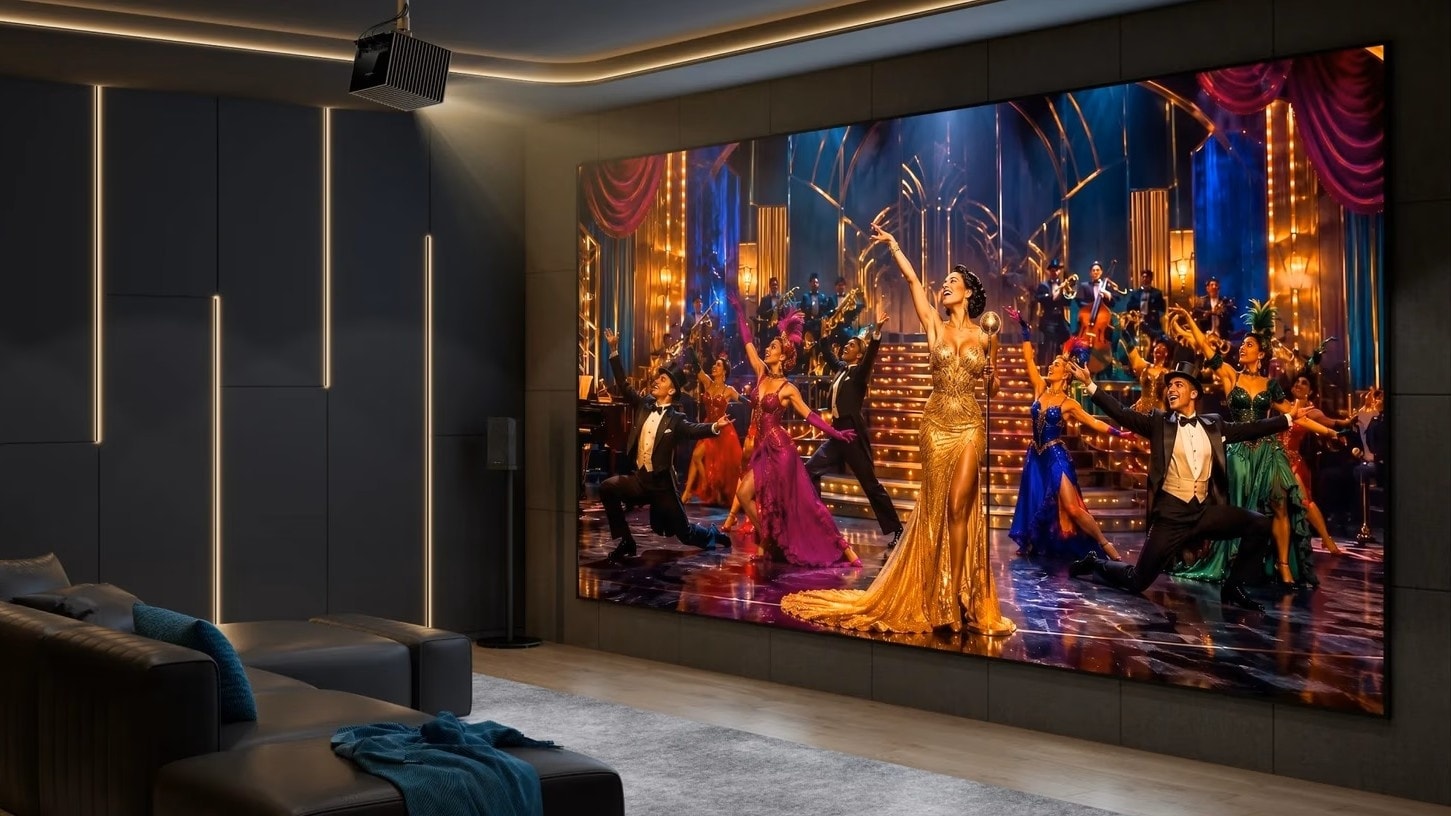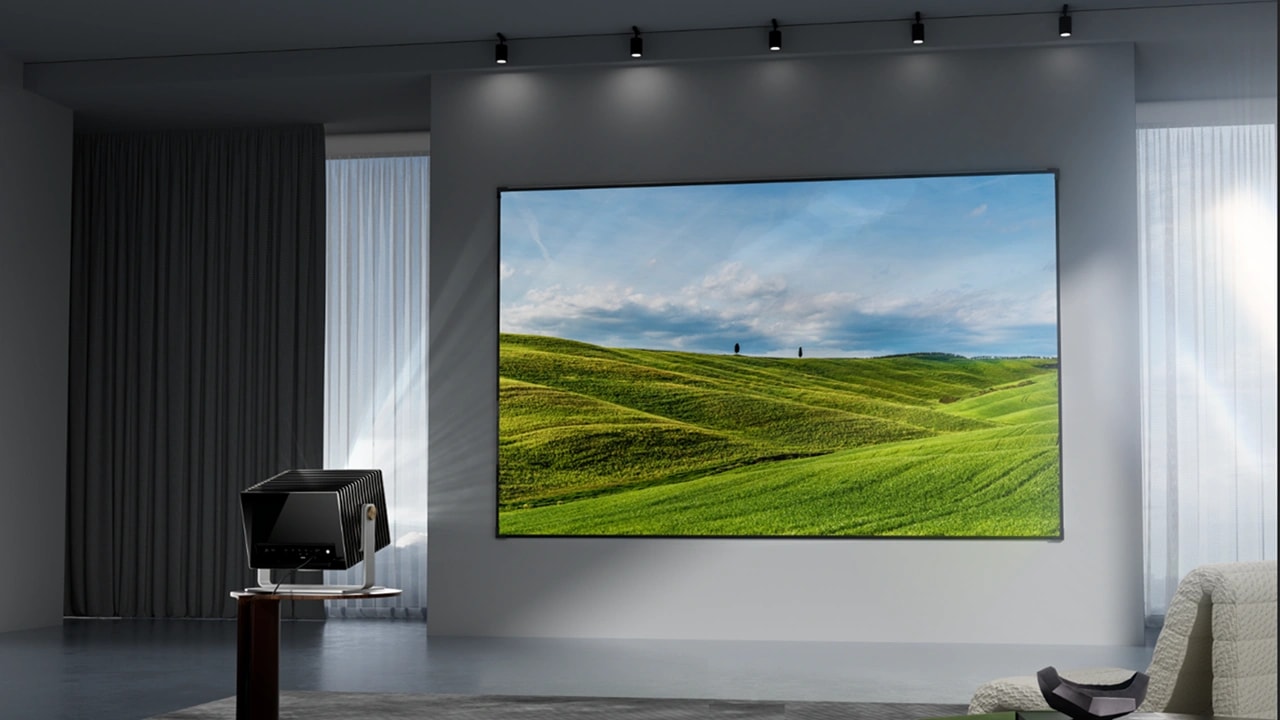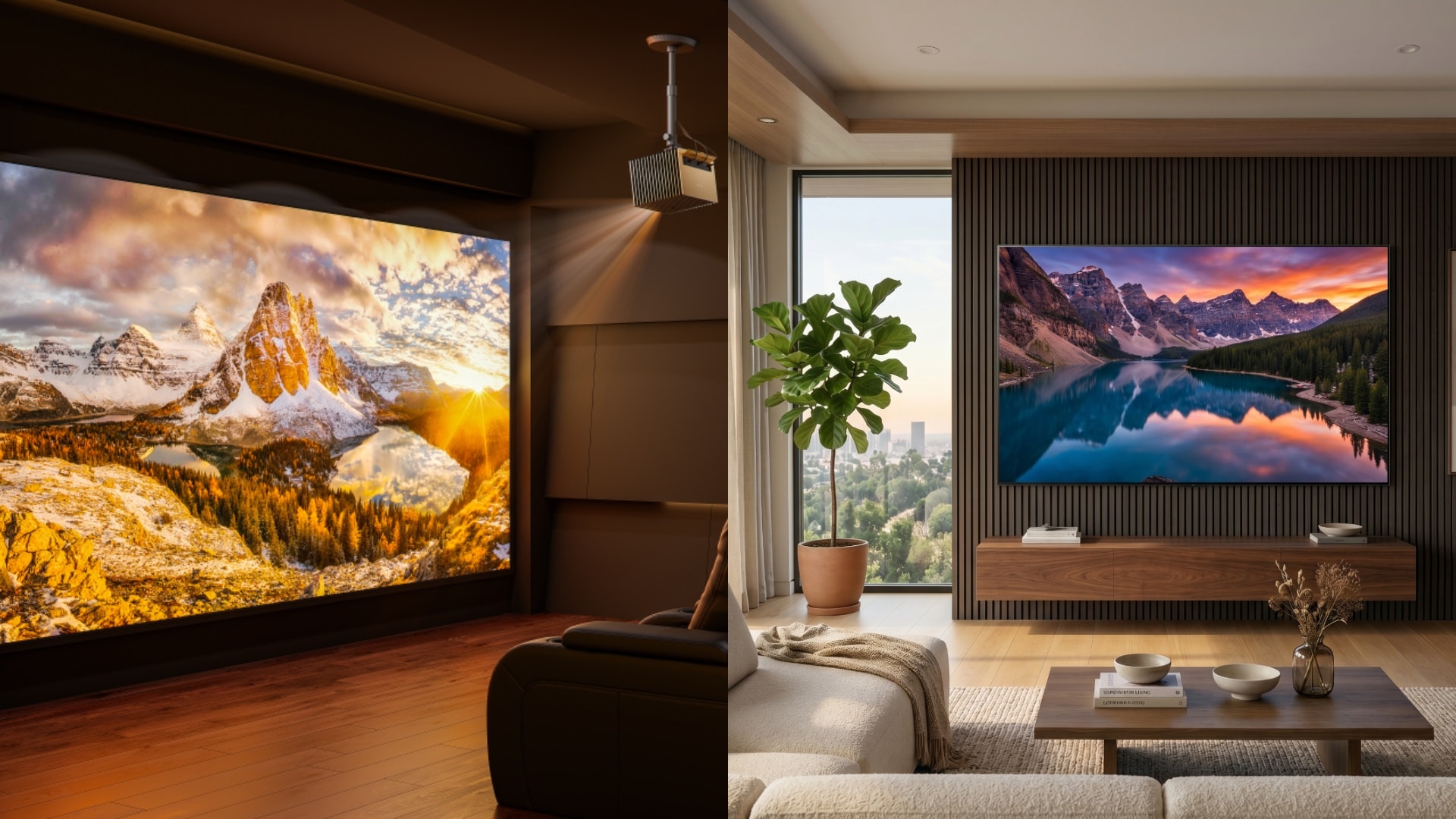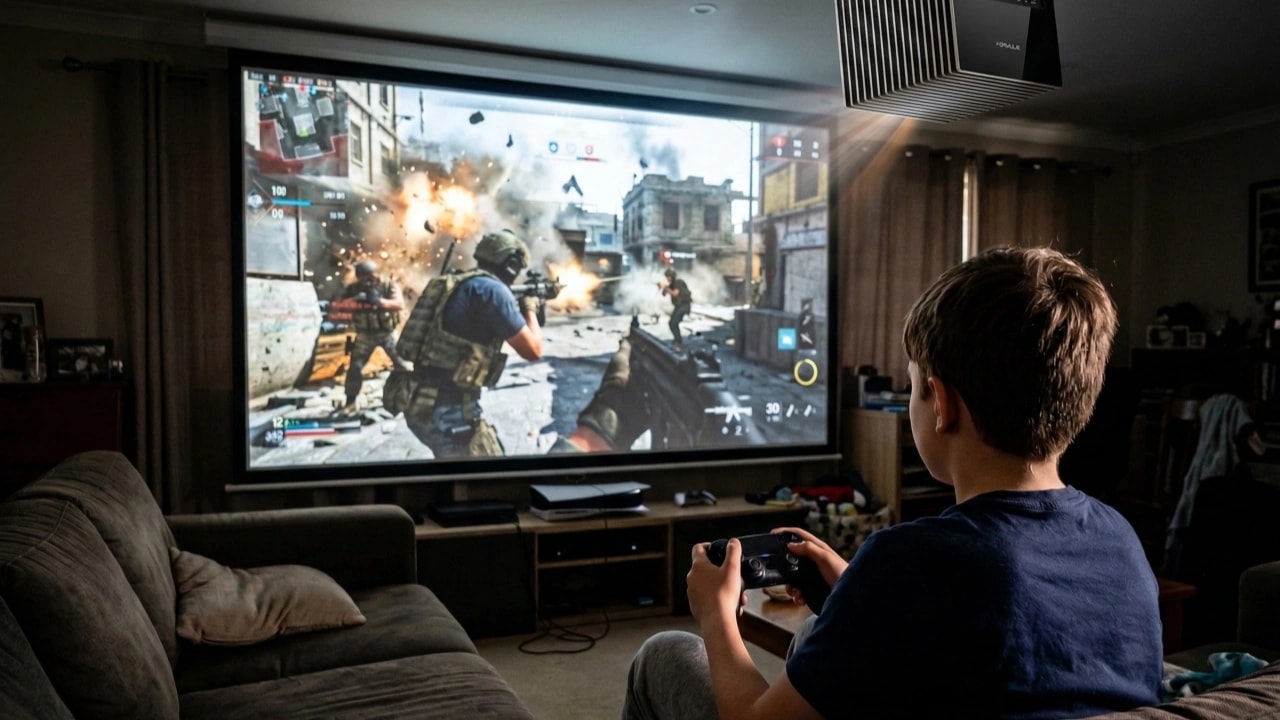
For years, the unwritten rule of home entertainment was simple: TVs and monitors are for gaming; projectors are for movies.
The reason wasn't size—everyone wants to play Call of Duty or Mario Kart on a 100-inch screen. The problem was the "mushy" feeling of the controls. You press "jump," and a split-second later, your character jumps. That delay is called input lag, and for a long time, it made gaming on a projector feel like driving a car with a loose steering wheel.
But the technology inside the "black box" has changed rapidly in the last 24 months. With the arrival of high-refresh-rate optical engines, the gap between a gaming monitor and a cinema projector is vanishing.
Here is a deep dive into what input lag actually is, why it happens, and the specs you need to look for if you want to move your battle station to the living room.
What Exactly Is Input Lag?
In technical terms, input lag is the amount of time (measured in milliseconds, or ms) it takes for a signal sent from your source (like a PS5, Xbox, or PC) to be processed and displayed on the screen.
Think of it as the "digital reflex" of your display. When you press a button on your controller, that electrical signal has to travel through the console, down the HDMI cable, and into the projector. The projector then has to process that data—applying colors, correcting geometry, and scaling the resolution—before it finally beams the photons onto your wall.
If that processing takes too long, your brain notices the disconnect.
Input Lag vs. Response Time: Don't Confuse Them
When browsing specs, you will often see two numbers that look similar but mean very different things. It is crucial not to mix them up.
- Input Lag (Latency): The delay between your button press and the action on screen. High input lag makes games feel heavy and unresponsive.
- Response Time: The time it takes for a single pixel to shift from one color to another (usually gray-to-gray). Slow response time results in "ghosting" or motion blur during fast-paced scenes.
For gamers, input lag is the priority. You can tolerate a little motion blur, but you cannot tolerate missing a headshot because your display was 50ms behind reality.
What is a "Good" Input Lag Number?
How much lag is too much? It depends entirely on what you play.
- Over 50ms: This is the danger zone. While fine for movies, this level of latency is noticeable even in slow-paced games.
- 30ms – 50ms: Acceptable for casual gaming, RPGs, or strategy games like Civilization, where reflex speed isn't the primary mechanic.
- 16ms – 30ms: This was previously the "gold standard" for projectors. It feels snappy enough for most console gamers playing adventure titles.
- Under 16ms: This is the competitive tier. At this speed, the delay is virtually imperceptible to the human eye.
The New Standard: High Refresh Rates
The biggest factor in reducing input lag is the Refresh Rate. A standard 60Hz projector updates the image 60 times per second, meaning a new frame is generated roughly every 16.6ms. That is your baseline floor for latency.
To break that floor, modern optical engines are pushing refresh rates to 120Hz and even 240Hz.
This is where devices like the Valerion VisionMaster Pro 2 serve as a prime example of the hardware shift. By utilizing a 240Hz refresh rate at 1080p, input lag is reduced to just 4ms. For context, 4ms response time is faster than that of many mid-range LCD televisions. It allows the projector to process inputs fast enough for "twitch" shooters and competitive fighting games, territory previously off-limits to projection tech.
The "Game Mode" Trade-Off: Speed vs. Quality
Historically, achieving low latency on a projector required a sacrifice. You had to enable a "Game Mode" that stripped away all the image processing, often leaving you with washed-out colors and poor contrast.
However, newer chipsets are powerful enough to process high-fidelity images without the latency penalty.
We are seeing this in user feedback for the current generation of triple-laser projectors. For example, VisionMaster user Mike R. noted that the device was "perfect for gaming with the guys," specifically highlighting that the "picture quality is unreal."
This suggests we have reached a tipping point where users no longer have to choose between a responsive game and a beautiful one. You can have the deep blacks and wide color gamut of a home theater and the snap-reflex of a gaming monitor simultaneously.
The Return of Split-Screen
One underappreciated benefit of low-latency projection is the revival of local multiplayer. On a standard 65-inch TV, a four-player split-screen session leaves everyone squinting at a tiny quadrant. On a 120-inch projection, every player gets a 60-inch view.
But split-screen renders multiple viewpoints at once, which makes responsive controls even more vital. If the lag is high, the game feels unplayable for everyone.
Real-world testing backs this up. Rob L., another VisionMaster user, commented on this exact scenario: "The input lag is pretty low, and the big screen makes split-screen games way more fun."
If you have been missing the glory days of couch co-op, low-lag projection is arguably the best way to experience it today.
How to Reduce Input Lag on Your Current Projector
Even if you aren't ready to upgrade to a 240Hz beast yet, there are a few tweaks you can make to your current setup to shave off a few milliseconds:
- Enable "Game Mode": This is step one. It bypasses heavy post-processing like motion smoothing (MEMC), which is the biggest cause of lag.
- Turn Off Keystone Correction: Digital keystone correction (squaring the image) requires the processor to alter the image geometry frame-by-frame. If possible, move your projector so it is physically perpendicular to the wall and disable digital correction.
- Check Your HDMI Cable: Ensure you are using a high-speed HDMI cable. If you are trying to push 4K at 60Hz or 1080p at 240Hz, you need the bandwidth of HDMI 2.1 to ensure the signal gets there without a bottleneck.
The Verdict
Input lag is no longer the dealbreaker it used to be. As optical technology borrows more DNA from the world of esports monitors—adopting higher refresh rates and faster processors—the line between "Home Theater" and "Gaming Setup" is blurring.
If you are in the market for a projector and plan to game, look beyond the lumens. Check the milliseconds. If you can find a unit offering sub-15ms performance, you are in for a treat: an IMAX-sized gaming experience with zero compromise.