HDMI Cables Explained: 1.4 vs. 2.0 vs. 2.1 & Connector Guide
November 18, 2025
Did you find it frustrating that your new 4K TV or a high-end triple-laser projector shows washed-out images? Or a flickering screen or refresh rate stuck at 60Hz? Your TV or projector isn't the problem; it’s often the cheapest part of your setup: the HDMI cable. But what makes an HDMI cable bottleneck your setup?
There are different HDMI cables available on the market, including HDMI 1.4, 2.0, and 2.1. Even though every HDMI cable looks identical on the outside, not all types of HDMI cables are equal. You don’t have to worry about it because this comprehensive projector setup guide will not only include a break down of HDMI cables by Speed (Version), Shape (Connector), Material (Length) and HDMI 1.4 vs. 2.0 vs. 2.1, but also diving deeper into your gear, I,e, hardware compatibility, because understanding it is the first step.
HDMI Versions Explained – What Speed Do You Need?
What if we recommend using the pipe’s water flow for identifying the best HDMI cable for 4K or 8K image? Yes. The bigger the pipe is, the more water flows through it. So does the HDMI cable, which is the differentiating factor between its types. So, which is the correct type of HDMI cable for you?
What is HDMI 1.4? (And Why Should You Avoid It?)
How do you know if you are using HDMI 1.4 rather than 2.0 and 2.1? When you see that image quality is turning sluggish or choppy at 4K, you have an HDMI 1.4 cable, because it can only support speeds up to 12 Gbps, which technically allows it to transmit a 4K image at 30Hz, but does so at 1080p.
The HDMI 1.4 cable has become the “standard cable.” But you should avoid it because it’s a 16-year-old technology used in very old DVD players or for connecting a laptop to a projector for basic office presentations.
What is HDMI 2.0? (The Best Choice for 4K Streaming)
To stream at 4K, you need a type of HDMI cable that supports a higher bandwidth than a standard HDMI cable. HDMI 2.0 supports bandwidth up to 18 Gbps. Does that mean this is the best HDMI cable for 4K streaming? It could be because it can stream 4K resolution at 60Hz, so you don’t see distorted image quality. To make content look sharper, it supports basic HDR (High Dynamic Range).
If you use Apple TV, Roku, or an RGB laser projector, this is the “sweet spot” for you: a worthy upgrade from a 1080p HDMI cable to clear, rich contrast and sharp 4K images.
Why Do You Need HDMI 2.1 for PS5 & Xbox Series X?
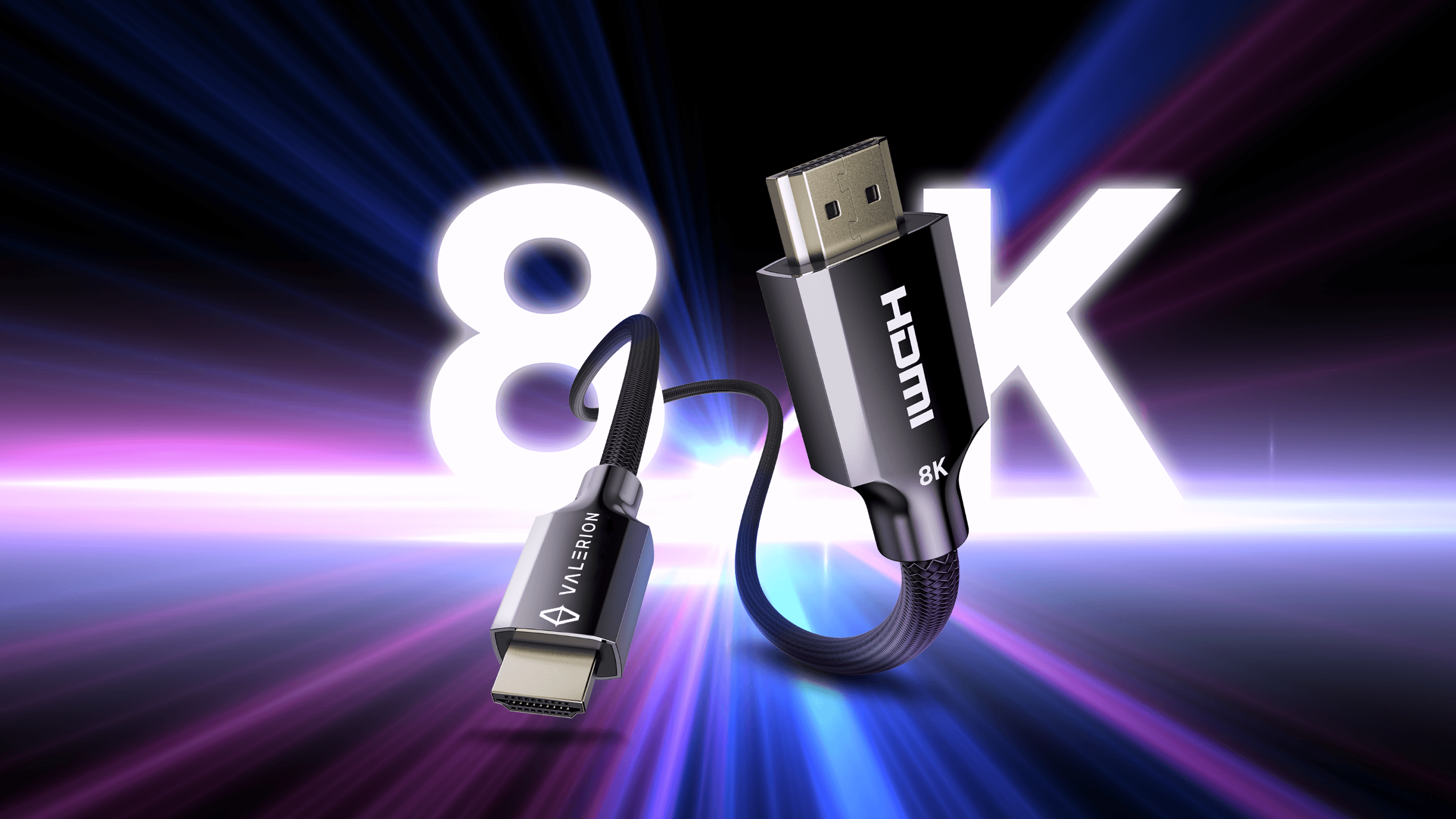
The core of the HDMI 1.4 vs. 2.0 vs. 2.1 comparison is bandwidth differences. And HDMI 2.1 supports the highest bandwidth of all, i.e., 48 Gbps. Thus making it the best HDMI cable for 4K for its ability to support 4K at 120Hz or 8K at 60Hz. It also supports VRR (Variable Refresh Rate). Now you can listen to high-definition audio thanks to its eARC (Enhanced Audio Return Channel) technology. Its Dynamic HDR feature helps by optimizing your PS5 gaming setup by adjusting brightness, contrast, and color settings for each frame rather than applying fixed settings to the entire content. This is why it's mandatory to use HDMI 2.1 PlayStation 5, Xbox Series X, and RTX 30/40 series graphics cards.
There are fake HDMI cables and their types on the market. They bottleneck your setup. You should use a certified HDMI cable to get guaranteed performance. To ensure the right quality, look for the holographic QR code on the packaging.
Just because you get the latest technology type of HDMI cable out of HDMI 1.4, 2.0, and 2.1, it doesn’t mean that it won’t work with old HDMI 1.4 or 2.0 ports. It will work perfectly fine. But it won’t magically upgrade the old device’s speed.
HDMI Connector Types – Which Plug Fits Your Device?
Will this annoy you? You bought a better HDMI cable, but it still doesn’t fit the HDMI port on your TV. Avoid the hassle of purchasing the wrong type of HDMI cable by identifying the right shape for your TV or projector.
What is Standard HDMI (Type A)?
It is a standard-sized HDMI plug measuring 13.9 mm × 4.45 mm. This port is compatible with TVs, Xbox/PlayStation, and desktop monitors. The plug has 19 pins; you can count them for identification.
Note: 9.5 out of 10 people will need this type of HDMI cable because it is the standard port for transmitting video and audio.
What is Mini HDMI (Type C)?
Mini HDMI port is slightly smaller than the standard interface, measuring 10.42 mm × 2.42 mm. Yet it has 19 pins as a standard HDMI cable. This type of HDMI cable is used for older DSLR cameras (Canon/Nikon), older tablets, and portable USB-C monitors that use a secondary video port.
What is Micro HDMI (Type D)?
The Micro HDMI plug is the smallest connector plug and looks remarkably similar to Micro-USB. At 6.4 mm × 2.8 mm, it still retains all 19 pins. Since it is so thin, it is compatible with older GoPro models, Raspberry Pi 4, and ultrathin laptops.
Copper vs. Fiber Optic – How Does Length Affect Quality?
Will screen flickering continue even after a firm grasp of HDMI 1.4 vs. 2.0 vs. 2.1 and the right cable? Yes. Screen flickering is related to the material used in the HDMI cable. Screen flickering will persist even after buying the best 4K HDMI cable due to the cable's length.
When Should You Use Standard Copper HDMI Cables?
Copper HDMI cables transmit data by sending electrical signals. They are bulky, so they are less flexible. And they are bidirectional. The longer the cable gets, the more signal degradation will occur. And they are susceptible to electromagnetic interference (EMI) or radio-frequency interference (RFI).
Rule: Use copper HDMI cables for distances of 5 meters (16 feet) or less. If the cable is longer than this, then the 4K/HDR signal may cut out. You might see flickering, or the screen will show “sparkles.”
How Do Active Optical Cables (AOC) Work for Long Distances?
Optic cables send data through light by converting an electrical signal into light using a photoelectric conversion chip. Then send it through the fiber optic strands and convert it back to electrical signals.
The Pros:
- Faster Date Transfer
- Lossless and Interference Free Transmission of Data Over Long Distances (50m+)
- Thinner and Flexible
The Cons:
- Expensive
- Unidirectional
- Excessive Bending Causes Damage
Fiber HDMI cables can carry light in only one direction. If the “Source” end, aka your console/PC, and the “Display” end, i.e., TV or projector, are plugged backwards from display to source, it won’t work. The core of the optical fiber will be damaged by excessive bending.
Summary: Which HDMI Cable Should I Buy?
When having an HDMI 1.4 vs. 2.0 vs. 2.1 comparison, which is the right choice of HDMI cable type for you according to your needs?
- For the Gamer (PS5/Xbox): HDMI 2.1, which is IC certified for Ultra High Speed, is the right choice for playing games at 120Hz.
- For the Movie Watcher (Apple TV/Streaming): The best HDMI cable for streaming 4K is Premium High Speed HDMI 2.0.
- For the Photographer: The right type of HDMI cable depends on your camera. Check if you need Mini or Micro HDMI.
- For the Home Renovator: If you are running cable through a wall or ceiling over 5 meters, it's better to future-proof your house by installing Fiber Optix (AOC) HDMI 2.1.
But future-proofing yourself with an HDMI 2.1 cable and the wrong projector might cost you extra when technology prices rise. There are projectors like Valerion’s on the market to help you stay future-proof and enjoy a gaming and home theater experience at home.
Member Benefits
Bring Your Cinema Experience Further
Subscribe and receive a $50 Welcome Benefit plus 4 pairs of 3D glasses, along with exclusive Valerion updates.

Points & Rewards

Member Pricing

Early Access

Priority Support
Discover More Insights