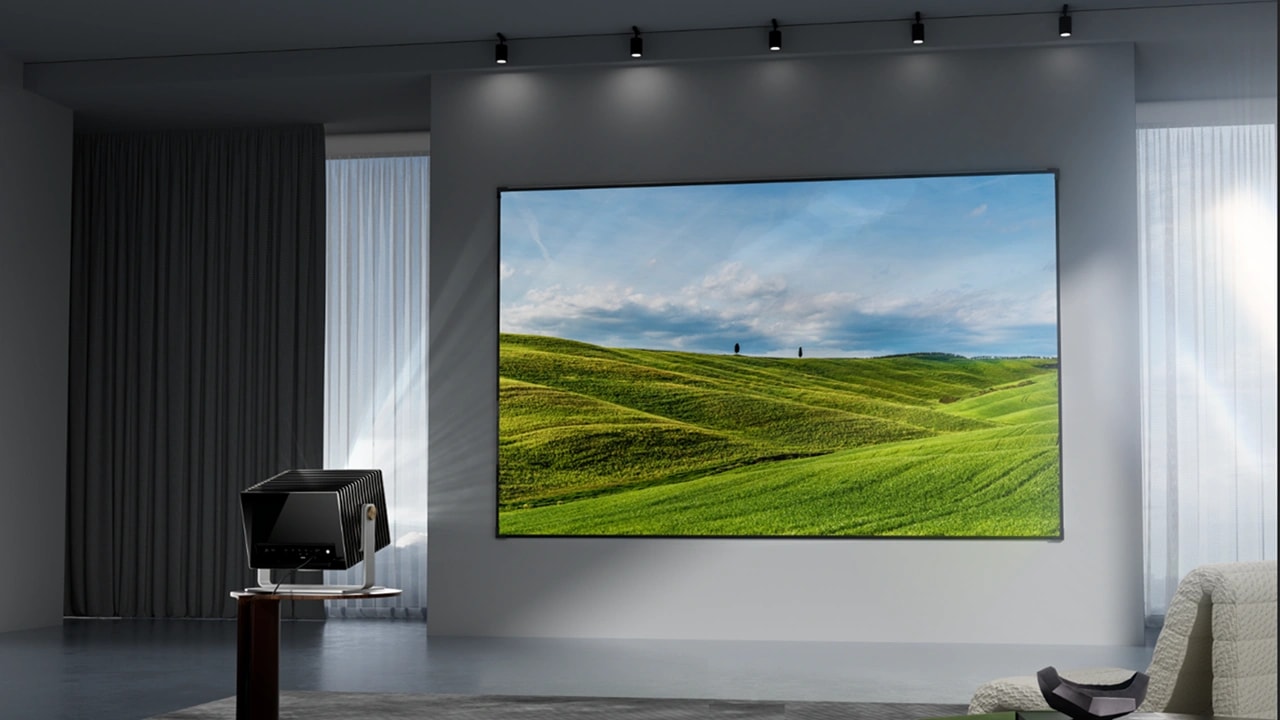
Can you read this? If yes, then it's on a screen. You might think that there isn't much to look at when choosing a display. In fact, there are many. Because if you don't, then your experience will be ruined, as when you try to work, play a game, or spend quality time with your family or friends, and you cannot see clear details or the quality is not to your expectations. This will ruin your experience.
There are different display resolutions. Most people are unsure about what to choose: FHD, QHD, or UHD? They are very confusing terms as people throw them around. We cannot say which is better, as each has pros and cons. You might have different needs, such as gaming, working professionally, streaming, or watching movies.
This is why we are going to break down every term, and this is what is going to help you navigate through them easily:
What are Display Resolutions?
Display resolution refers to the image quality determined by the distinct pixels a screen can display. If you have more pixels, then you get better image quality. But that doesn't mean you will buy the best display out there, because you might not even need it. And this is why we want to help you.
There is pixel density, which is the only other thing you need to pay attention to, as it's affected by screen size. Pixel density refers to the number of pixels packed into a given physical space. It is measured in pixels per inch (PPI). The higher the pixel density, the better, sharper, and more detailed the image you get to see. Thus, enhancing your experience even more. If you have a large screen with low pixel density, you will experience a loss of image detail. As a result, your images will not be as sharp or precise, and you may even notice pixelation, where individual pixels are visible.
Understanding FHD (Full HD)
Full HD, or FHD, refers to a display resolution of 1920x1080 pixels, commonly known as 1080p. This resolution has become a ubiquitous standard, widely adopted for various applications, from streaming your favorite shows and casual gaming to powering budget-friendly laptops and televisions.
Benefits of FHD
FHD offers several compelling advantages:
- Broad Compatibility: Its widespread adoption ensures excellent compatibility across most devices and content platforms.
- Lower Hardware Demands: Compared to higher resolutions, FHD requires less processing power, making it a suitable choice for budget PCs and gaming consoles.
- Cost-Effectiveness: For smaller screen sizes, such as 24 to 27-inch monitors, FHD provides a crisp image without the premium price tag of higher resolutions.
Drawbacks of FHD
Despite its benefits, FHD does have limitations:
- Reduced Sharpness on Larger Screens: On larger displays (e.g., 32-inch monitors and above), the individual pixels become more noticeable, resulting in a less sharp image.
- Limited for Professional Tasks: For demanding professional tasks like 4K video editing, FHD's lower resolution can be restrictive, as it doesn't offer the necessary screen real estate or detail.
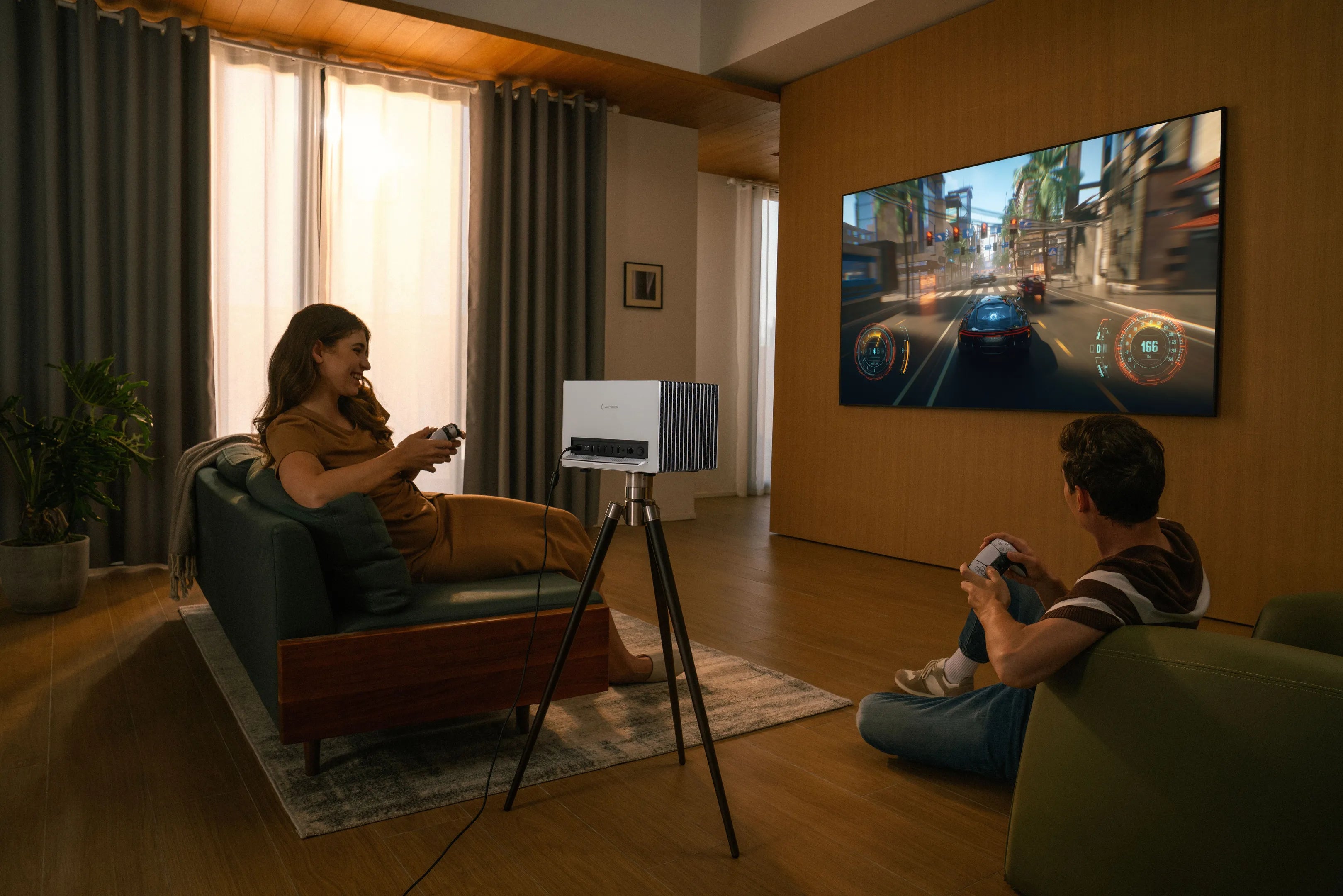
For competitive gamers, devices like the Valerion StreamMaster Plus 2 can output 1080p 240Hz images in game mode with an ultra-low input delay of only 4 milliseconds, making it highly suitable for esports.
Understanding QHD (Quad HD)
Quad HD, or QHD, represents a significant step up from Full HD, boasting a resolution of 2560x1440 pixels. Often referred to as 1440p or 2K, QHD strikes an excellent balance between visual fidelity and performance, establishing itself as a popular middle-ground resolution. Its common uses span from immersive gaming and detailed graphic design to enhanced productivity on mid-to-high-end devices.
Benefits of QHD
QHD offers compelling advantages for various users:
- Sharper Visuals: Delivering noticeably crisper images than FHD, QHD is ideal for monitors in the 27 to 32-inch range, where the increased pixel density truly shines.
- Balanced Performance for Gaming: For gamers, QHD provides a superior visual experience without the extreme hardware demands of UHD (4K), allowing for high frame rates and detailed graphics.
- Growing Adoption: This resolution is becoming increasingly common in high-end laptops and premium smartphones, offering users a more detailed viewing experience on the go.
Drawbacks of QHD
Despite its strengths, QHD does come with certain considerations:
- Higher Hardware Requirements: Achieving optimal performance with QHD, especially in gaming, necessitates more powerful hardware compared to FHD setups.
- Content Compatibility: While growing, not all content, particularly on some streaming platforms, is natively available or fully optimized for QHD resolution, meaning you might not always utilize its full potential.
Understanding UHD (Ultra HD)
Ultra HD, or UHD, sets the benchmark for visual fidelity with a resolution of 3840x2160 pixels, widely known as 4K. This premium resolution is the preferred choice for high-end gaming, professional video editing, immersive cinematic viewing, and other creative work where uncompromised detail is paramount.
Benefits of UHD
The advantages of UHD are significant for discerning viewers:
- Exceptional Clarity and Detail: UHD delivers incredibly sharp and detailed images, making it ideal for large screens (32-inch monitors and above) where every pixel contributes to a lifelike experience.
- Future-Proof Content Consumption: With major streaming platforms (like Netflix and YouTube) and modern games increasingly supporting 4K, UHD displays ensure you're ready for the highest quality content available now and in the future.
- Preferred for Creative Professionals: Video editors, photographers, and graphic designers rely on UHD's expansive canvas and pixel density for precise work, enabling them to see their creations in stunning detail.
Drawbacks of UHD
However, adopting UHD comes with specific considerations:
- High Hardware Requirements: Driving UHD resolution, particularly for gaming or video editing, requires powerful GPUs, CPUs, or next-generation consoles, which can significantly increase costs.
- Expensive Displays and Higher Energy Consumption: UHD displays typically come at a higher price point, and their increased pixel count can lead to higher energy consumption.
- Overkill for Smaller Screens or Casual Use: On smaller screens or for everyday tasks that don't require immense detail, the benefits of UHD might be less noticeable, making it an unnecessary expense.
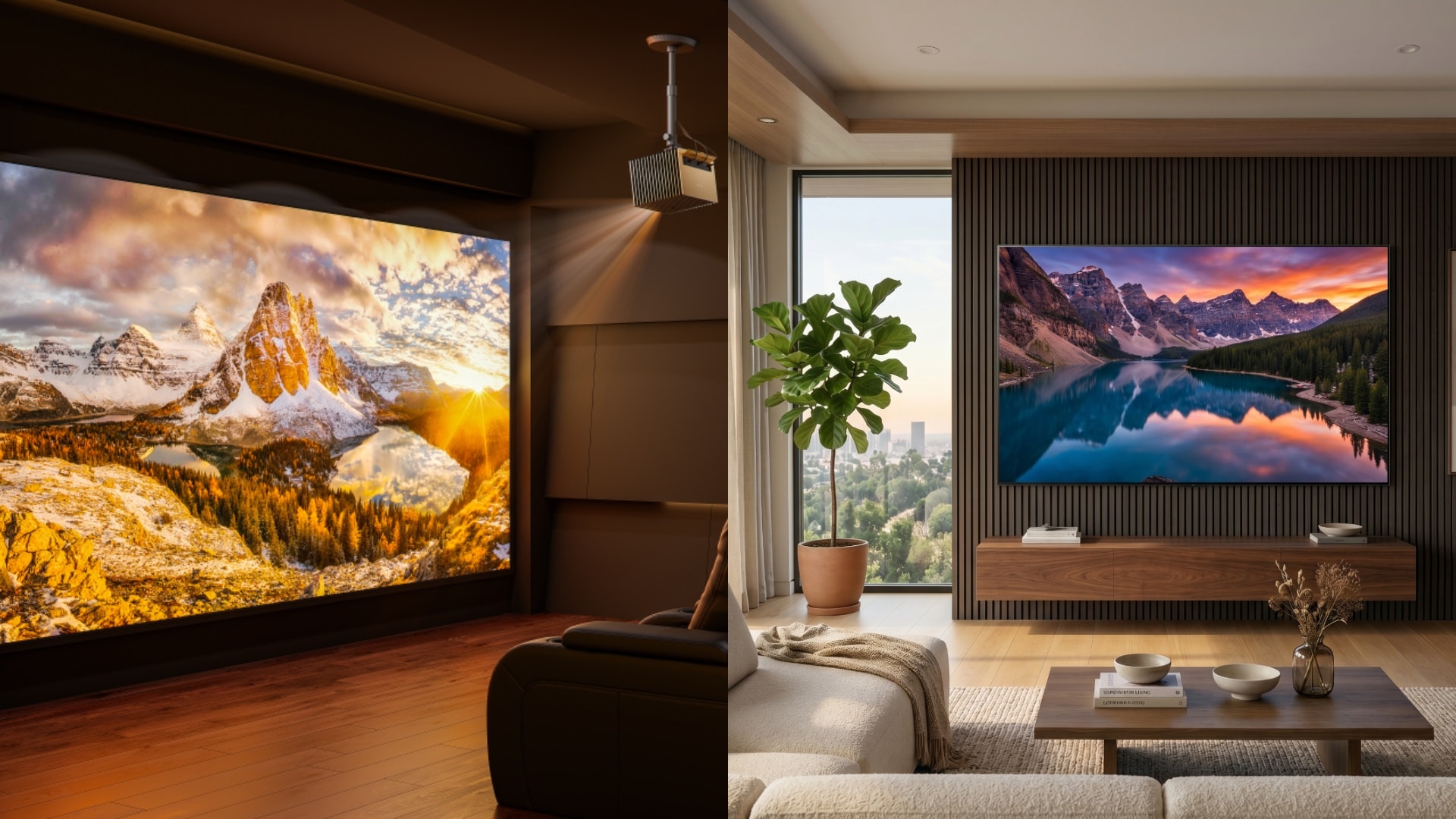
For those seeking the ultimate home theater experience, the Valerion VisionMaster Pro 2 is a triple-laser 4K projector designed to deliver cinematic viewing with stunning clarity and vibrant colors, making it an excellent recommendation for a truly immersive home theater setup.
FHD vs QHD vs UHD: Key Difference
Here is a comparison table for you to access information quickly for your buying guide:
| FEATURE | FHD (1080p) | QHD (2K) | UHD (4K) |
|---|---|---|---|
| RESOLUTION | 1980 × 1080 | 2560 × 1440 | 3840 × 2160 |
| PIXEL COUNT | 2.1 million | 3.7 million | 8.3 million |
| SCREEN SIZE SUITABILITY | 24-17 inch | 27-32 inch | 32+ inch |
| CONTENT AVAILABILITY | Widest | Growing | Increasing but limited |
| COST | Cheapest | Mid-range | Premium |
Choosing a display involves key trade-offs: FHD offers the best affordability and broadest compatibility, ideal for budget-conscious users and casual use. QHD strikes a superb balance between visual sharpness and performance demands, perfect for gamers and creative professionals seeking an enhanced experience without extreme costs. For ultimate detail and future-proofing as 4K content grows, UHD is the premium choice.
When investing in a new display, like a projector, consider related factors. Higher refresh rates (Hz) provide smoother motion, crucial for gaming, while lower response times (ms) reduce ghosting. These specifications, alongside resolution, define the overall visual experience.
Which resolution is right for you?
Choosing between FHD, QHD, and UHD depends on your needs, budget, and hardware.
- FHD (1080p) suits budget-conscious users, casual gamers, or those with smaller screens (24–27 inches) and less powerful devices, offering affordability and wide content compatibility.
- QHD (1440p) strikes a balance, ideal for mid-to-high-end gamers and professionals using 27–32-inch monitors, delivering sharper visuals without excessively taxing hardware.
- UHD (4K) is best for creative professionals, video editors, or enthusiasts with high-end PCs and larger screens (32 inches+), providing stunning detail but demanding robust hardware and higher costs.
Conclusion
There are several differences between FHD, QHD, and UHD, but it's essential not to confuse them with one another. If you do, you will buy something that doesn’t meet your needs and regret the decision. You don't want to waste your money.
If you have found this helpful article, or if your friends or family need this information to make better choices, please share it with them or on social media. Explore Valerion for more insights and resources on projector technology.