Your gaming space is truly yours only when it reflects your unique personality. The best gaming room design immerses you in the action, sharpens your focus, and delivers a stunning aesthetic. A modern gaming room setup goes far beyond cramming a desk into a corner or balancing a laptop on your knees in bed. Poor posture can lead to long-term discomfort and fatigue. Today’s advanced gaming environments seamlessly blend interior design with high-end tech to create the ultimate sanctuary.
Understanding the Core Elements of a Cool Gaming Room
A great gaming room balances comfort, performance, and style. Enduring body pain from a long session just to have a visually appealing rig is never a good trade-off. Focusing on these fundamental pillars will help you execute the best gaming room layout:
- Ergonomic Furniture: An adjustable standing desk and a high-quality gaming chair are vital for maintaining proper posture. Look for a chair featuring lumbar support, adjustable armrests, high-density foam, and a recline angle between 90° and 135°.
- Strategic Lighting: Smart LED wall panels and RGB strips instantly elevate the room's aesthetic. Implementing bias lighting (placing LED strips directly behind your monitor) creates ambient light that reduces eye strain and deepens immersion.
- Acoustic Treatments: Identify first reflection points where sound bounces off your walls. Place acoustic foam panels in these areas and behind your speakers to fix uneven audio. Heavy floor rugs also work excellently to absorb excess echo.
- Performance Accessories: Invest in a mechanical keyboard and a precision gaming mouse to enhance comfort and gameplay. Consider an ergonomic wrist brace to maintain an upright posture during marathon sessions.
10 Gaming Room Setup Ideas for Every Style and Budget
Your creativity determines how your ideal gaming space will look. Here are ten distinct gaming room decor ideas tailored to different needs, spaces, and budgets.
Minimalist Gaming Configuration
Who it works best for: Gamers prioritizing simplicity and focus.
Key elements: Clean desk, ergonomic chair, neutral-toned wireless accessories.
Budget level: Low to Medium.
This layout eliminates clutter to maximize your concentration. Keep only the essential peripherals to maintain a sleek, modern aesthetic without visual distractions.
RGB Immersive Battle Station
Who it works best for: Enthusiasts who want a futuristic, high-energy environment.
Key elements: Synchronized LED wall panels, under-desk RGB strips, glowing peripherals.
Budget level: Medium to High.
Synced smart lights deliver a vibrant atmosphere that reacts to your gameplay. This ambient lighting serves as both a stunning visual feature and a mood enhancer for competitive play.
Bedroom Gaming Rig for Small Spaces
Who it works best for: Gamers working with limited square footage.
Key elements: Vertical storage shelves, compact desk, foldable multi-layout furniture.
Budget level: Low to Medium.
When building a gaming setup for small rooms, maximizing vertical space is crucial. Use wall-mounted shelving for your gear and choose a compact desk to keep the floor clear.
Console Gaming Lounge
Who it works best for: Casual players and story-driven game fans.
Key elements: Comfortable couch, large TV or display, relaxed environment.
Budget level: Medium.
Ideal for a living room or spacious bedroom, this layout prioritizes relaxed posture. A massive screen ensures you can comfortably read in-game text from a distance while sinking into a plush sofa.
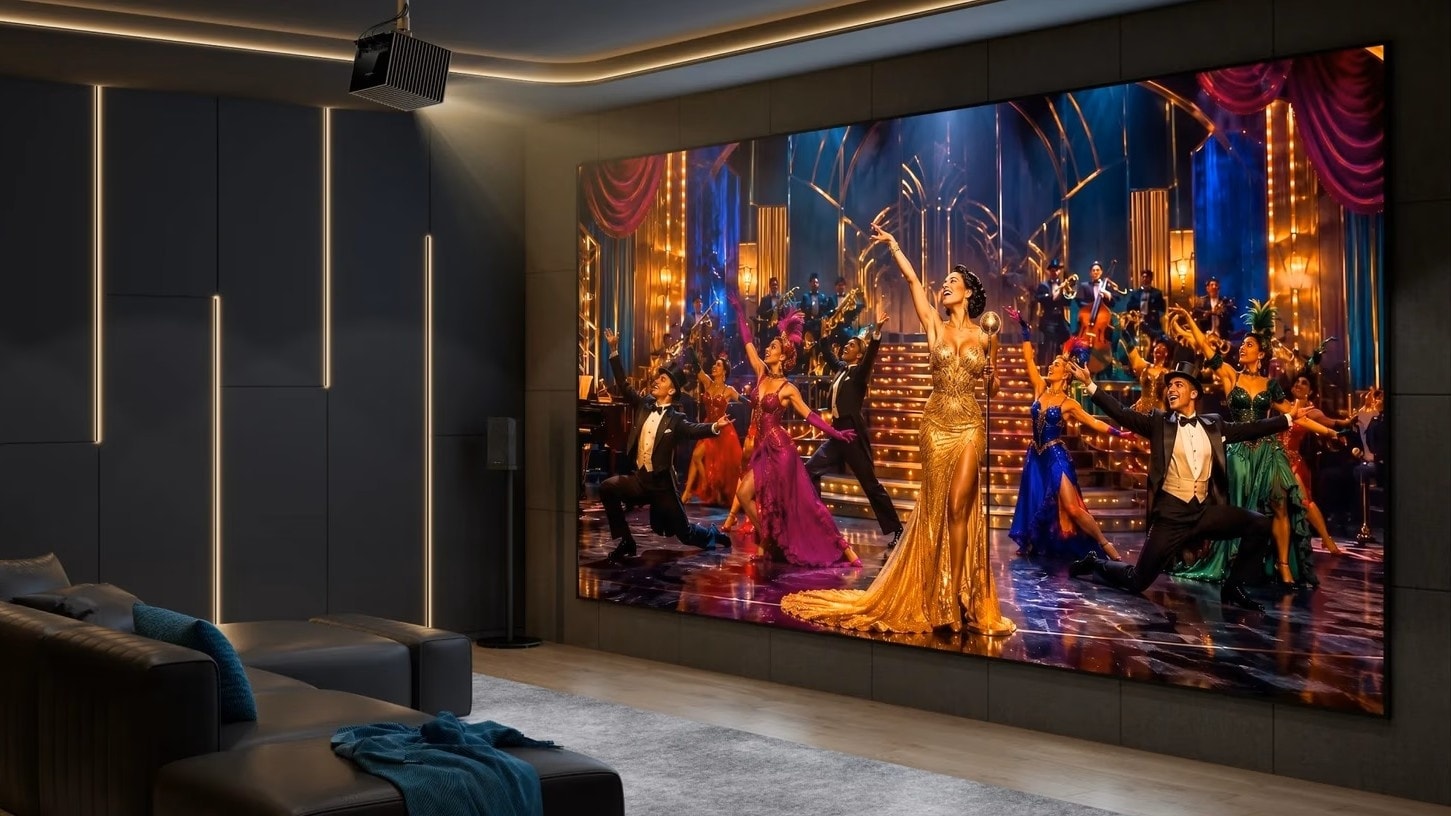
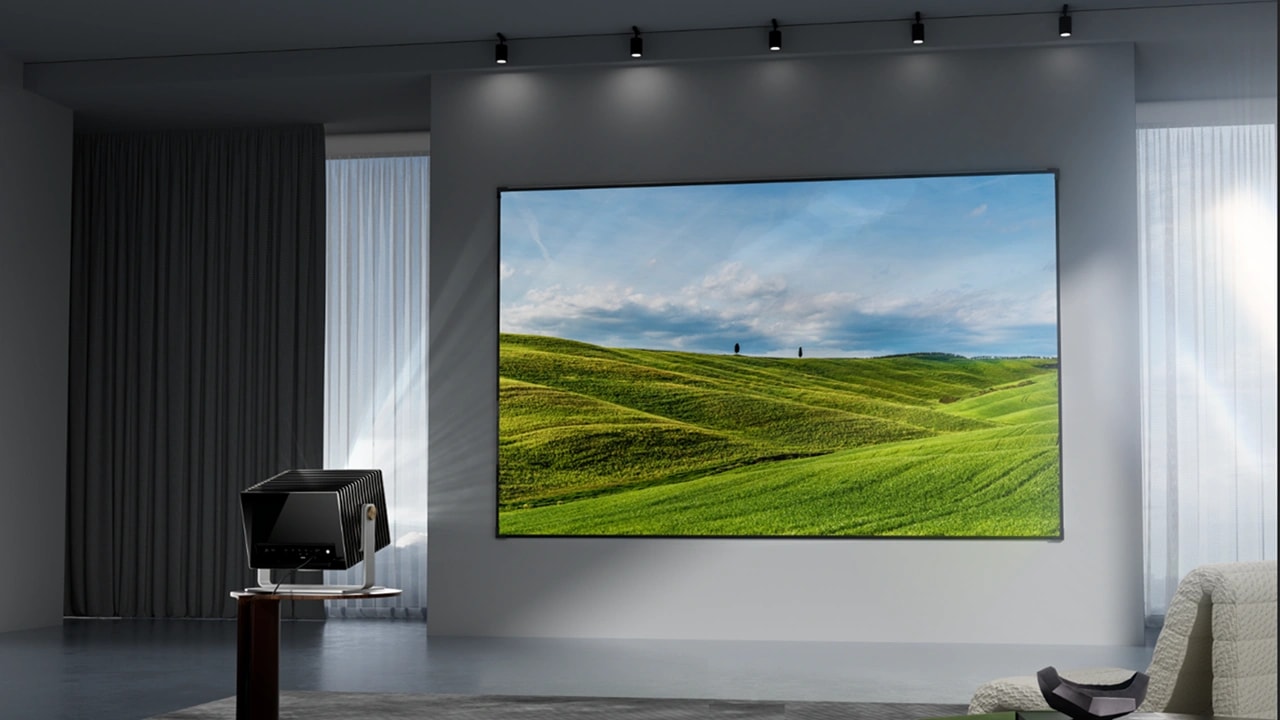
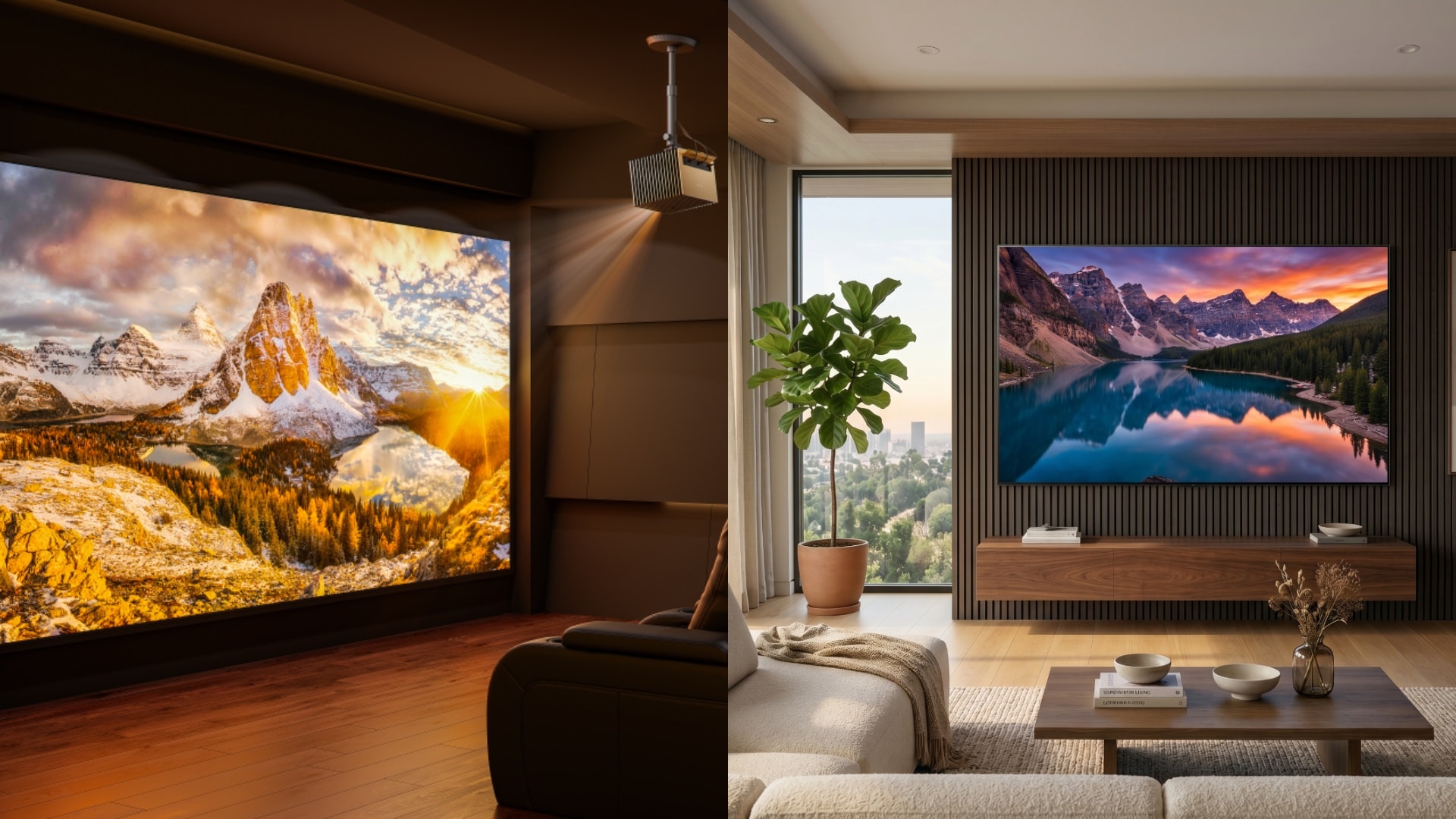
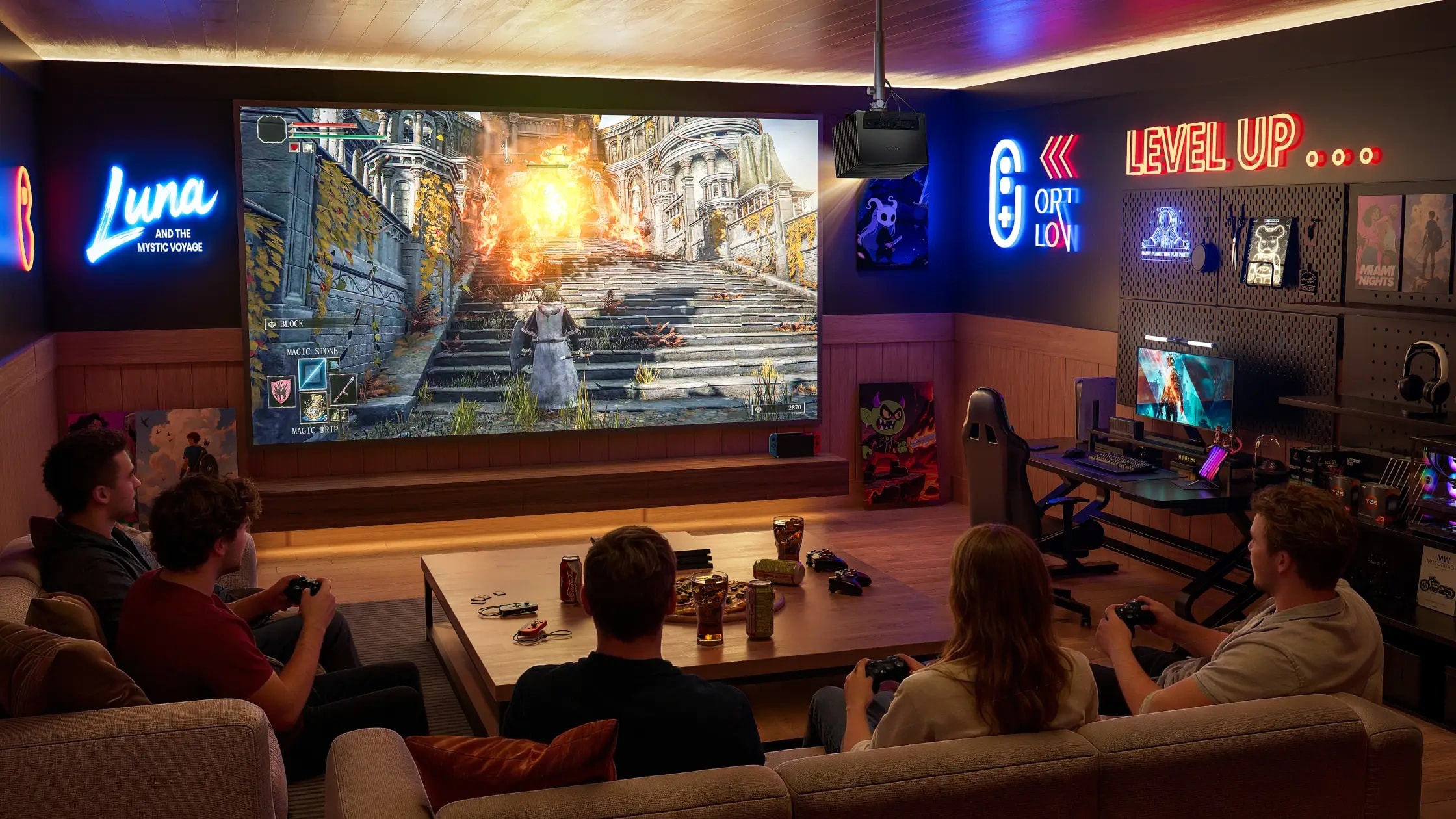
Projector-Based Gaming Environment
Who it works best for: Gamers wanting a cinematic, larger-than-life experience.
Key elements: Low-input-lag projector, ALR (Ambient Light Rejecting) screen, blackout curtains.
Budget level: Medium to High.
Projectors offer massive screen real estate for an incredibly immersive setup. Control your ambient light strictly and ensure your chosen projector features a dedicated gaming mode. Ensure your projector supports a high refresh rate, e.g., 120Hz or 240Hz.
Pro Streamer Rig
Who it works best for: Content creators and Twitch/YouTube streamers.
Key elements: Dual/triple monitors, high-quality microphone, camera lighting, and acoustic panels.
Budget level: High.
A streamer configuration requires a heavy-duty, spacious desk to accommodate complex PC components and broadcast gear. Add background decor like plants and neon signs to make your camera feed visually appealing.
Cozy Ambient Gaming Room
Who it works best for: Players who use gaming to unwind and relax.
Key elements: Warm lighting, candles, soft textured blankets, plush seating.
Budget level: Low to Medium.
This design shifts away from harsh neon and focuses on physical comfort. Warm ambient lighting creates a soothing atmosphere perfect for cozy, low-stakes gaming sessions.
Competitive FPS Layout
Who it works best for: Esports players and high-ranking competitive gamers.
Key elements: High-refresh-rate monitor, ultra-lightweight mouse, distraction-free desk.
Budget level: High.
A performance-driven layout that has low input lag is engineered purely for winning. Remove all visual clutter from your desk and invest in hardware that minimizes latency and maximizes frame rates.
VR Gaming Space
Who it works best for: Virtual reality enthusiasts requiring physical movement.
Key elements: Cable management systems, open floor plan, safety boundaries.
Budget level: Medium.
A VR setup can feel restrictive if cables limit your movement. Focus on a cable-free floor design, utilize ceiling pulleys if tethered, and implement physical floor mats to help you stay centered safely.
Portable Gaming Rig
Who it works best for: Travelers and gamers who move between rooms.
Key elements: High-performance gaming laptop, portable monitor or projector, lightweight accessories.
Budget level: Medium to High.
Portability is key here. Choose a gear that easily packs into a single backpack, allowing you to deploy a high-quality gaming station on any kitchen table or hotel desk. Projectors are preferred due to their compact design. Such a gaming projector must be able to project images with a high refresh rate with low latency, like Valerion VisionMaster Pro2. For better responsiveness during gaming, it has 4ms input lag when projecting images at a high refresh rate (e.g., 240Hz) for smoother gameplay. The 15,000:1 contrast ratio with EBL (Enhanced Black Levels) ensures that your images don’t suffer from black grays.
Bedroom Gaming Setup Ideas for Small Rooms
Space limitations should never prevent you from building a highly functional gaming room. These tactics maximize your square footage without sacrificing performance.
Space-Saving Desk Configuration
Measure your available space precisely. Room corners are frequently underutilized. Installing a specialized corner desk or a wall-mounted floating desk frees up crucial floor space in a tight bedroom.
Creating Visual Separation
When integrating a rig into your bedroom, your sleep quality shouldn't suffer. Pay close attention to your lighting zones so LED glare doesn't disrupt your rest. Consider using freestanding shelving units as physical room dividers to separate your sleep zone from your gaming zone.
Choosing the Right Display for Limited Space
In confined bedrooms, a massive TV can actually be detrimental, forcing you to turn your head constantly to track the action. For a compact space, consider a modern gaming projector with low input lag, or stick with a high-quality 24- to 27-inch monitor mounted on a space-saving monitor arm.
Gaming Room Setup Audio Ideas: Headsets vs Speakers
Immersive gaming demands incredible sound just as much as flawless visuals. Designing your audio layout is a crucial step in creating an environment that fully immerses you in the digital world.
- High-Fidelity Headsets: Best used for competitive shooters and multiplayer communication. Key advantages include spatial audio, lower latency, and precise directional footsteps.
- Surround Sound (5.1/7.1): Best used for narrative-driven RPGs and cinematic single-player games. Key advantages include room-filling audio, powerful bass, and relaxed physical comfort.
Speaker Placement Pro-Tip: For an optimal soundstage, place your subwoofers firmly on the floor. Position your tweeters exactly at ear level, angled directly toward your primary seating position.
Frequently Asked Questions (FAQs) about Gaming Setups
What are the signs of a good ergonomic chair?
Look for a chair that offers highly adjustable armrests, built-in or adjustable lumbar support, high-density foam for long sessions, and a recline mechanism that supports angles between 90° and 135°.
How can I make my bedroom gaming setup look aesthetic?
Introduce smart LED wall panels for customizable ambient lighting. Hide all your cables using under-desk trays, and add personal decor like indoor plants, framed art, or collectibles to give the space character.
Is a display with a refresh rate higher than 144Hz better for gaming?
Technically, yes. Higher refresh rates (like 240Hz or 360Hz) provide noticeably smoother gameplay and lower input lag. However, the diminishing returns vary by user and game type; competitive FPS players will notice the upgrade much more than casual gamers.
How do I build a gaming room in a small space?
Success in a small room is all about utilizing vertical space. Place a compact desk in an empty corner, utilize wall-mounted monitor arms, and install floating shelves to keep your PC tower and accessories off the floor.
How do you play games on a projector?
First, ensure your projector is set to its dedicated "Gaming Mode" to reduce input lag. Connect your PC or gaming console directly to the projector via a high-speed HDMI cable. Your wireless controllers will remain synced to your PC or console, not the projector itself.
Conclusion
The main pillars of a spectacular gaming room are ergonomic comfort, strategic lighting, immersive audio, and high-quality visuals. Minimalist configurations eliminate distractions, while pro-gamer layouts prioritize sheer hardware performance. Whether you are building your dream rig step-by-step or executing a complete room makeover at once, prioritize the upgrades that will have the greatest daily impact on your comfort.
Building the ultimate setup is an ongoing journey, not a race. Whether you enjoy casual, story-driven titles or heavy competitive shooters, explore high-quality components, for example, low-latency projector lines like those from Valerion to elevate your room’s visual capabilities.