Buying a great projector is only half the battle. If your picture looks washed out or dim, don't rush to blame the hardware just yet. Your screen actually makes up 50% of the visual equation. It doesn't matter if you're running a basic portable setup or a high-end RGB triple laser system—how light hits that surface dictates your final perceived contrast and color accuracy.
Does a Projector Screen Really Matter?
Absolutely. The material you project onto directly impacts perceived contrast, brightness, and color fidelity. (Just a quick refresher: contrast is simply the visual difference between the darkest and brightest parts of an image.) A projector's job is to throw light, but the screen decides how efficiently that light bounces back to your eyes.
Things like ambient room light and wall reflections play a huge role here. Bad environmental factors can easily make a premium projector look painfully average. That's exactly why matching your screen to your room's lighting matters just as much as the projector you buy.
You'll really need to weigh the white vs. gray screen debate when you:
- Watch a lot of TV programs using a projector during the daytime or with the lights on.
- Need a perceived brightness boost for your setup.
- Want richer, deeper black levels in a mixed-use living room.
If you happen to have a dedicated, pitch-black room, screen color isn't quite as make-or-break. In a fully dark room, the brightness penalty of a lower-gain screen becomes much less noticeable. Lumens measure the total amount of visible light a projector emits.
Understanding White Projector Screens
For years, white screens have been the go-to standard for dedicated home theaters. Their neutral, highly reflective base is designed to grab your projector's light output and fire it back efficiently without tweaking the color profile.
Advantages of White Screens
- Color Accuracy: A neutral white surface typically reflects colors exactly as the director intended. It doesn't absorb specific wavelengths, which helps colors pop naturally in the right environment.
- Higher Gain: Gain measures how efficiently a screen reflects light back to the viewer. White screens usually have higher gain than gray ones, making the overall image appear brighter.
- Wider Viewing Angles: Standard white screens tend to offer wide viewing angles. This helps keep the picture looking consistent, even for people sitting on the edges of the couch.
Trade-offs of White Screens
- Strict Lighting Requirements: To actually see those colors pop and maintain contrast, you generally need a light-controlled, pitch-dark environment. Stray ambient light quickly washes out an image on a white surface.
- Potential for Hot Spots: Higher-gain or reflective materials can sometimes create a visible bright spot in the center of the image.
Understanding Gray Projector Screens
Let's be real: most of our living spaces aren't pitch-black caves. If you have light-colored walls or sunlight creeping through the blinds, a gray screen acts like a filter. It's engineered to handle ambient light better so your picture doesn't wash out.
Advantages of Gray Screens
- Ambient Light Handling: The biggest perk is that a tinted surface absorbs some of that stray ambient light. This allows for much better daytime viewing in brighter environments like living rooms or media spaces.
- Deeper Perceived Black Levels: A gray screen improves perceived contrast by making blacks look inkier. This pairs beautifully with features like Valerion’s Enhanced Black Level (EBL) technology, creating a much more dynamic image in moderately lit rooms.
Trade-offs of Gray Screens
- Lower Gain: Because of its tinted surface, a gray screen typically has a lower gain. It just reflects less total light back at you compared to a standard white screen.
- Viewing Angle Limitations: Screens designed to reject ambient light often have narrower viewing angles. Viewers usually need to sit closer to the center for the best visual experience.
Which Screen Fits Your Setup?
Figuring out your ideal screen comes down to how and where you watch.
Scenario A: The Dedicated Cinema Room. A standard white screen is usually your best bet if you:
- Watch movies in a fully light-controlled, dark room.
- Prioritize absolute reference-level color accuracy.
- Are chasing peak HDR brightness on a massive 120-inch to 150-inch display.
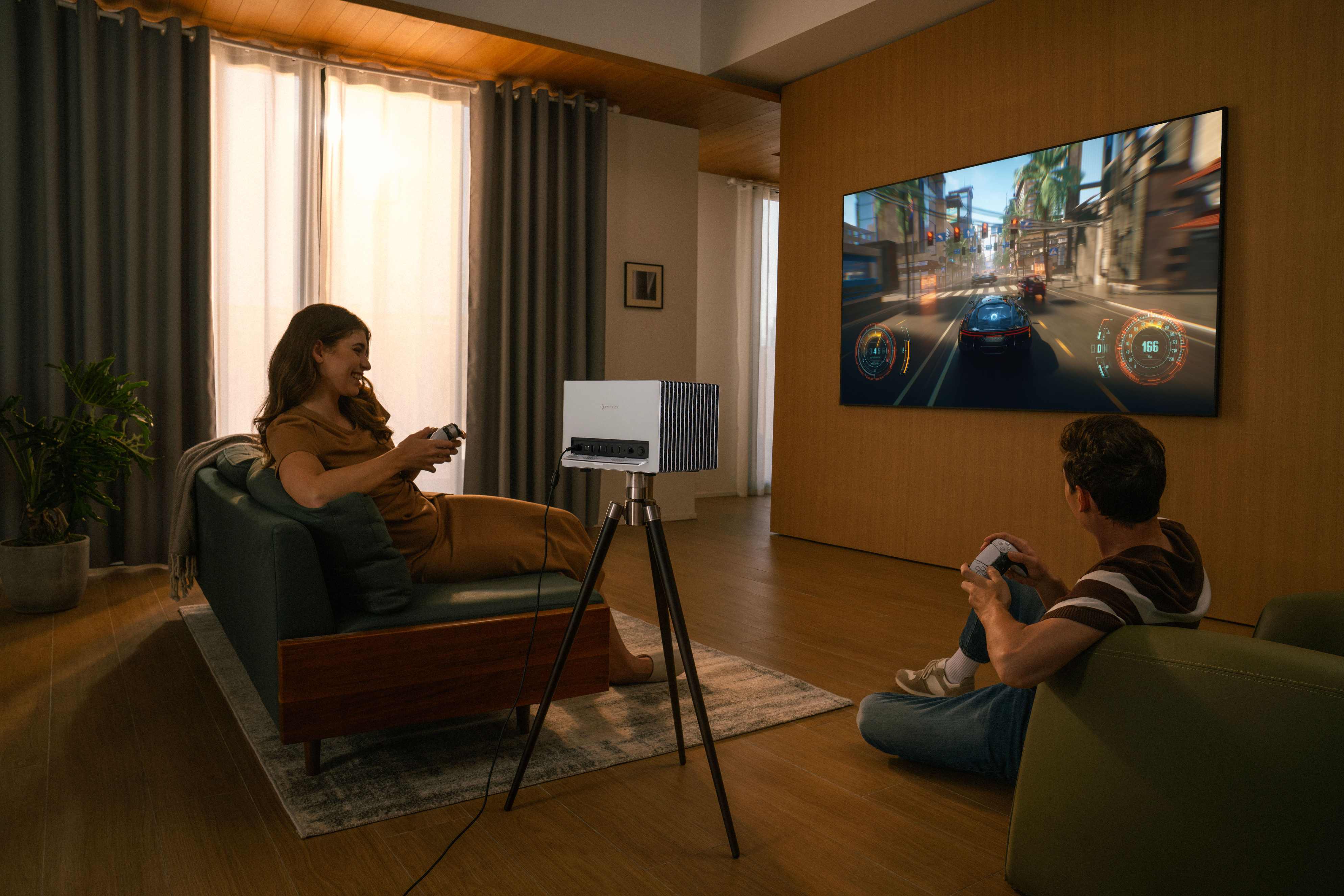
Scenario B: The Everyday Media Room. A gray or ALR screen is typically the smarter choice for a shared living space. ALR (Ambient Light Rejecting) screens use optical structures to block off-axis light. Grab one of these if you:
- Frequently host daytime sports watch parties.
- Deal with white walls or windows you can't totally black out.
- Prefer deeper perceived black levels in mixed lighting.
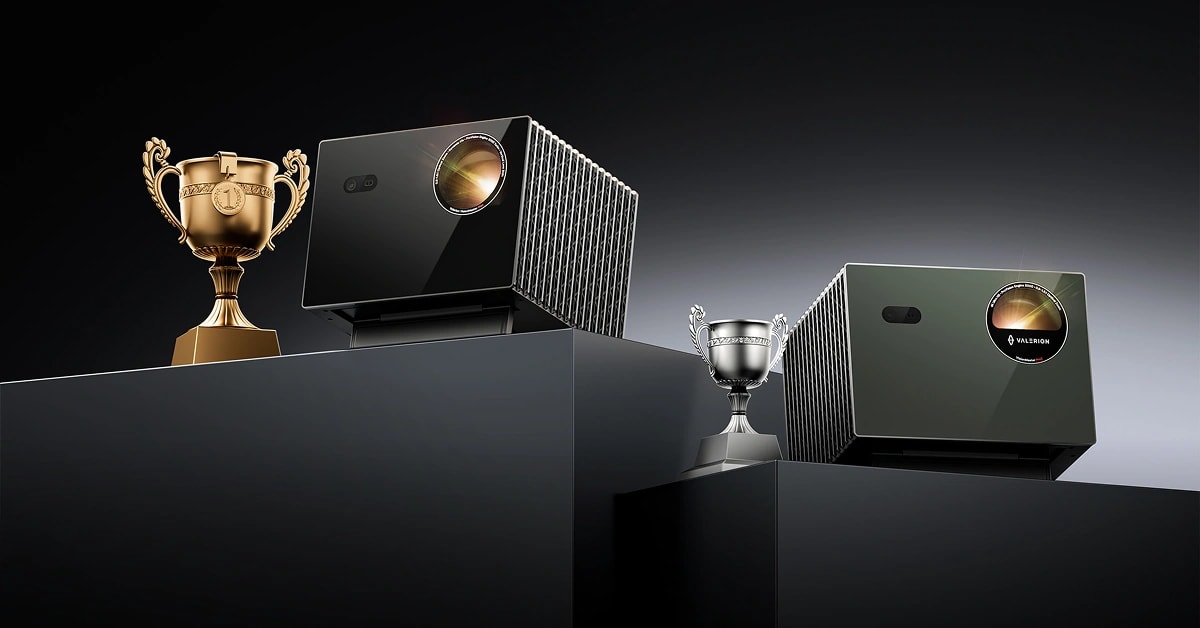
Keep in mind that if you use a lower-gain gray screen in a moderately lit room, you'll need higher brightness to maintain that visual punch. A projector pumping out high output—like the Valerion VisionMaster Max with its 3500 ISO lumens—has the raw power to offset the lower gain of a gray screen. It makes daytime viewing with the blinds open a very real option.
Frequently Asked Questions (FAQs)
Q: Can a gray screen improve my projector's contrast?
A: Technically, no piece of fabric can change your projector's native hardware contrast. However, a gray screen drastically improves perceived contrast by deepening black levels in rooms with ambient light.
Q: Do I need to recalibrate my projector for a new screen?
A: Usually, yes. Gray screens can sometimes introduce a subtle blue or yellow tint. Tweaking your projector's white balance helps ensure you're seeing accurate colors.
Q: Why does my screen look sparkly or textured?
A: This comes down to gain and material. High-gain screens rely on tiny reflective microstructures that can sometimes create a visible sparkle effect. Choosing a matte finish is usually the easiest way to resolve this.
Q: How can I improve projector viewing angles?
A: To keep the picture looking good for everyone in the room, dial in your ambient light, place the projector perfectly perpendicular to the screen, and stick to lower-gain matte surfaces.
Q: Is an ALR screen a magic fix for bad contrast?
A: While an ALR screen handles ambient light beautifully and boosts perceived contrast, it won't perform miracles. It cannot completely rescue a projector that suffers from poor native contrast out of the box.
Conclusion: Finding the Right Balance
At the end of the day, there isn't a single "best" projector screen. The winner depends entirely on your room and your viewing habits. A white screen gives you incredible color and brightness inside a dark, dedicated theater. Meanwhile, a gray screen shines in everyday living spaces because it's built to handle ambient light.
If you decide to go with a lower-gain gray screen for afternoon viewing, pairing it with a high-brightness projector—like the Valerion VisionMaster Max—ensures your movies and games stay vibrant and engaging, no matter what time it is.