You’ve spent weeks browsing reviews, comparing specs, and finally pulled the trigger on a high-lumen powerhouse. On paper, it’s a beast. But when the lights go down, and the movie starts, that "wow" factor isn't there. The image is bright, sure, but the night scenes look like a milky gray fog, and the characters feel flat.
It’s a common frustration in the home theater world. We’ve been trained to chase the highest number of lumens possible, assuming that "more light" equals "better picture." But here is the reality: Brightness makes an image visible. Contrast makes it look real.
This article explains why perceived image quality depends far more on contrast than raw brightness, especially in real home theater environments.
What Brightness Actually Does (And Where It Stops)
Brightness is essentially the "brute force" of your projector. It dictates how hard the machine fights against the light in your room to ensure you can actually see what’s on the screen.
While understanding the technicalities of nits vs lumens is important for planning your room setup, brightness itself is a threshold, not a linear scale of quality. Once your screen is bright enough for your eyes to comfortably resolve the details in your specific room, adding more lumens does little to improve the shot's overall beauty.
Think of it like a car’s top speed. If your daily commute happens in the city, a car that hits 300 mph isn’t "better" than one that tops out at 150. You’re paying for a ceiling you’ll never touch, while potentially sacrificing the handling and comfort you actually need every day.
Why Contrast Is the Real Secret to "Pop"
If brightness is about the "highs," contrast is where the "depth" lives. It’s the gap between the darkest blacks and the brilliant whites. This gap is what tricks your brain into seeing a flat screen as a three-dimensional window.
To truly understand this "pop," you have to look at what black level performance means for a projector. When a machine handles this well, you get:
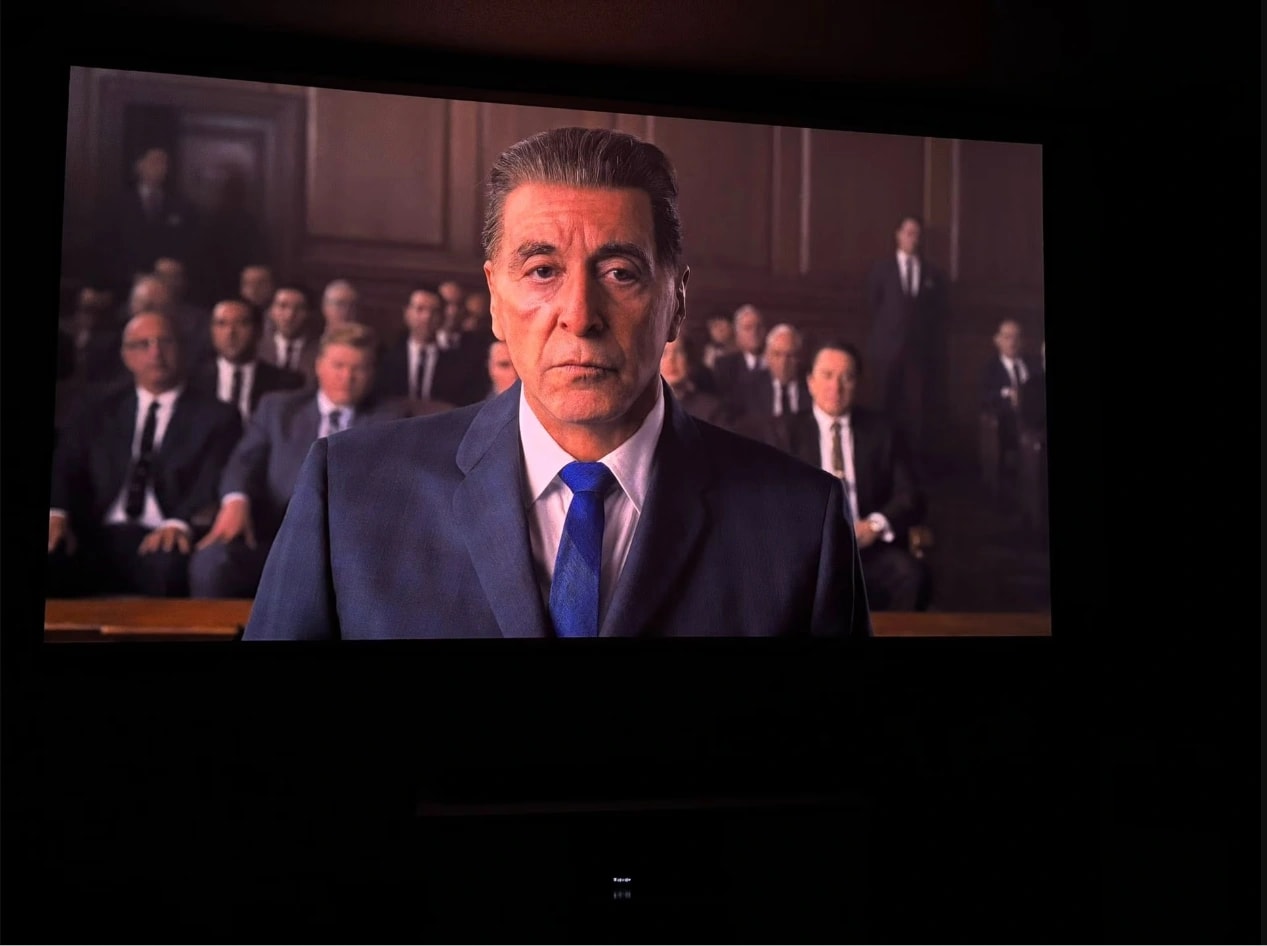
- True Shadows: A night sky that actually looks like deep space, not a glowing charcoal sweater.
- Texture and Detail: The ability to see the fine stitching on a dark suit or the subtle crinkle of a shadow in the corner of a room.
- Visual Weight: Objects feel like they have mass and presence because they aren't bleeding into the background.
Human biology is partly to blame for this preference. Our eyes are naturally wired to detect differences in light and dark far more acutely than they are to measure absolute brightness. That’s why a 40-foot cinema screen—which is technically much dimmer than your iPhone—looks so much more immersive. It’s not the light; it’s the shadow.
This is why two projectors with similar brightness can look dramatically different once the lights go down.
The Hidden Cost of Chasing Lumens
Here is the "often overlooked reality" of the projector industry: pushing for extreme brightness often actively ruins the picture.
To squeeze out those massive lumen counts, manufacturers often "lift" the floor of the entire image. When you crank a projector to its maximum output, you aren't just making the whites brighter—you’re turning the blacks into gray.
In these ultra-bright modes, the trade-offs are hard to ignore:
- Blown-out Highlights: A glowing sunset loses its layers of orange and pink, becoming a harsh white blob.
- The "Haze" Effect: The image feels like there’s a thin layer of smoke in the room, even if the air is clear.
- Visual Fatigue: Your eyes have to work harder to filter out the glare, making a two-hour movie feel like a chore instead of a treat.
Why Your Projector "Leveling Up" at Night Isn't an Illusion
Ever noticed how your projector seems to transform as soon as the sun sets? It’s not because the hardware suddenly got a power boost; it’s because the environment finally allowed the contrast to breathe.
During the day, ambient light pollutes the screen. Since a projector can't "project" black—it can only stay silent and hope your screen stays dark—any light in the room becomes the "new black." When you kill the lights, you aren't increasing the lumens. You’re lowering the floor. By reclaiming those dark blacks, you’ve widened the contrast ratio, and suddenly the colors seem to vibrate with life.
When Should You Actually Prioritize Brightness?
Contrast is king, but brightness still has its place in the real world. You should still keep an eye on lumens if:
- You have zero light control: If you’re watching Sunday football in a sun-drenched living room with white walls.
- You’re going huge: Filling a 150-inch or 200-inch screen requires more raw power to maintain visibility across that much surface area.
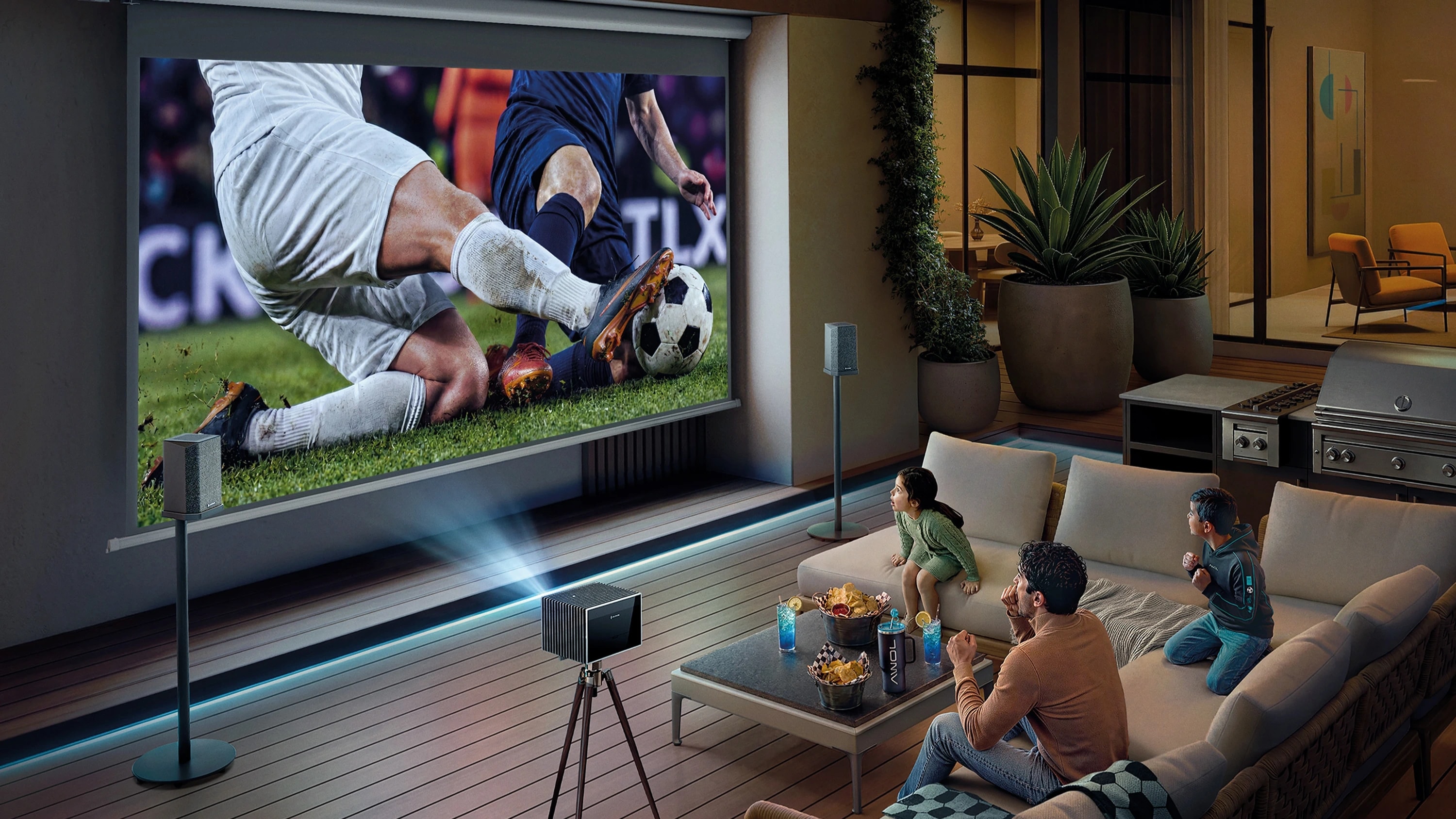
- Outdoor setups: Where you’re competing with the moon, streetlights, and open spaces.
Even then, the goal shouldn't be "as bright as possible." It should be "bright enough to see," while preserving as much contrast as the budget allows.
Can You Have Both Brightness and Contrast?
For a long time, users had to choose: do you want a bright image for daytime use, or a high-contrast image for movie night? Modern technology is finally closing that gap.
Some modern triple-laser projectors are designed to narrow this gap. By using more precise light control at the hardware level, they can maintain higher usable contrast even at elevated brightness levels—something traditional lamp-based designs often struggle with.
The Valerion VisionMaster Pro 2 is one example of this newer approach, combining high light output with tighter control over black levels for mixed-use rooms.
Simple Ways to Reclaim Your Contrast
You don't need a degree in optical engineering to fix a washed-out image. Start here:
- Ditch "Vivid" Mode: Most projectors ship with a "Bright" or "Vivid" mode that looks terrible. Switch to "Cinema" or "Filmmaker" mode immediately.
- The $50 Fix: A pair of decent blackout curtains will do more for your image quality than spending an extra $2,000 on a brighter projector.
- Watch the Reflection: If you have white walls and a bright projector, that light is bouncing off the walls and back onto your screen, killing your blacks. Darker decor or an ALR (Ambient Light Rejecting) screen is a game-changer.
The Specs That Tell the Real Story
Next time you’re comparing models, look past the bold "Lumens" headline. To find a truly immersive experience, prioritize:
- Native Contrast: Look for hardware that can naturally handle dark scenes without relying on aggressive "dynamic" adjustments.
- Black Level Performance: How close to "true off" can the projector actually get?
- Color Accuracy: Does the image look natural, or like a neon cartoon?
Conclusion: Looking Past the Numbers
The marketing machine wants us to believe that bigger numbers always win. But in the theater, the most impressive images aren't usually the ones that hurt your eyes with brightness. They’re the ones that pull you in with depth, realism, and a sense of atmosphere.
Brightness is just the starting point—it’s the canvas. Contrast is the art.
Brightness gets you an image. Contrast gives you a picture.
Projector Brightness vs. Contrast: Common Questions Answered
Q: Does higher lumens mean better picture quality?
Not at all. More lumens simply means a brighter light source. High-quality images depend largely on how light is controlled to achieve deep blacks and accurate colors.
Q: Why does my projector look washed out?
Usually, it's a "contrast" problem. Either your room has too much ambient light, or your projector is set to a high-brightness mode that has raised the black levels to the point where they look gray and hazy.
Q: Is contrast actually more important than brightness?
In a dark or dim room, absolutely. Contrast is what gives an image its "3D" feel and cinematic punch. Brightness only becomes an issue when you are dealing with intense sunlight.
Q: Why do my "blacks" look gray?
Projectors create black by avoiding light striking the screen. If the projector’s internal optics are inefficient, or if light is bouncing around your room, the intended "blacks" are hit by stray light, turning them gray.