How Many FPS Does the Human Eye See? (And Why Refresh Rate Matters on Big Screen)
April 16, 2026
How many FPS does the human eye see? Contrary to popular belief, human vision doesn’t have a fixed frame rate limit like 30 or 60 FPS. Early TV broadcasts and monitors had limited frame rates and refresh rates. While there is no absolute cap, research shows the human brain can perceive visual changes at rates well over 200 FPS. Human vision is far more complex and capable than a simple framerate limit can account for. We will set the stage to reveal the real science.
How Many FPS Does the Human Eye See?
Comparing the human eye to a digital camera is fundamentally flawed. Our visual cortex processes a continuous stream of light, dynamically adjusting focus in just 300 to 500 milliseconds.
Here is how our temporal resolution of vision actually works:
- Flicker fusion threshold: The point where flickering light appears continuous. It typically ranges from 60–90 Hz under normal conditions, but it can exceed 100 Hz in exceptionally bright environments.
- Motion perception: The ability to track moving objects and detect blur or jitter. The brain combines visual input with eye and head movement to track motion smoothly. Some studies suggest humans can detect differences well above 200 FPS under the right conditions.
- Rapid image recognition: Famous USAF studies showed that fighter pilots could rapidly recognize an image flashed for just 1/220th of a second. However, this measures rapid image recognition at very short exposure times, which does not directly translate to continuous FPS perception.
Why 24 FPS Works for Movies but Not for Gaming
Even though we can perceive high frame rates, blockbuster movies look perfectly smooth at just 24 FPS. So why does a video game running at 24 FPS feel like an unplayable, stuttering mess?
Cinematic Motion Blur in Movies (24 FPS)
When film cameras capture video, they naturally capture motion blur along the path of moving objects. Our brain interprets this natural blur as smooth, continuous movement. Additionally, many modern TVs feature optional “motion smoothing” that inserts artificial frames to make movement feel even more fluid, contributing to that signature cinematic feel.
Sharp Rendering in Gaming (60 FPS vs 120 FPS)
Competitive gamers often target for 120 FPS or higher because games render perfectly sharp, distinct frames with zero natural blur. If your display doesn’t have a high enough refresh rate, the brain perceives these sharp, individual images as a disjointed slideshow. This is why the debate heavily favors higher frame rates for fluid, immersive gameplay.
The “Big Screen” Effect: Why FPS and Refresh Rates are Critical for Projectors
Display size drastically alters how our eyes perceive motion. This is why frame rates and refresh rates are important for humans to see images as crisp and alive, whether on a home cinema screen in a home theater or a standard desktop monitor in a gaming room.
Magnified Motion Blur on 100+ inch screens
The big-screen effect artifact, such as stutter or screen tearing, is barely noticeable on a 27-inch monitor. When the screen becomes massive, you will be distracted by the blur on a 150-inch projection. The larger the image, the further your eyes have to track moving objects, requiring a flawless framerate to maintain clarity.
Hz vs. FPS: Does Refresh Rate Matter?
Your console or PC controls the FPS, whereas the display controls the refresh rate. If we can generate 120 FPS on a PC, does the refresh rate matter now? Absolutely. If the projector doesn’t have a high refresh rate, it won’t project at ultra-fast frames, and the brain will perceive these sharp, individual images as a disjointed slideshow. To actually see those 120 frames per second and utilize your hardware with 240 Hz gameplay, you need a compatible display that matches your system's output.
The Role of MEMC in Smooth Sports and Fast Action
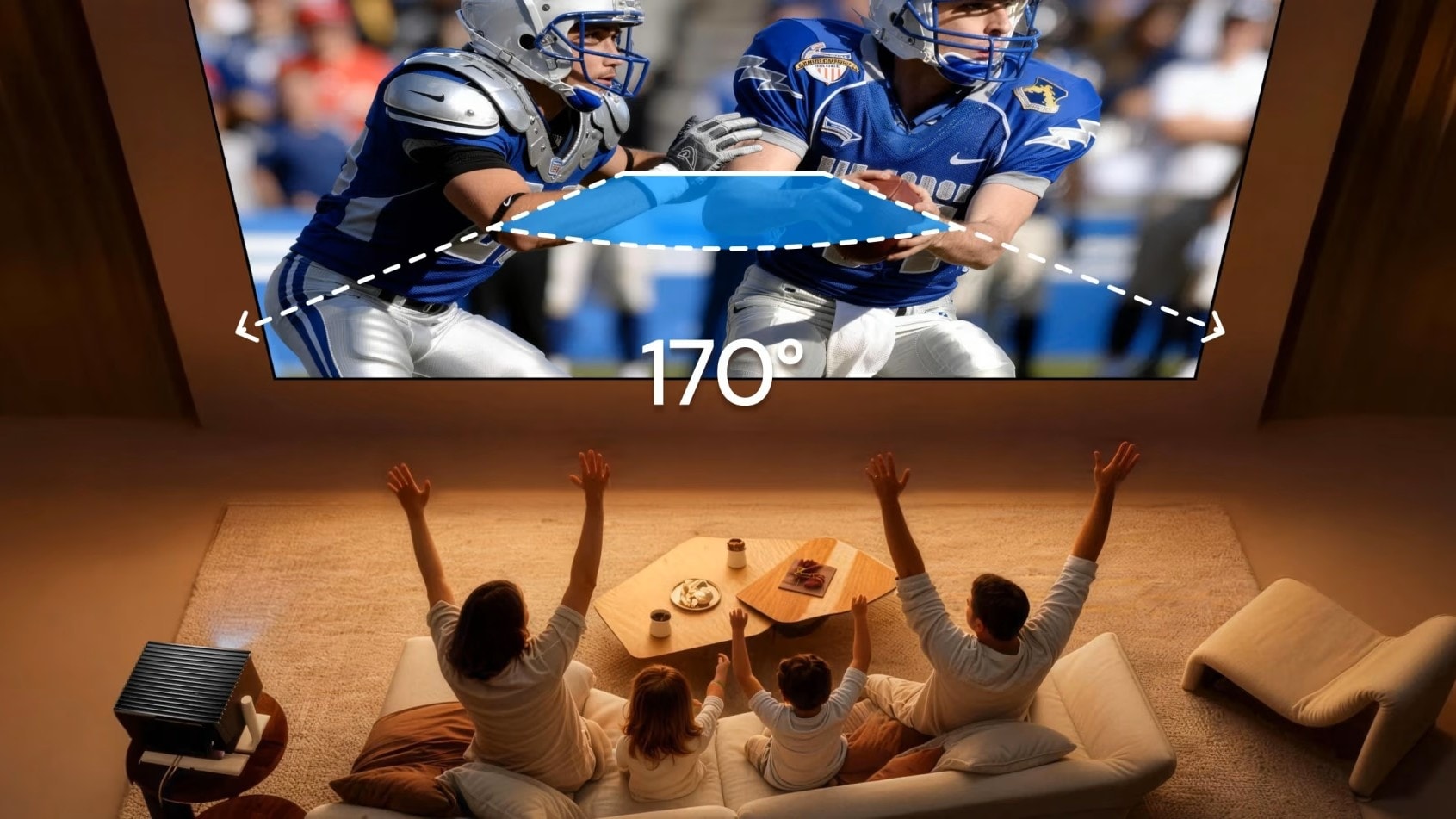
MEMC (Motion Estimation, Motion Compensation) is the technology of your TV that will intelligently do frame interpolation. Flawlessly outputting content at a high refresh rate on a larger screen requires higher hardware. To reduce motion blur and make content look smooth on a larger screen, it inserts fake frames when turned on during fast-paced sports (like football or F1) and sweeping cinematic panning shots.
How Distance Affects Viewing and Reaction Time: Eye Tracking Explained
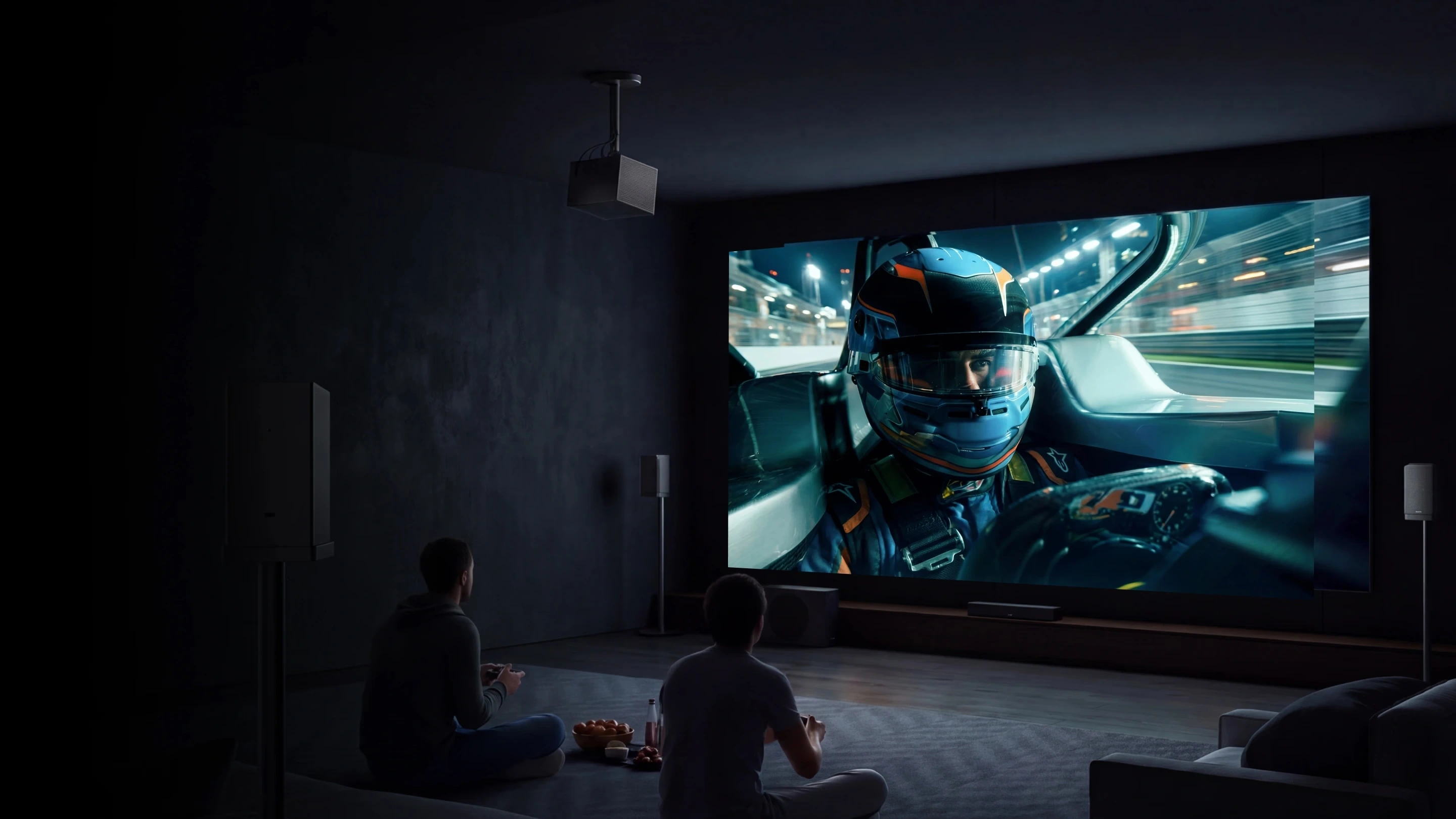
On a 300-inch screen, objects move across a much larger portion of your visual field. This causes your eyes to track motion more aggressively. If there is any frame or blur, it is amplified. Your eye notices and tracks this blur instantly. This is why the best projector for gaming offers a high refresh rate and 4K resolution, and is recommended for larger screen sizes like the Valerion Pro2. It can project a 300-inch 4K screen at 144Hz, or a 1080p screen at 240Hz, for gaming with just 4ms input lag. Such projectors prove that big screens don't have to sacrifice speed or clarity.
Gaming Projector vs Standard Projector
Modern projectors like Valerion could be dedicated just to gaming. If you are looking for the best gaming projector, look for these baseline specifications:
- Resolution: 1080p or higher
- Brightness: 2500 or higher lumen output (look for ANSI lumens for the industry standard)
- Refresh Rate: 120Hz or higher
- Input Lag: 30ms or lower
- Motion Handling (MEMC): Capable of being turned off for gaming
FAQs
What is the highest human eye FPS limit recorded?
There isn't a strict “limit”" While USAF pilot tests confirmed rapid visual recognition at 1/220th of a second, continuous motion perception varies and can comfortably exceed 200 FPS depending on conditions.
Does refresh rate matter if my game is locked at 60 FPS?
Yes, but to a lesser extent. A 120Hz display running a 60 FPS game can still reduce screen tearing and slightly improve input latency, though matching your game's FPS to the screen's refresh rate yields the best results.
Why do sports look blurry on cheap projectors?
Cheap projectors often have low refresh rates and poor motion processing. On a large screen, the lack of MEMC (Motion Estimation, Motion Compensation) causes fast-moving objects, like a soccer ball, to streak or stutter.
What is MEMC, and should I turn it on for gaming?
MEMC inserts artificial frames between real frames to smooth out video. It is incredible for watching fast-paced sports. However, for competitive gaming, you should turn MEMC off (or use “Game Mode”) to ensure the absolute lowest input lag.
Can a projector really replace a high-end gaming monitor?
With today's laser technology, yes. High-end projectors offer 240Hz refresh rates and ultra-low response times, rivaling elite monitors while scaling the action to breathtaking sizes.
Conclusion
The human eye does not have a strict FPS threshold; in fact, we can perceive fluid motion and visual data at well over 200 FPS. However, the ideal frame rate depends entirely on the type of content you are consuming:
- For Movies (The Cinematic Blur): 24 FPS is perfect. It captures natural motion blur that our brains interpret as the classic cinematic experience.
- For Gaming (The Need for Speed): 120 FPS or higher is mandatory. Because games render sharp, distinct frames without natural blur, a low refresh rate causes stuttering and screen tearing. Furthermore, artificial smoothing like MEMC should always be turned off during gaming to avoid input lag and horrible "fake frames."
Don't let a standard 60Hz display bottleneck your high-end gaming system. To experience zero compromises on a massive scale, upgrade to a dedicated high-refresh-rate gaming projector. The Valerion Pro2 delivers up to 240Hz refresh rates with ultra-low input lag, ensuring your gameplay is as fast and flawless as your reflexes.
Member Benefits
Bring Your Cinema Experience Further
Subscribe and receive a $50 Welcome Benefit plus 4 pairs of 3D glasses, along with exclusive Valerion updates.

Points & Rewards

Member Pricing

Early Access

Priority Support
Discover More Insights