Take $100 OFF orders of $3,000+ 丨 Take $500 OFF orders of $4,500+

Find the Best Placement for Your AWOL Valerion Setup

Discover the ideal projector distance and how it fits your space.

Placement Calculator

Tips: Select the projector model and screen size to get projector placement information.

40 inch300 inch
See Placement Diagram

Screen Size

Screen size image
? inch? inch

Projector Dimensions

Projector image
? inch? inch? inchProjector Weight:? lbs / ? kg

For Front Projection

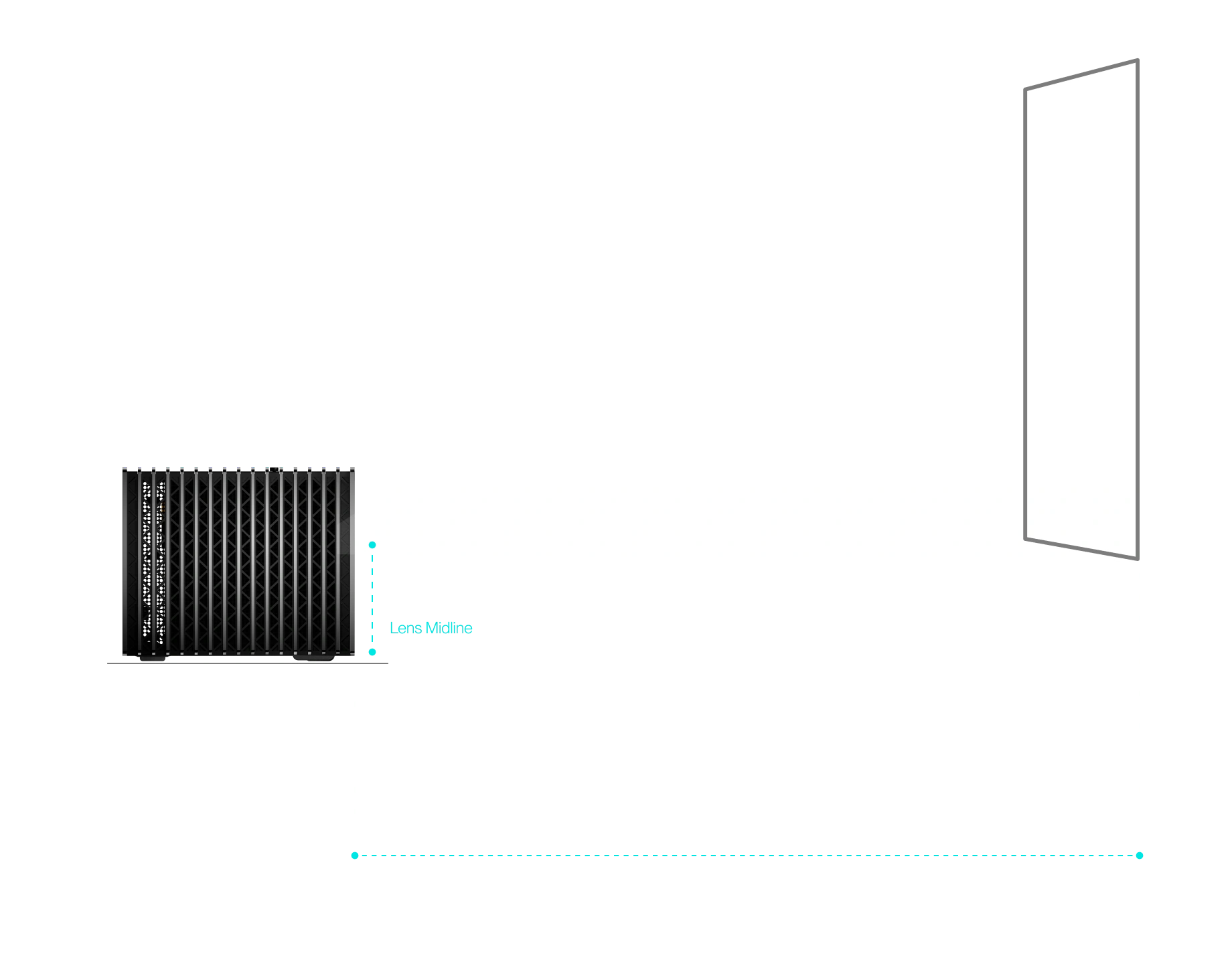
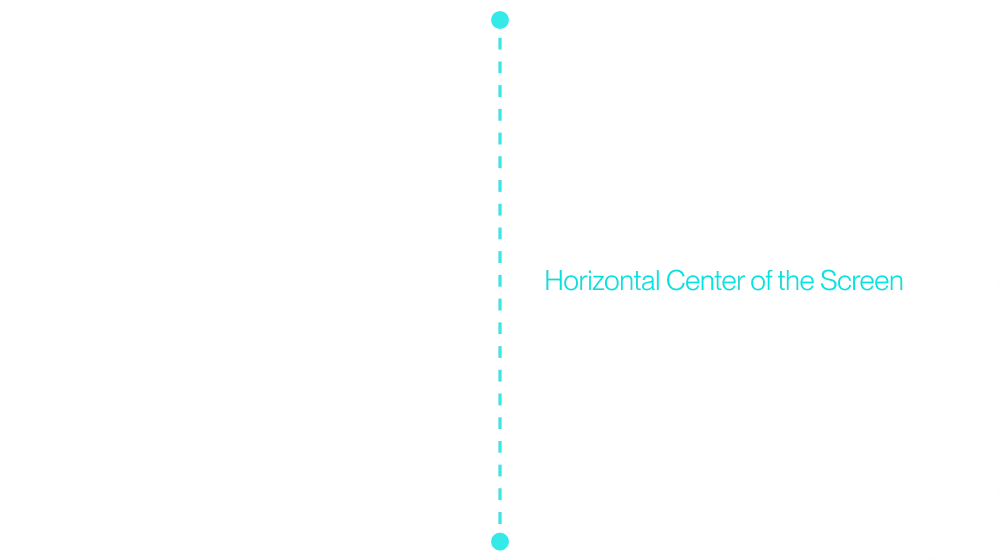
  • Align the lens center point with the horizontal center of the screen.
  • Align the lens midline with the bottom edge of the screen.

(For Max model, using lens shift can adjust the image up or down as per above image.)
For Front Ceiling Mount

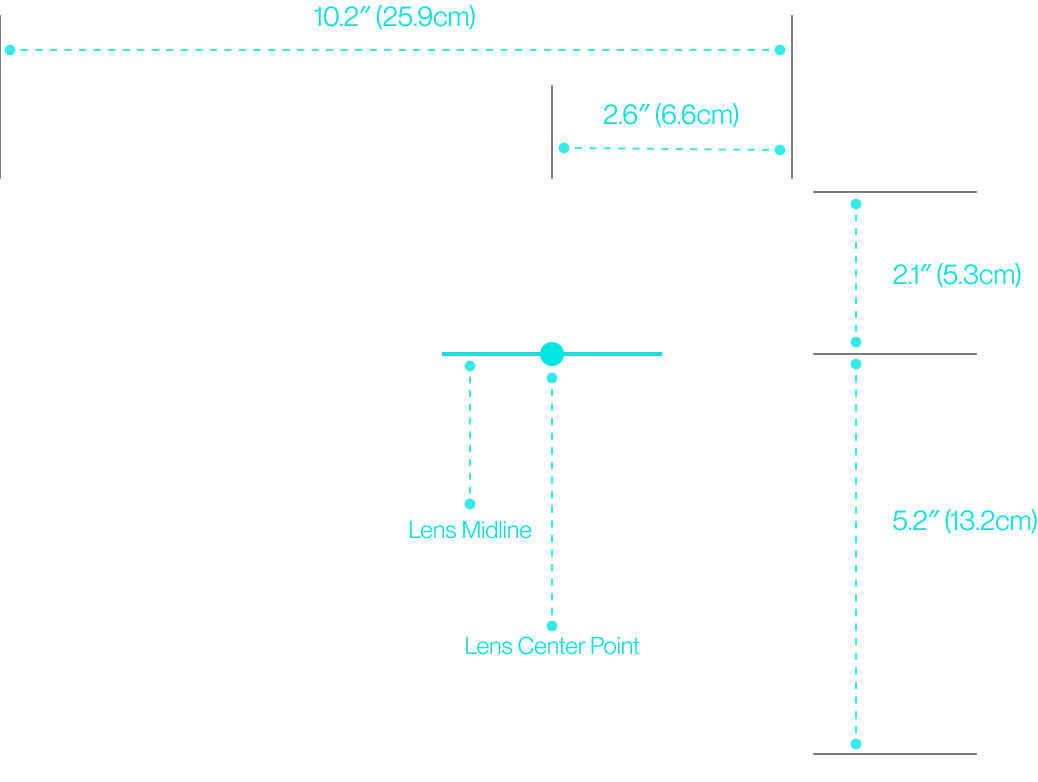
  • Align the lens center point with the horizontal center of the screen.
  • Align the lens midline with the top edge of the screen.

(For Max model, using lens shift can adjust the image up or down as per above image.)
Product front image
Horizontal center image

Bring Wonder Home

VisionMasterScreensAccessoriesBundlesReturn and Refund PolicyAffiliate Program
Contact UsAWOL Valerion MemberBlogHelp CenterExtended WarrantyOrder TrackerShipping PolicyAbout Us
Stay in the Know with Exclusive News and Offers

Oops! Something went wrong with your subscription.
Please contact our team for assistance.

By signing up to receive emails from Valerion,

you agree to our Privacy Policy.

Thank you for subscribing!
© 2025 Valerion, Inc.Privacy Policy Terms of Service
Valerion&AWOLvision logo
We Accept

