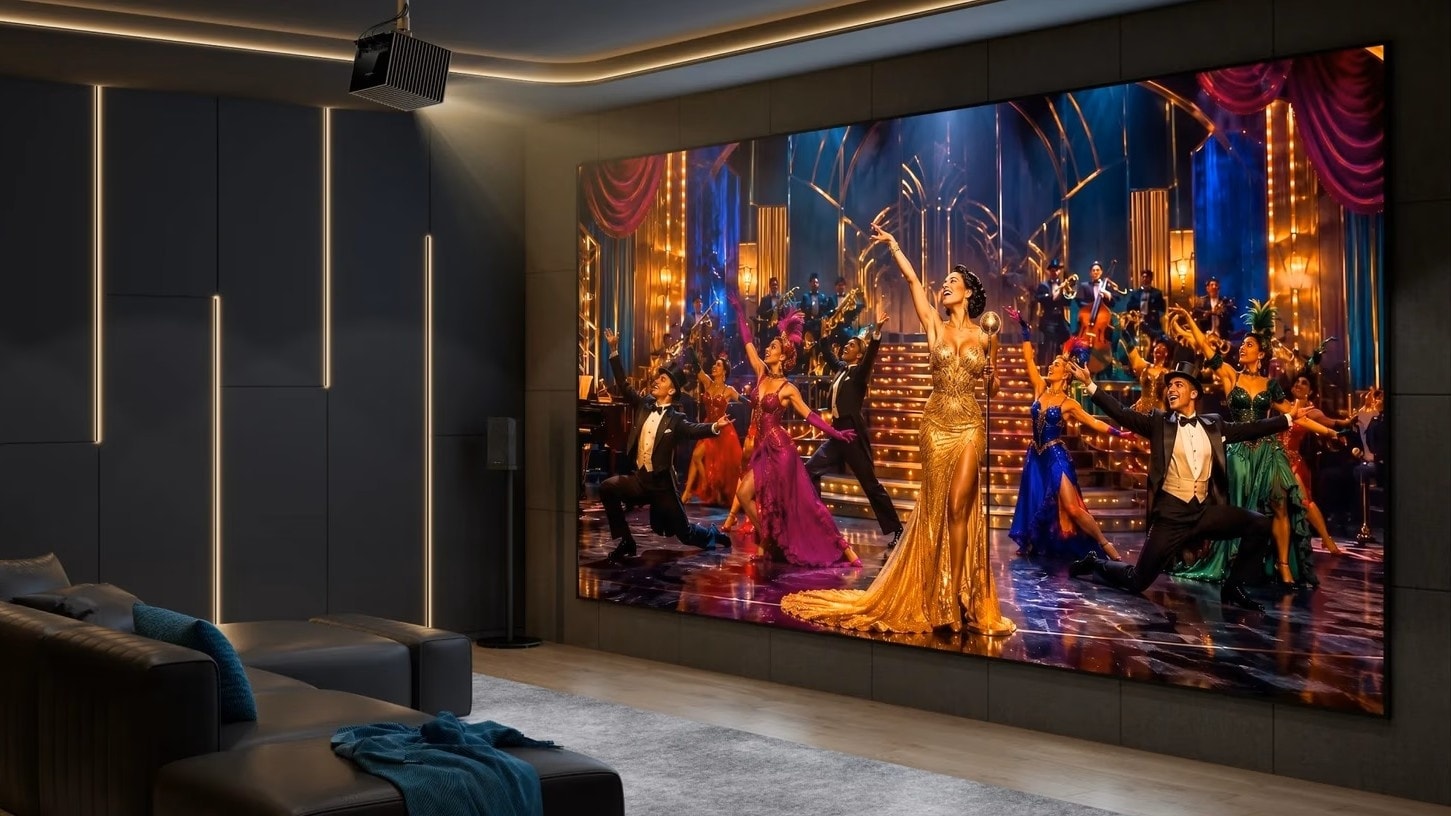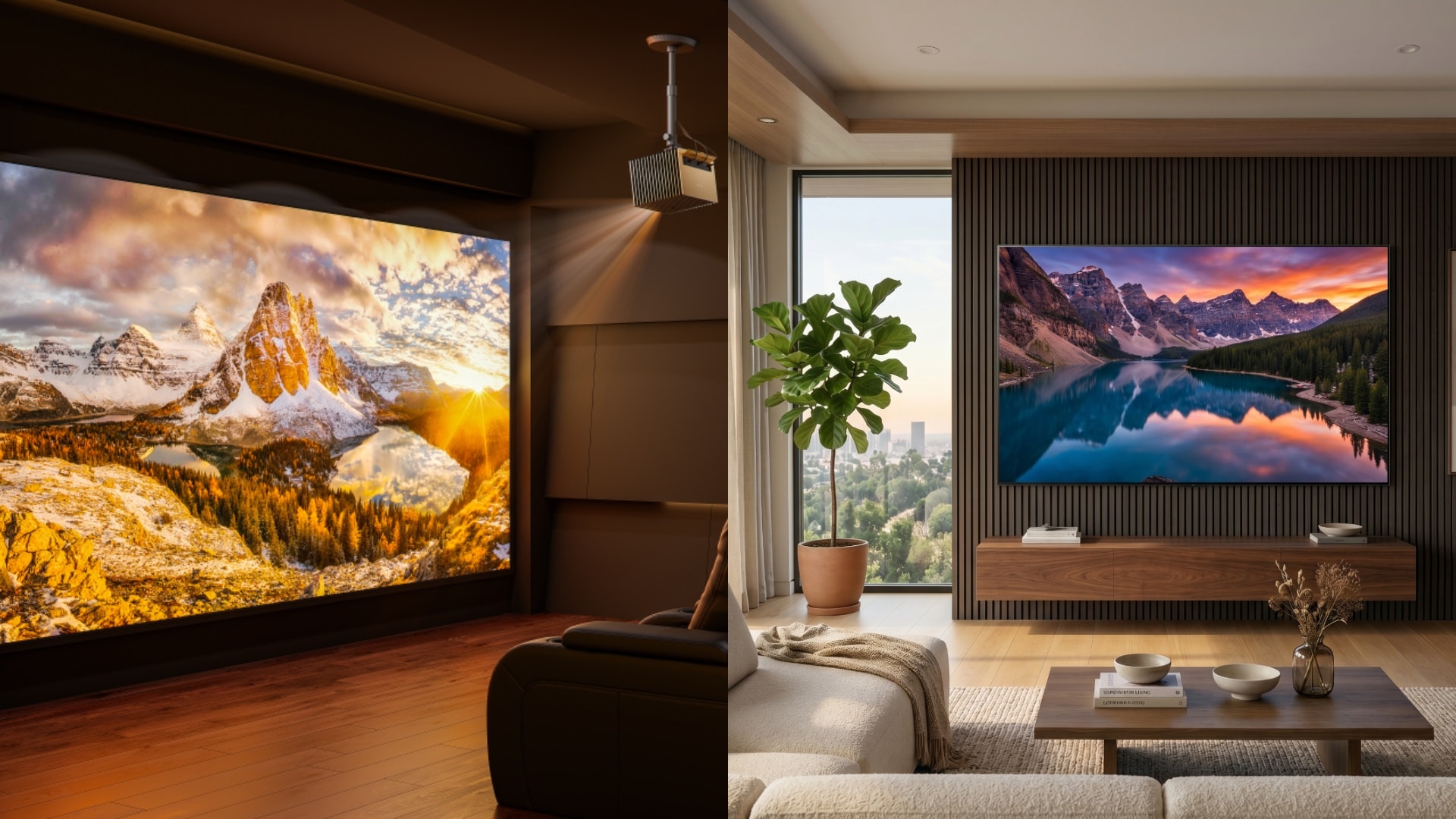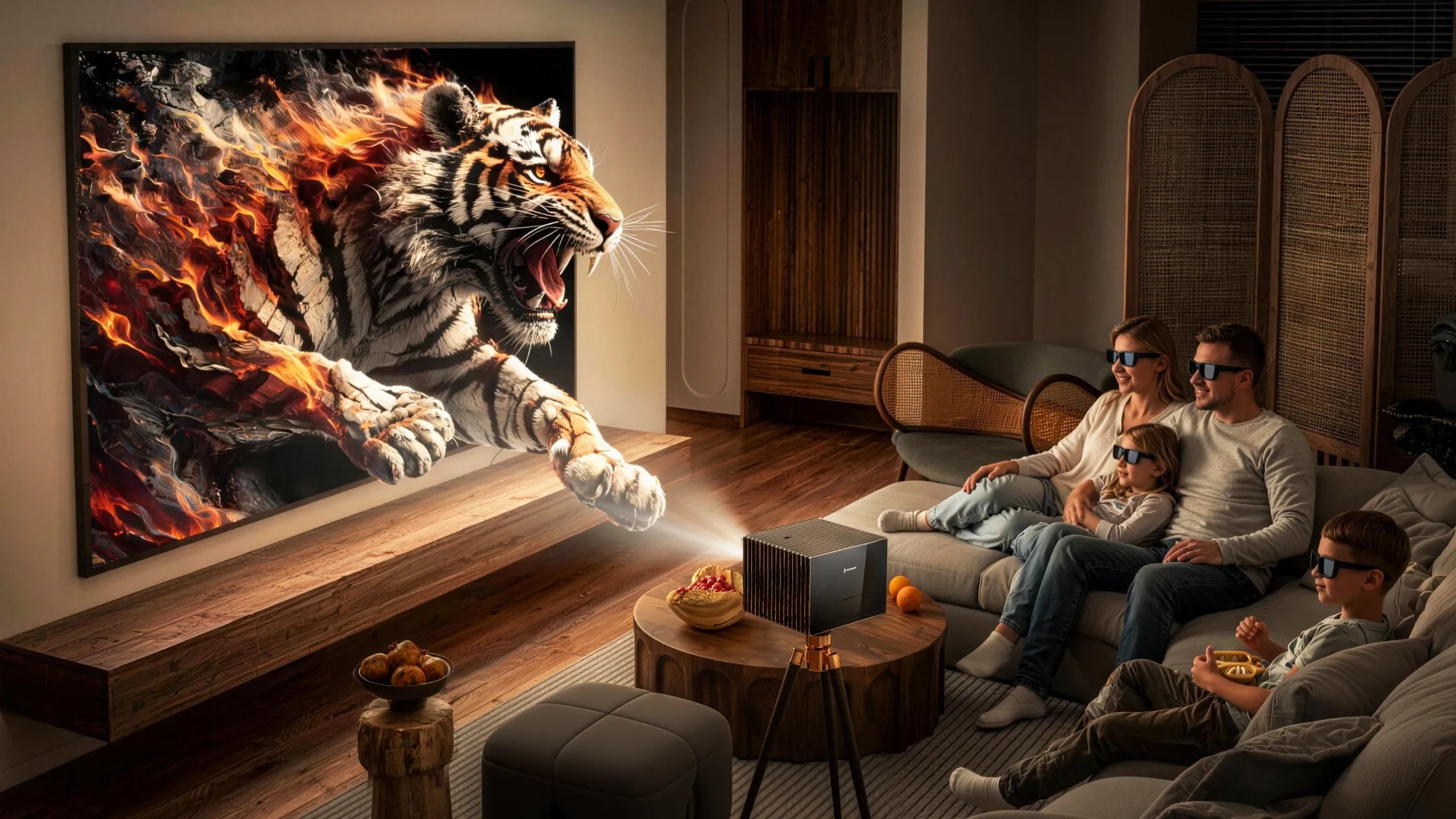
Watching movies in 3D provides a level of depth and immersion that flat 2D projection simply cannot replicate. But how do these systems turn a flat screen into a window you can seemingly reach through?
Ultimately, 3D cinema is a brilliant optical illusion. By projecting a slightly different image for each eye, the system mimics how you see the real world. To enjoy a truly immersive cinematic experience with your current or new setup, it helps to understand how this technology works and how to optimize it.
The Core Mechanics: How Do 3D Projectors Work?
To understand the magic behind 3D technology, we have to look at human biology. We have stereoscopic vision, meaning our eyes are spaced slightly apart and see the world from two slightly offset angles. Our brain then processes these two perspectives into a single image, which gives us the perception of depth.
3D projectors work on a similar principle. Using stereoscopic projection, the device rapidly or simultaneously displays two slightly offset images on the screen, one intended for the left eye, and one for the right.
The Essential Link: How 3D Glasses Translate the Image
Without 3D glasses, a stereoscopic projection just looks like a blurry, overlapping mess. The glasses act as a decoder to ensure each eye only sees the frame intended for it.
Whether they use polarized filters or active shutters, these glasses separate the visual feed so your brain can fuse the overlapping projections into a cohesive, three-dimensional image.
Active vs. Passive 3D Projectors
Not all 3D setups are created equal. The technology used in passive systems differs significantly from the active shutter systems designed for high-end home theaters. Choosing the right one depends on your specific viewing habits and technical requirements.
Internal Image Processing and Input Formats
- Active 3D: This method uses frame-sequential rendering, where alternating frames are stacked in a sequence. Active shutter glasses sync with the projector (often via DLP-Link, Bluetooth, or infrared) and rapidly block the eye that is not supposed to see the current frame.
- Passive 3D: This system projects two images simultaneously using different polarizations (such as clockwise and anti-clockwise). Passive 3D glasses feature opposing polarized filters to block the image meant for the other eye. Viewers can typically select input formats like Side-by-Side or Top-and-Bottom.
Image Quality and Resolution
- Active 3D: Because an active system projects one full frame to an eye at a given moment, overall image quality is preserved. This allows viewers to enjoy the maximum supported 3D resolution, which is typically 1080p per eye for consumer 3D Blu-ray content.
- Passive 3D: In many passive setups, the image is split equally for both eyes. For example, if the source is 1080p, the system delivers 540p to each eye. Because of this image splitting, overall sharpness and detail can be slightly reduced.
Refresh Rates and Bandwidth
- Active 3D: To smoothly switch between left and right frames and prevent motion blur, these systems require high refresh rates, typically 120Hz or 144Hz. A lower refresh rate causes flickering and significantly increases the likelihood of eye fatigue. Outputting this fast-paced content requires a high-speed HDMI cable (HDMI 1.4 or higher is standard for frame-packing 3D).
- Passive 3D: Because passive systems display both images at the same time through a polarizer, they do not rely on extreme refresh rates to alternate frames. Furthermore, the glasses do not require batteries, making them highly convenient and ideal for commercial cinemas.
Crosstalk and Ghosting
- Active 3D: Ghosting, or "crosstalk," occurs when an image meant for one eye leaks into the other. In active systems, this often happens if the liquid crystal displays in the glasses degrade over time or fail to switch fast enough.
- Passive 3D: Ghosting in passive systems is often related to vertical crosstalk. Viewers usually must sit within a specific vertical viewing angle; sitting too high or too low can cause the polarization to bleed.
Factors That Dictate 3D Projection Quality
Standard projectors often struggle with 3D content because the glasses inherently dim the image. To achieve a true cinematic sensation without compromise, pay attention to your hardware environment.
Brightness and Contrast
Enjoying stereoscopic media is often hindered by dim images, which reduces perceived contrast. 3D glasses naturally filter out a significant amount of light. To combat this, you need a high-lumen projector like the Valerion VisionMaster series to punch through the tint of the glasses, restoring vivid colors and a high contrast ratio to your viewing experience.
Choosing the Right Projector Screen
Your projector screen reflects the image back to you, meaning brightness and contrast heavily depend on its material. Standard white screens work well in dark rooms, but an Ambient Light Rejecting (ALR) screen can help absorb ambient room light. However, it is crucial to buy a high-quality ALR screen; cheap or improperly paired ALR materials can create "hot spots" of uneven light, which will ruin the immersive illusion.
Frequently Asked Questions
Can I use a PC or other media player as a 3D input source?
Yes. To do so, ensure your device and cables support at least HDMI 1.4, which is the standard requirement for handling 3D formats like frame packing.
How do I fix the reverse projection of a 3D image?
If your left eye is seeing the right eye's image, navigate to the settings in your projector’s image menu and select "Invert 3D," "Inverse 3D," or "L/R Swap."
How do I fix ghosting in a properly configured 3D setup?
If your glasses are fully charged and your angles are correct, try adjusting the 3D depth. This controls the artificial distance between the two images and can help align them for your screen.
How do I adjust 3D depth on a projector?
Open your projector's settings and select "Display and Picture." Navigate to "3D Settings" or "3D Signal," and look for the "3D Depth" or "3D Format" adjustment slider.
Does watching movies in 3D cause eye strain or headaches?
Not inherently. Viewer discomfort is usually caused by a poor setup—such as a low refresh rate, degraded active shutter glasses, or heavy crosstalk. Fixing these technical issues usually eliminates eye strain.
Conclusion
3D projectors can project 3D content from 2D content via Internal Image Processing and Frame Sequential Rendering, which either split the image or stack alternative frames, depending on the projector type. Splitting the image with Passive 3D for 3D projection reduced image brightness and contrast. Whereas an Active 3D projector lets you enjoy full 4K resolution without splitting a frame for both eyes. Check out the Valerion VisionMaster Max projector’s specs to see whether it can project a 3D 4K image without giving you headaches or eye strain.