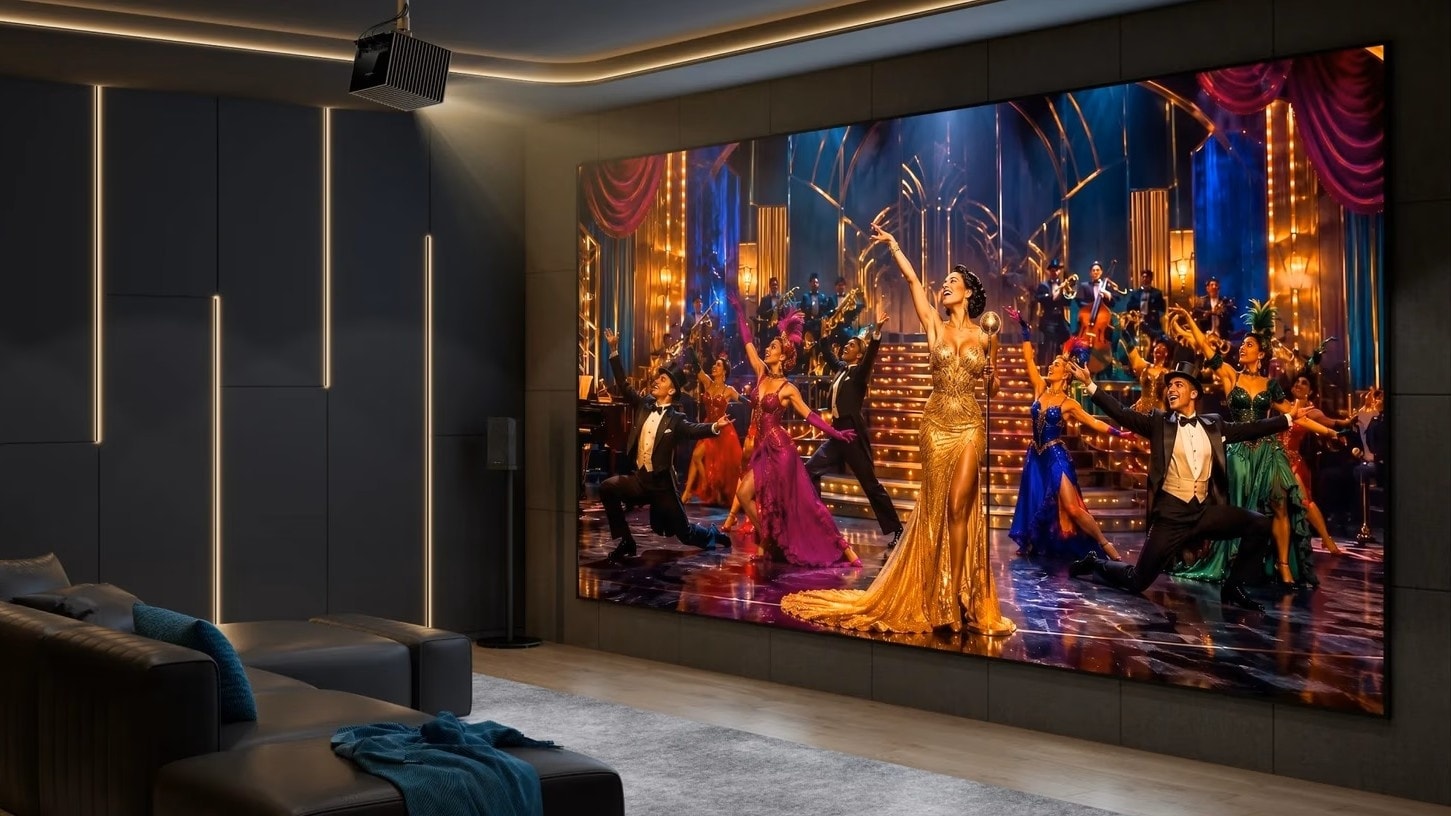
Think about the last time you went to a commercial cinema. The previews end, the murmuring stops, and as the opening studio logos appear, the lights slowly, smoothly fade to pitch black. That anticipatory dimming is half the magic of the movie-going experience.
Recreating that feeling at home is entirely possible, but it can be frustrating if you don't have the right setup. There is nothing worse than pausing an intense thriller to grab a snack, only to be completely blinded when someone flips on the harsh overhead room lights.
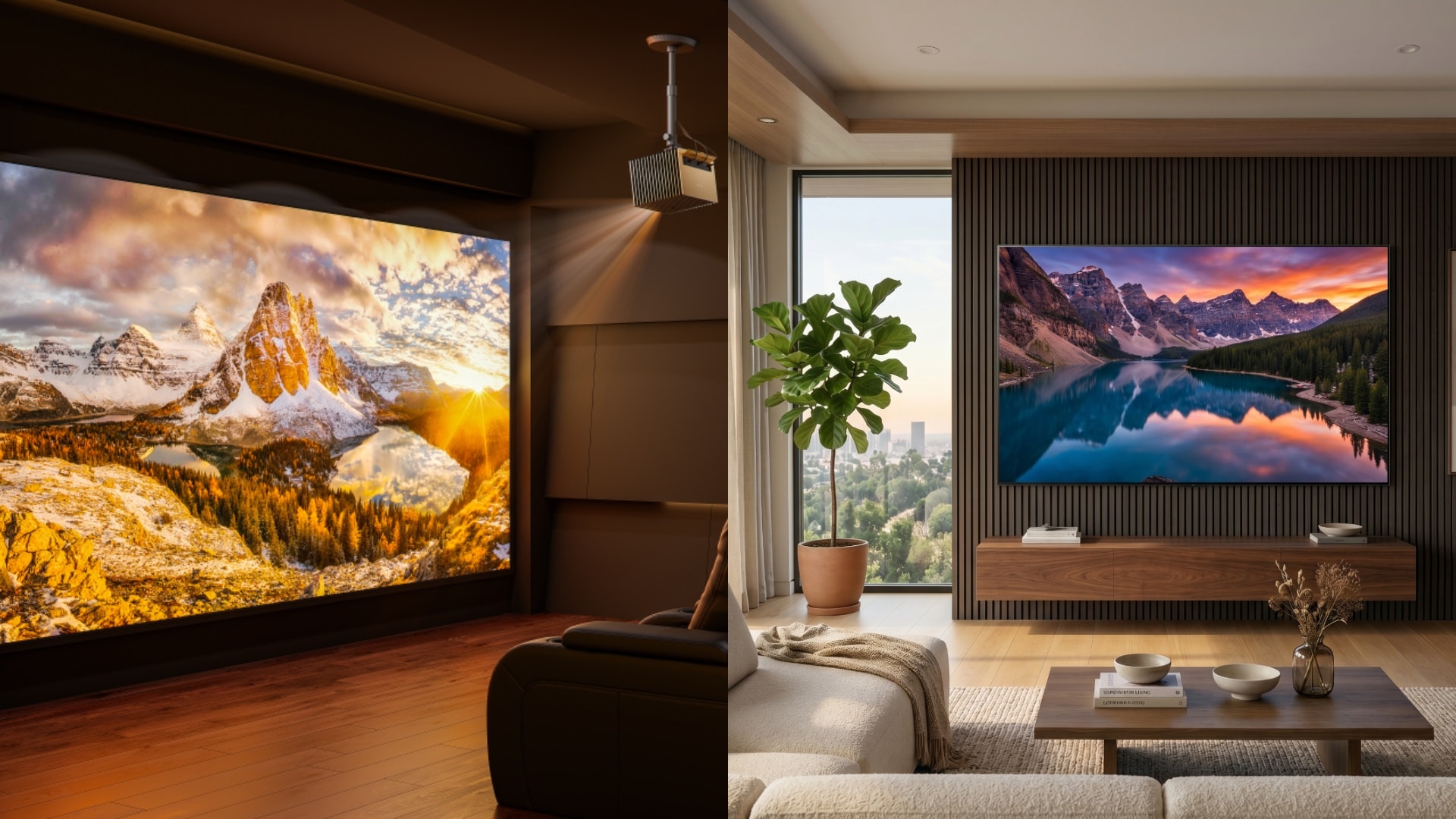
True cinematic magic isn't just about having the biggest screen; it's about the atmosphere. Whether you are browsing home theater design ideas for a new build or retrofitting an existing media room, layered lighting and smart control systems are what turn a basic TV room into an immersive private cinema.
Here is exactly how to design, control, and automate your home theater lighting.
Key Takeaways
- Layer your lighting: Relying on a single overhead light kills the cinematic vibe. A true theater needs a mix of ambient, task (safety), and accent lighting.
- Switches beat bulbs: For ultimate reliability and seamless automation, hardwired smart dimmer switches generally outperform individual Wi-Fi smart bulbs in a dedicated viewing room.
- Sync with your hardware: The ultimate theater experience links your lighting directly to your media player or projector, allowing lights to automatically dim when the movie plays and gently brighten when paused.
The 3 Essential Layers of Home Theater Lighting
Before you can control the lights, you need to make sure you have the right fixtures installed in the right places. A single set of bright ceiling lights will wash out your screen and cause eye strain. Instead, break your lighting down into these three functional layers.
Ambient Lighting (The Base Layer)
This is your primary light source, used when you are cleaning the room, setting up equipment, or finding your seats before the show.
- Typically includes: Recessed ceiling cans, flush mounts, or cove lighting.
- The Golden Rule: Every ambient light in a home theater must be on a dimmer switch. You should never be forced to choose between 100% brightness and absolute darkness.
Task & Safety Lighting (The "Dark Room" Necessity)
When the ambient lights fade to zero, your room will be pitch black. Task lighting ensures nobody trips over a step or spills a drink during a mid-movie bathroom break.
- Typically includes: LED strip lighting tucked under seating, stair nosing lights, and low-voltage baseboard lights.
- The Golden Rule: These lights should be positioned low to the ground and directed downward so they never cast a glare on your projection screen.
Accent Lighting (The Cinematic Touch)
This is the "vibe" layer. Accent lighting adds architectural interest to the room and helps reduce eye fatigue by providing a soft glow that contrasts with the bright screen.
- Typically includes: Wall sconces, fiber-optic star ceilings, and bias lighting behind the screen.
- The Golden Rule: Stick to warm color temperatures (2700K to 3000K). Blue or cool-white lights can distort how your eyes perceive the colors on the screen.
Choosing the Right Lighting Control System (The "Brains")
With your layers planned out, you need a way to control them. Fumbling for three different light switches in the dark ruins the experience. Here are the most popular ways to control your theater.
The Easy Route: Smart Bulbs and Wi-Fi Hubs
Systems that use individual smart bulbs (like Philips Hue) are incredibly easy to install since they just screw into your existing fixtures. They are fantastic for adding color-changing effects to your wall sconces.
The Catch: Because they rely heavily on your local Wi-Fi network, they can sometimes experience "popcorning" (where lights turn off one by one instead of together) or network lag.
The Enthusiast Standard: Smart Dimmer Switches
For a dedicated theater room, replacing your physical wall switches with smart dimmers (using protocols like Z-Wave, Zigbee, or Lutron Caseta) is the gold standard.
Why it works best: These switches control "dumb" dimmable bulbs flawlessly. They communicate instantly, dim incredibly smoothly, and crucially, physical wall switches will still work even if your internet goes down.
Advanced Local Control & Ecosystems
To get true automation, you need a smart home hub like Home Assistant, Apple HomeKit, or a professionally installed system like Control4. These systems act as the brain, telling your lights exactly what to do based on what your AV equipment is doing.
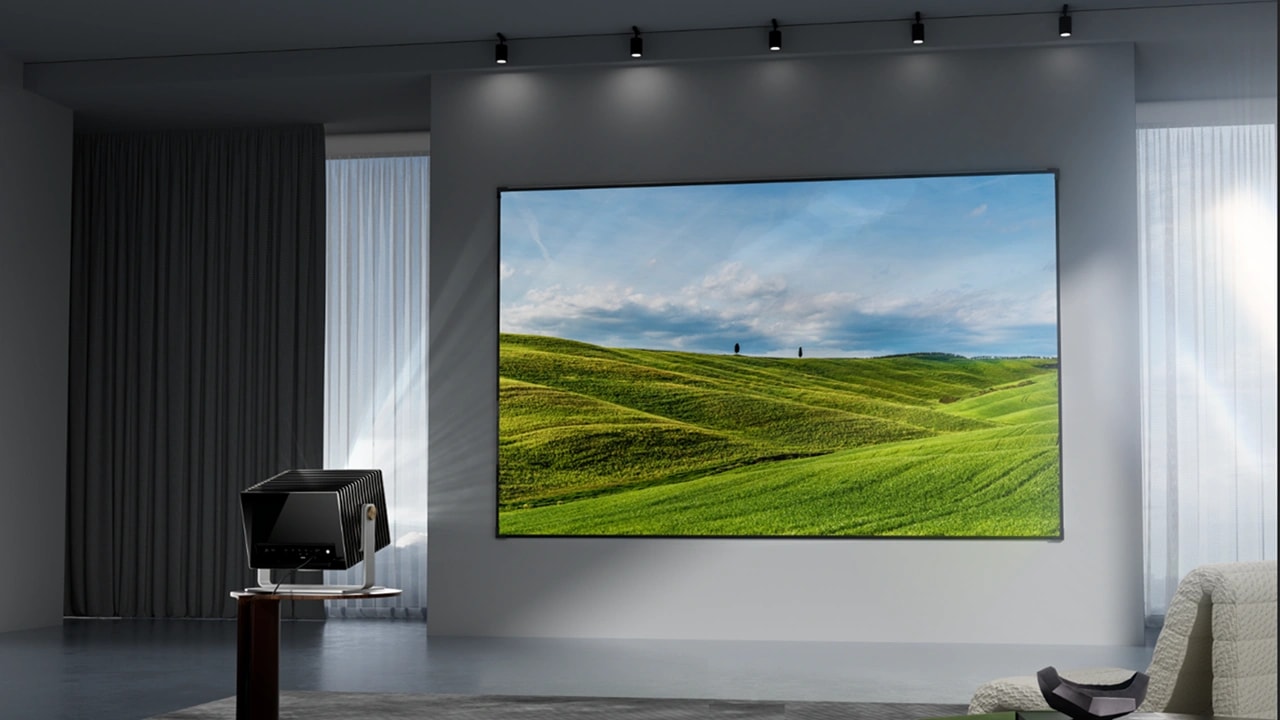
A Helpful Hardware Tip: The easiest way to automate your room is to use equipment that speaks the same language as your smart home hub. For example, modern smart 4K projectors like the Valerion Max and Pro2 feature built-in, native support for Control4, Apple HomeKit, Google Home, and Alexa. This seamless integration means you don't need complex coding to trigger an event. You can simply create a rule in your app that says: "When the Valerion projector turns on, tell the room switches to fade the sconces to 0%."
How to Set Up Cinematic Automations (Lighting Scenes)
Once your lights and smart hubs are talking to each other, you can group commands together into "Scenes." Here is the blueprint for the three automations every home theater needs.
The "Pre-Show" Scene
Trigger this scene from your phone or a keypad when guests enter the room.
The Setup: Wall sconces are set to 50% brightness, safety step lights are at 100%, and the harsh overhead ambient lights are turned completely off. This creates an inviting, warm atmosphere while people find their seats.
The "Dim-to-Play" Scene
This is the main event. You can link this scene to trigger automatically when you press "Play" on your Apple TV, Plex server, or smart projector.
The Setup: Program a slow, 5-to-10-second fade. The wall sconces dim to 0%. The safety step lights drop down to a dim 10%—just enough to see the floor, but dark enough to prevent any light from bouncing onto the screen.
The "Intermission" (Pause) Scene
This is the most highly requested automation on home theater forums. When someone needs a snack break, hitting "Pause" shouldn't plunge the room into chaos.
The Setup: When media is paused, the smart hub tells the wall sconces and step lights to slowly ramp up to 20% brightness. It provides immediate, comfortable visibility so you can safely leave the room without your pupils needing to violently adjust to harsh overhead lighting.
Designing a Pitch-Black Room for Ultimate Projector Performance
Lighting control isn't just about the lights you turn on; it's also about managing the light that bounces around the room.
Managing Screen Glare and Room Reflections
Even a single glowing LED indicator on a subwoofer can reflect off a white wall and ruin the picture contrast. To truly optimize your lighting control, your room design needs to absorb light. Use dark, matte home theater paint colors (like deep charcoal, navy, or flat black) on the ceiling and walls adjacent to the screen.
Why Your Projector’s Black Levels Matter in a Dark Room
Once you successfully automate your smart lights to fade to zero, your room will be pitch black. In a truly dark room, your projector's native contrast becomes the star of the show.
If you use a projector with low contrast, the "black" bars at the top and bottom of a widescreen movie will look glowing, distracting gray. Understanding what is black level is critical here. This is exactly where advanced projection hardware shines.
For instance, top-tier units like the VisionMaster Max utilize an incredible 50,000:1 Viewing Contrast alongside a proprietary Enhanced Black Level (EBL) Algorithm. This ensures that when your smart lighting fades to black, the shadows projected on your screen remain remarkably deep, inky, and realistic, completely selling the cinematic illusion. (For a deeper dive into how this works, check out our projector brightness vs contrast guide).
Frequently Asked Questions (FAQ)
How do I connect my projector to my smart lighting?
You will need a central smart home hub (like Home Assistant, SmartThings, or Apple HomeKit) that is compatible with both your light switches and your media player/projector. Once both devices are on the same network and added to your hub, you can create automation "routines" linking their behaviors.
Are smart switches better than smart bulbs for a theater room?
Yes, generally. Smart dimmer switches wire directly into the wall and control your existing dimmable bulbs. They are more reliable, offer smoother fading effects, and ensure your physical wall switch still functions even if your Wi-Fi network experiences an outage.
Should I use LED strip lights in my home theater?
Absolutely. LED strip lights are perfect for task and safety lighting. Running them along baseboards, under theater seating, or along the edges of a seating riser provides excellent floor visibility without casting glare onto your projector screen.
Do I need a completely dark room for a projector?
While a pitch-black room is required for the absolute best contrast and "true cinema" feel, modern high-lumen projectors paired with Ambient Light Rejecting (ALR) screens can look fantastic even with some lights on. If you can't paint your room black, you might want to look into the best projector for bright rooms.