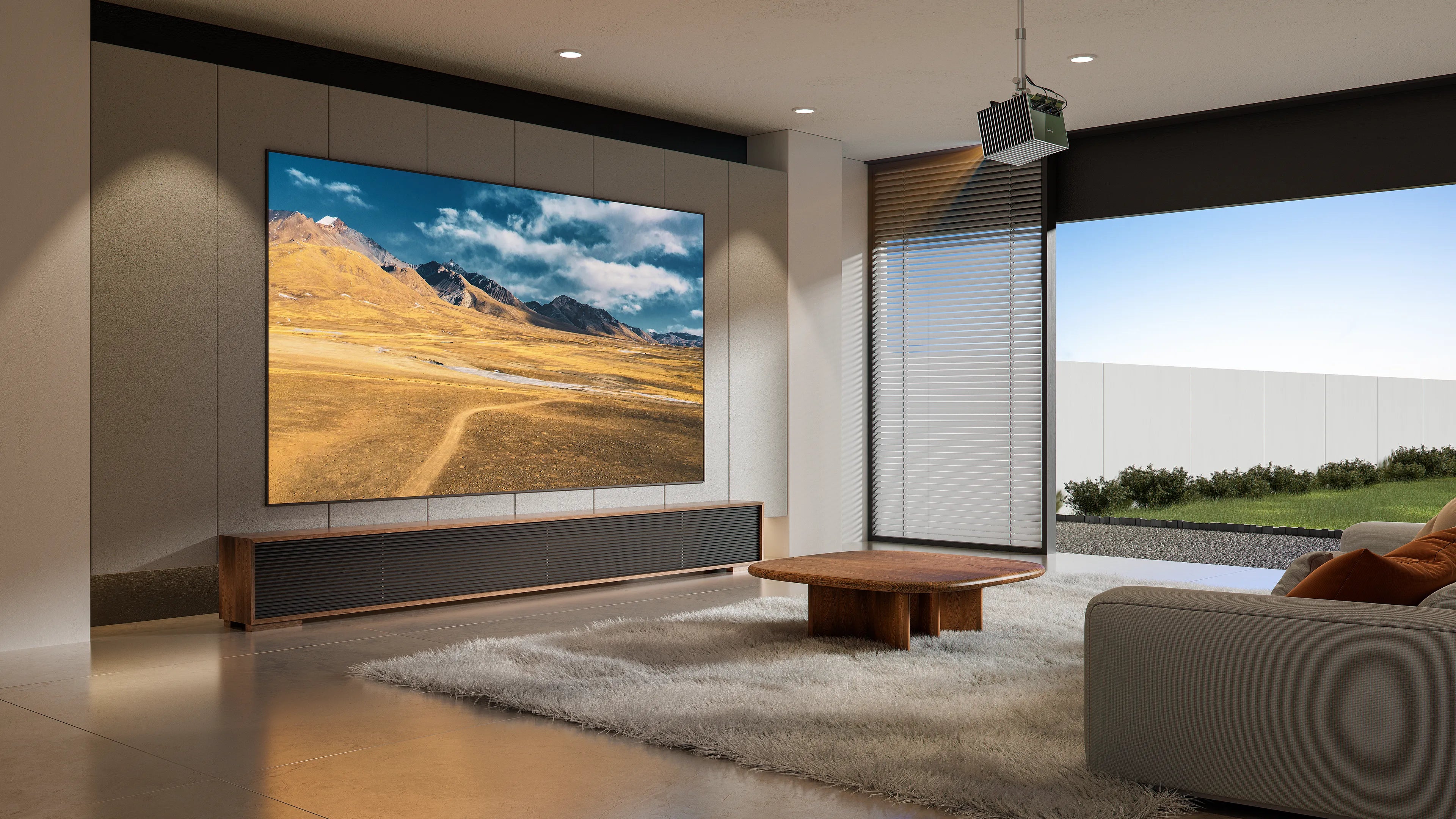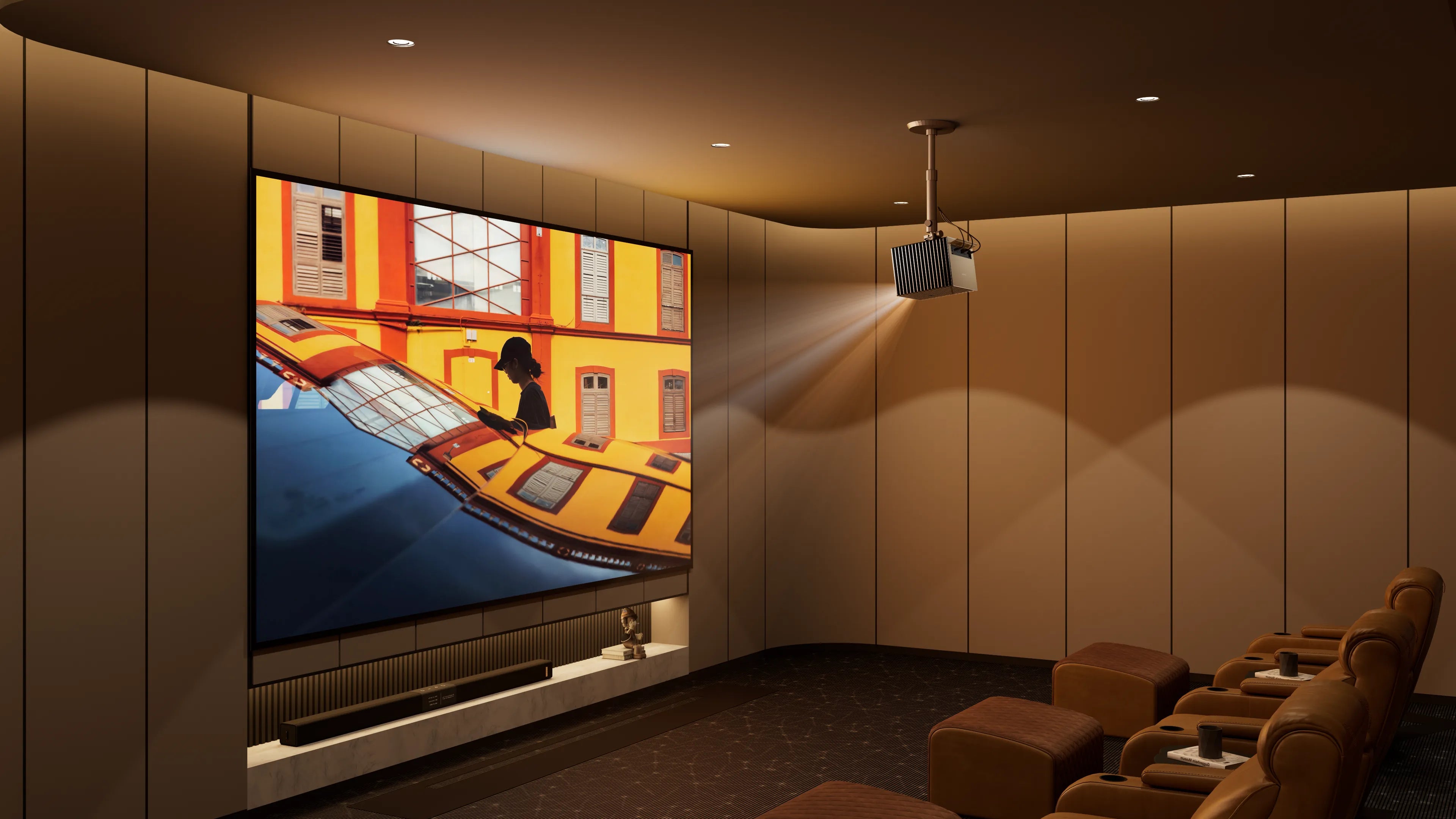
If you want a cinematic experience, mount your projector on the ceiling. A ceiling-mounted projector not only turns your room into a home theater but also saves considerable space. More than that, it looks professional and ensures optimal projection. If you want to learn how to mount a projector on the ceiling, this guide is for you. We will cover the step-by-step instructions, the tools needed, and the best mounts for the projector. Keep reading to learn how!
Why Mount a Projector on the Ceiling?
It's advantageous to mount the projector to the ceiling. It limits clutter, creating overall neatness in the room. If a projector is mounted, the viewing angle is much better, and its safety is improved by placing it up in the air, preventing accidental trips over it when it is on the floor. A projector really delivers a cinema-like experience when hung from the ceiling.
Tools and Materials You’ll Need
- Projector ceiling mount
- Stud finder
- Drill
- Screws
- Level
- Ladder
- Toggle bolts
- Cable management
Step-by-Step Guide to Mounting a Projector to the Ceiling
Ready to mount the projector? Follow the projector ceiling installation steps below:
Step 1. Choose the Location:
You should know where to install the projector, taking into account its throw distance. For detailed information on the recommended throw distance, consult the projector's manual. In general, short-throw projectors require a distance of 1-4 feet, standard-throw projectors typically need 5-10 feet, and long-throw projectors may require 10 feet or more.
In general, short-throw projectors require a distance of 1-4 feet. You must ensure that the ceiling is structurally robust. Place the mount near the stud or a joist.
Step 2. Find Ceiling Joists:
Utilize a stud finder to inspect the ceiling to ensure a secure mounting surface. If there is no joist support, use rated drywall anchors for the weight of your ceiling projector.
Step 3. Check Compatibility:
Check that the ceiling-mounted projector can support the weight of your projector. Most short-throw projectors use universal mounts with adjustable arms.
Step 4. Mark and Drill Holes:
Attach the projector mounting plate to the projector (follow the mount instructions). Hold the mount against the ceiling, mark the screw holes, and use a level to ensure alignment. Drill pilot holes into the joists or insert drywall anchors if needed.
Step 5. Install the Ceiling Mount:
Prepare the DIY projector ceiling mount for installation by using lag screws (for joists) or toggle bolts (for drywall). Tighten it.
Step 6. Attach the Projector:
Secure the ceiling projector to the mount's bracket, following the mount's instructions. Check all screws and connections.
Step 7. Adjust the Projector:
Power on the projector and adjust its position (tilt, angle) to align the image with your screen. Use the projector’s keystone correction or lens shift if available.
Step 8. Manage Cables:
Run power and HDMI cables along the ceiling or through cable management channels for a clean look. Consider in-ceiling cable routing if possible.
Step 9. Test and Finalize:
Test the projection for clarity and alignment. Tighten all mount adjustments and ensure the projector is stable.
Follow these projector mounting tips when mounting projectors so that you can maximize your experience:
- Safety: Verify both the ceiling and the mount's load-bearing capacity; they should be able to support the weight of the projector, as short-throw projectors are typically heavier due to their specialized lenses.
- Ventilation: Ensure sufficient clearance for airflow into the projector to prevent overheating.
- Professional Help: If one has any uncertainty whatsoever regarding the strength of the ceiling or electrical wiring, for that matter, they ought to call an electrician.
- Tools: Use a stud finder and level for precision.
Common Mistakes to Avoid
Here are some mistakes that everyone makes when setting up their projectors on the ceiling. You have got to be cautious with the above-mentioned to improve the overall experience.
- Poor Alignment: If the projector is misaligned, it won’t project at the right angle. The adjustable horizontal and vertical alignment on the projector ceiling mount must be centered on the image. Should the projector have lens shift or keystone correction, use these settings to fine-tune image alignment without adjusting the projector mount.
- Ignoring Ceiling Strength: You cannot just mount your projector anywhere on the ceiling. You need to check if the ceiling can bear your projector’s weight. Choose a sturdy ceiling and a location close to joists or studs.
- Poor Ventilation: Ensure your projector is placed in adequately ventilated areas. Overheating or shutdown may be due to poor ventilation or proximity to the ceiling. Shorten the height and perform regular cleanups to remove dust and dirt that obstruct airflow.
- Misaligned Screws: Confirm that you have tightened the screws on the mount to ensure the projector will not fall.
- Poor Brightness: If the projection is too bright, blackout curtains on the windows should help reduce ambient light.
- Blurry Image: If the projected image is out of focus, the issue could be with the projector’s lens. Clean the lens and ensure it’s dust-free. If the issue persists, it could be due to the wrong throw distance. Adjust its position, as placing it too close or too far affects focus.
Conclusion
Want to enjoy a cinematic experience? Mount your projector on the ceiling. It is achievable with the right steps and tools. Make sure to follow all the steps and tips properly to truly immerse yourself in the experience.
Ready to mount your projector? Check out our best ceiling-mount projector or share your setup tips in the comments!