Firmware Q0718 is rolling out to AWOL Valerion Max, Pro2, Pro, Plus2 and Plus.
Your projector should make watching films easier, not give you another list of settings to manage.
That is the idea behind OTA 3. Rather than changing what makes AWOL Valerion special, this update focuses on the details that can make a real difference once the lights go down — better contrast, quieter operation, easier sound control, more accurate image alignment and greater flexibility for different ways of watching.
OTA 3 is the latest step in the ongoing development of the AWOL Valerion platform, bringing together improvements shaped by picture tuning, real-world viewing and feedback from Valerion users.
Dynamic Iris — Let Your Projector Handle the Contrast
AWOL Valerion Max Only
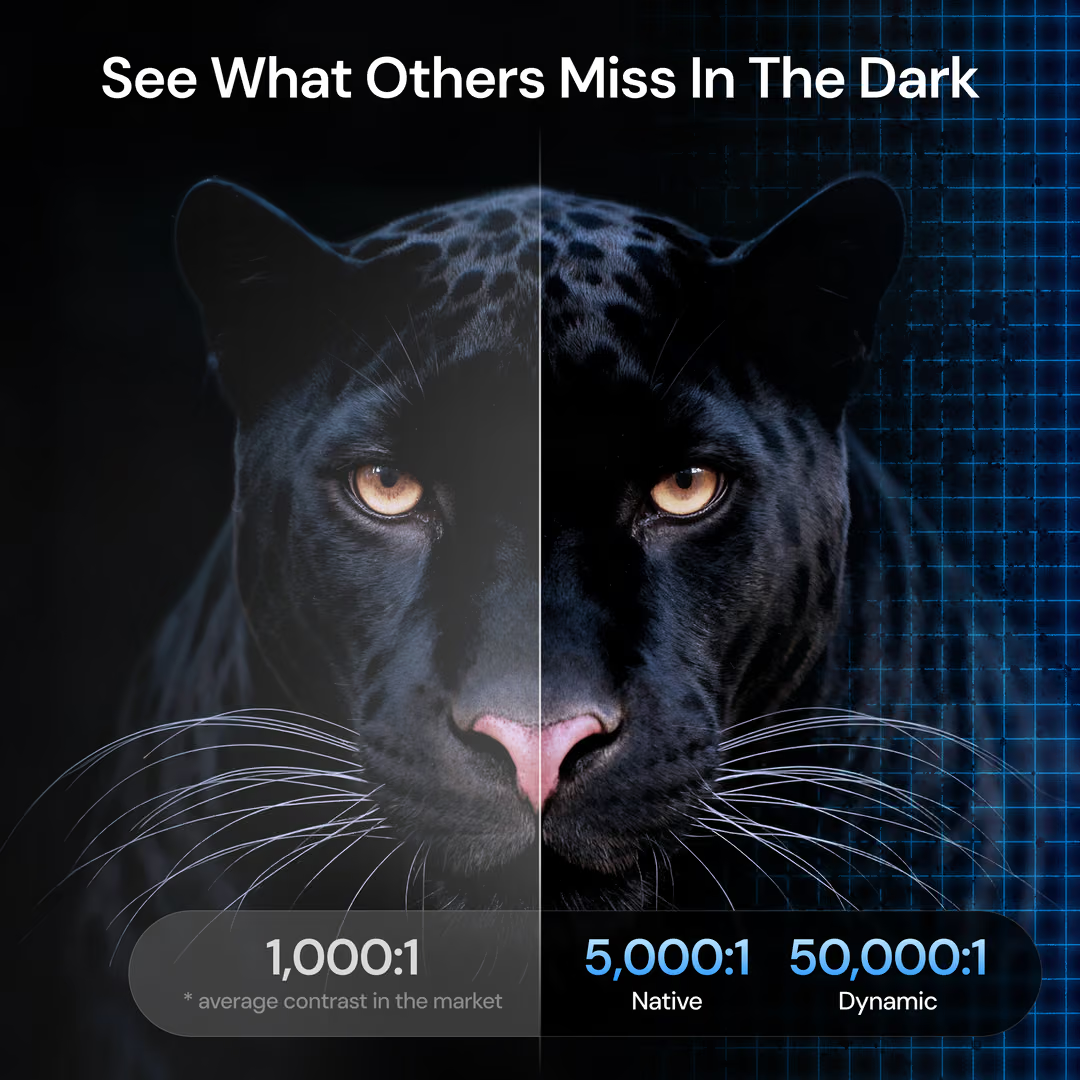
A dark scene can reveal more about a projector than a bright one. When blacks appear washed out or highlights lose their impact, the entire image can feel flatter.
Dynamic Iris, now available exclusively on AWOL Valerion Max, automatically responds to the brightness of each scene.
The projector adjusts the iris in real time, helping dark scenes appear deeper while preserving brightness and detail when the image calls for it. There is no need to keep changing settings between scenes — Dynamic Iris handles the adjustment for you.
Where to find it: All Settings → Projector → IRIS → Dynamic Iris
ThunderBeat Sound System — Sound Settings Where You Need Them
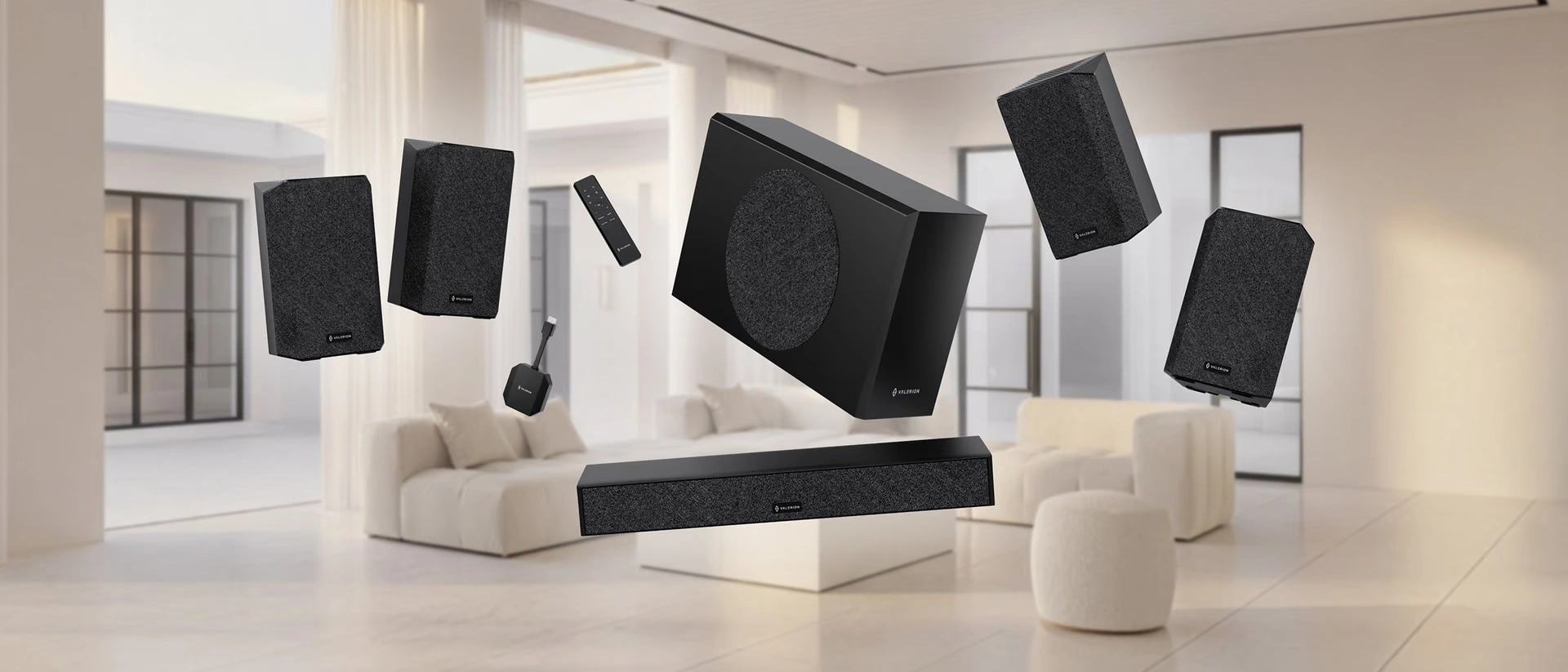
Your picture and sound should be just as easy to control.
With OTA 3, the AWOL Valerion ThunderBeat Sound System now has a dedicated menu within the on-screen display. This gives you quicker access to your audio controls without having to search through separate settings.
From big-screen action to music, streaming and quieter evening viewing, you can fine-tune the sound directly from the projector interface.
Where to find it: All Settings → Display & Sound → Sound → Audio System → ThunderBeat menu
8-Point Keystone — Fine-Tune Every Corner
Getting the projector perfectly aligned isn't always straightforward. Your room may dictate where the projector has to sit, while the wall or screen may not be perfectly positioned.
OTA 3 adds 8-point manual keystone correction, giving you eight adjustment points for more detailed image alignment.
It offers greater control than four-point correction, helping you fine-tune the projected frame when your installation isn't perfectly symmetrical.
Important: Switching to 8-point correction resets your existing 4-point or automatic calibration. Returning to the previous correction method will reset the 8-point adjustment as well.
Where to find it: All Settings → Projector → Manual Keystone Correction
Small Changes, Noticeable Improvements
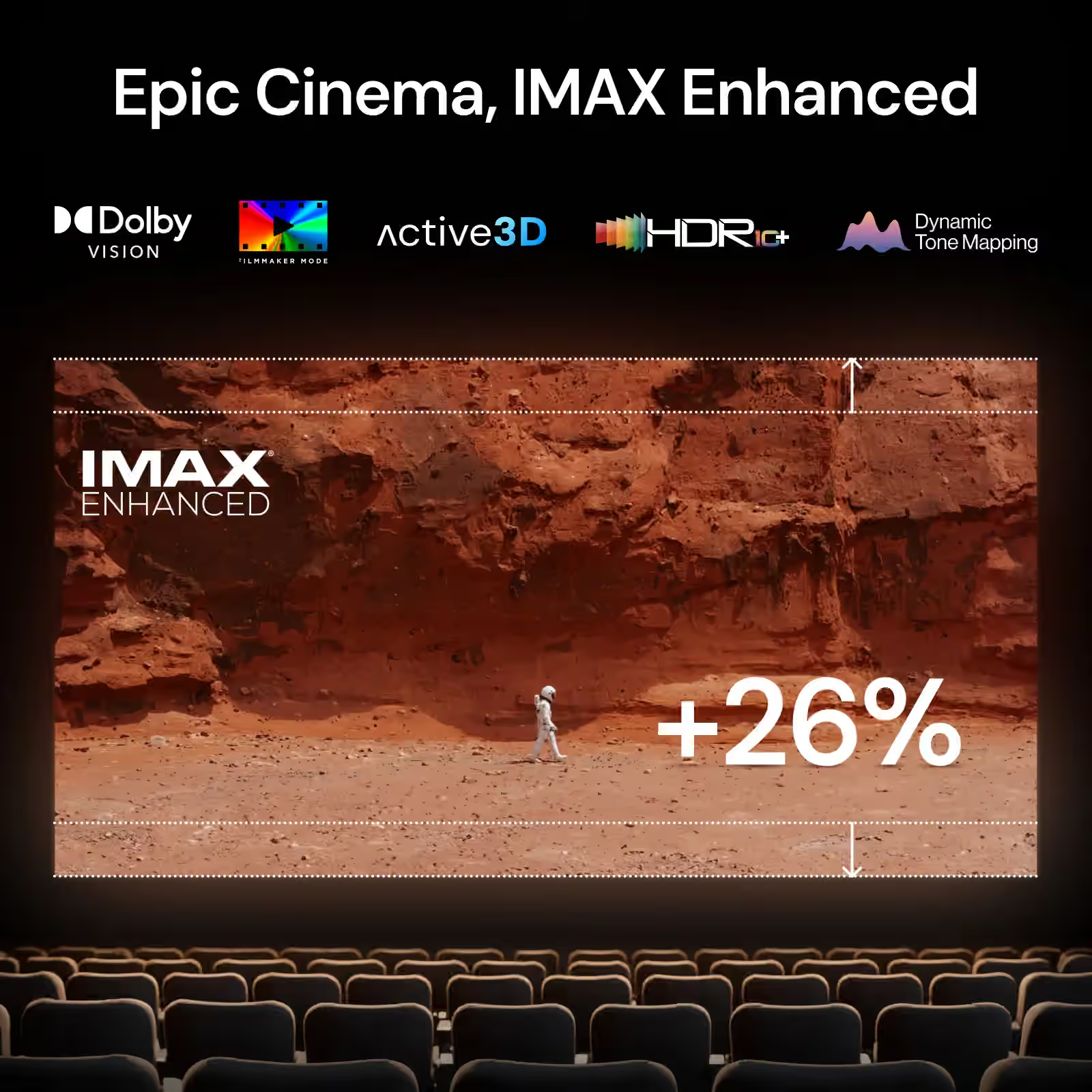
Alongside the headline features, OTA 3 includes a range of refinements across picture, connectivity and viewing comfort.
- EBL [Medium] — Adds a new middle setting between EBL Low and High, providing moderate laser adjustment to reduce noticeable brightness "pumping" while maintaining contrast in darker scenes.
- AWOL Link Control — Adds support for controlling Valerion through the AWOL IP Control protocol, making it easier to connect the projector with compatible smart-home systems.
- Low Noise Mode — Designed for quieter viewing, this mode reduces overall fan noise for a more comfortable experience when watching late at night. Laser luminance is automatically managed when the mode is enabled.
- IR Codes for the AWOL Valerion Remote — Universal remote integration is easier with the complete IR key-value list available in the Help Center.
- Anamorphic 2.0:1 & 1.85:1 — Adds two new aspect ratios, giving widescreen enthusiasts more options for matching their preferred content format.
- Eye Protection — Carefree & Focus — When an obstruction is detected in front of the lens, Carefree switches the display off immediately, while Focus provides a short delay before switching off.
- No More Black-Scene Dimming — Brightness remains more consistent during dark scenes, helping maintain a steadier viewing experience.
- Resizable Dolby Vision — You can now change picture size while remaining in Dolby Vision mode.
Frame Packing 3D — A Sharper 3D Experience
OTA 3 also fixes a resolution issue affecting Frame Packing 3D scenes.
With the issue resolved, supported 3D content can now be displayed with the intended resolution and image clarity.
Updating Your AWOL Valerion
If System Update is enabled, your projector will notify you when Firmware Q0718 (OTA 3) becomes available.
Follow the on-screen instructions to confirm the update and restart the projector. For users who prefer a manual installation, the firmware can also be installed via USB.
For the complete firmware information, including version checks and OTA/USB installation instructions, visit the full OTA 3 release notes.
If you need additional help, please contact support@valerion.com.