While 4K TVs are now standard, your viewing experience is often bottlenecked not by the TV, but by the cable connecting it. The cable supports a lower framerate and compressed audio bitrate. Modern HDMI technology enables higher resolution with faster refresh rate and immersive audio.
But which type of HDMI to use is often overlooked, which limits your projectors’ and TVs’ performance. HDMI 2.1 represents a significant evolution over the older HDMI 2.0 standard. Is the upgrade worth it if your hardware or HDMI cable is old?
Bandwidth: The Core Difference Between HDMI 2.1 vs. 2.0
Higher HDMI bandwidth does more than transfer data; it improves image and audio quality while reducing input lag. HDMI technology is a high-speed pathway for transferring data from the source to the display. A six-lane expressway allows more cars to travel than a 2-lane freeway.
Comparison of Bandwidth:
- HDMI 2.0: Its max bandwidth is 18 Gbps. It supports 4K @ 60Hz and 2K @ 144Hz with ARC (Audio Return Channel) support.
- HDMI 2.1: It offers 2.7 times the bandwidth of HDMI 2.0, 48 Gbps, allowing 8K to be projected at 120Hz with DSC, and advanced audio channel eARC (Enhanced Audio Return Channel) support.
New HDMI tech offers higher resolution, faster frame rates, and more complex data transmission simultaneously.
HDMI 2.1 Features: Redefining Visuals and Audio Over HDMI 2.0
What is the advantage of HDMI 2.1 over 2.0? A better visual fidelity and responsiveness of your machine. Users find the resolution and refresh rate upgrades to be the most beneficial.
Unprecedented Resolution and Refresh Rates (4K@120Hz & 8K@60Hz)
HDMI 2.1 can support up to 10K resolution, vs. 4K with HDMI 2.0, but no average TV supports 10K output. It is for future-proofing. What is one of the features that makes HDMI 2.1 outclass 2.0? HDMI 2.1 excels at supporting 4K at 120 fps, which is crucial for gamers, and 8K at 60 fps, which lets you enjoy movies with your family and friends.
Dynamic HDR with Color Depth: Perfecting Every Frame
Dynamic HDR is a frame-by-frame contrast, brightness, and color enhancement that improves the viewing experience, ensuring the image looks as close as possible to the director’s intent. HDMI 2.1 enables Dynamic HDR at higher resolutions, while 2.0 and 1.4 HDMI cable types support stay limited to standard HDR, which applies fixed settings to each frame, whether it is shot in dark or bright light.
eARC (Enhanced Audio Return Channel): Better Audio Depth and Virtualization
HDMI 2.1 eliminates the need for separate audio routing for uncompressed 360-degree surround sound systems like Dolby Atmos 5.1/7.1 or DTS:X, thanks to higher bandwidth and advanced audio channels. If you have a type 2.0 HDMI cable, the Dolby Atmos feature is available, but it's not uncompressed high-bitrate audio, which provides immersive surround sound.
Why Upgrade? HDMI 2.1 vs. 2.0 for Gaming
HDMI 2.1 elevates the gaming experience vs. 2.0, which limits your system's performance due to a lack of support for ALLM and higher refresh rates.
VRR (Variable Refresh Rate): Eliminating Screen Tearing
Screen tearing and frame distortion are caused by the refresh rate of the setup not being in sync. They ruin your experience and can make you lose in a competitive setting due to the inability to match the display’s and console/PC’s frame rate in real time. What HDMI 2.1 does is eliminate screen tearing and such distortion via VRR, syncing the refresh rate across your setup for a smoother experience.
ALLM (Auto Low Latency Mode): Reducing Input Lag
HDMI 2.1 cable type eliminates the hassle of changing display settings every time you watch movies or play games. Due to ALLM, your display automatically switches on low-latency mode (Game Mode), which minimizes input lag based on your system performance.
QFT (Quick Frame Transport): Ensuring Smoother Gameplay
What HDMI 2.1 does better than HDMI 2.0 is transfer data faster from the computer to the display, lowering latency and the black-screen effect caused by slower data transfer. A lack of QFT is a deal-breaker for players in competitive settings or fast-paced games.
HDMI 2.0 is inferior to 2.1 for smoother gameplay. HDMI 2.0 has made HDMI 1.4 obsolete because now budget or office monitors have HDMI 2.0.
How to Unlock the Full Potential of HDMI 2.1
To utilize HDMI 2.1, follow these steps:
- Always use Ultra High Speed HDMI Cable, bandwidth of 48 Gbps.
- Always use the HDMI 2.1 port.
- Enable HDMI 2.1 by enabling HDMI Ultra Deep Color or Enhanced Output Format.
- Activate VRR, Dynamic HDR, and ALLM in Picture/Game Mode.
- Use the eARC port when connecting external speakers.
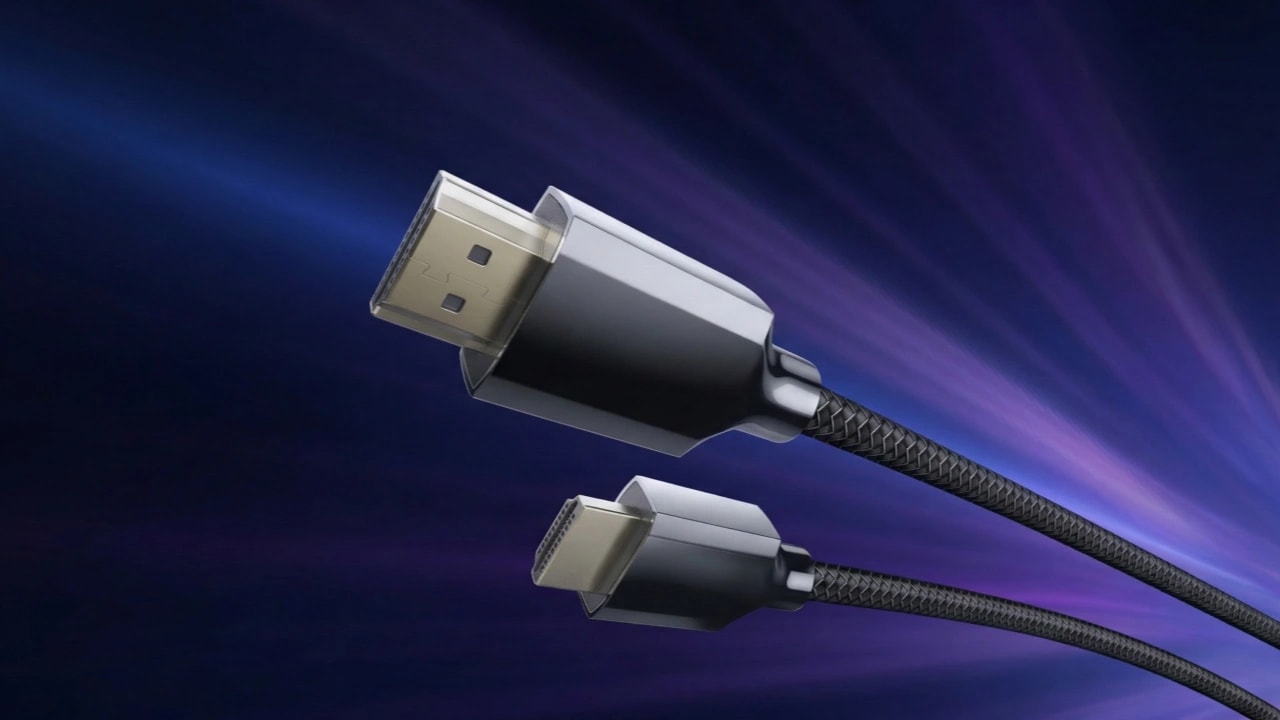
These steps will help you enjoy uncompressed versions of audio and video. Most manufacturers use HDMI 2.1 ports, like Valerion projectors. An HDMI 2.0 cable can be used in the 2.1 slot. But it will hinder system performance. For example, the Valerion HDMI 2.1 Cable offers 48 Gbps bandwidth, 24k gold-plated connectors to prevent corrosion, and quad-layer shielding to block signal interference.
FAQs: Common Questions about HDMI 2.1
Which resolution and refresh rate does HDMI 2.1 support?
HDMI 2.1 supports a wide range of resolutions and refresh rates: 4K at 60 or 120 Hz, 5K at 60 or 120Hz, 8K at 60Hz or 120Hz compressed, and 10K at 60Hz or 120Hz compressed.
Can an HDMI 2.0 cable work with an HDMI 2.1 port and vice versa?
Yes, the physical ports are identical, so they plug in easily. However, you won't get the new 2.1 features
eARC vs. Optical Audio: Which is better?
eARC is better due to its higher bandwidth and support for 7.1 surround sound, whereas Optical Audio supports only 5.1 surround sound.
How to check the speed of an HDMI cable?
Check labels on the packaging. If that's not possible, check the cable for text labelled “Ultra High Speed” or “48 Gbps”.
Will HDMI 2.1 improve picture quality on standard 1080p content?
No. For gaming, yes, if the system supports an HDMI 2.1 port and Dynamic HDR is used, VRR is used. Just a cable upgrade won’t affect the image quality.
Conclusion: Make the Right Choice of HDMI Type for Your Setup
When comparing HDMI 2.1 vs. 2.0, which is better? HDMI 2.0 hasn’t become obsolete, but HDMI 2.1 offers drastic improvements in image quality, higher refresh rate, and minimal input lag. If you are currently using HDMI 2.0-compatible hardware and rendering 4K at just 60Hz is enough, then upgrading isn’t necessary. Upgrading is a better choice to future-proof your setup, or professionals, or gamers, to achieve the highest possible audio/video fidelity.
If you are using HDMI 1.4, upgrading now is a better choice, whether to HDMI 2.0 or 2.1. Check out Valerion Projectors, which can be used for gaming, watching movies, or office use without extra technology.