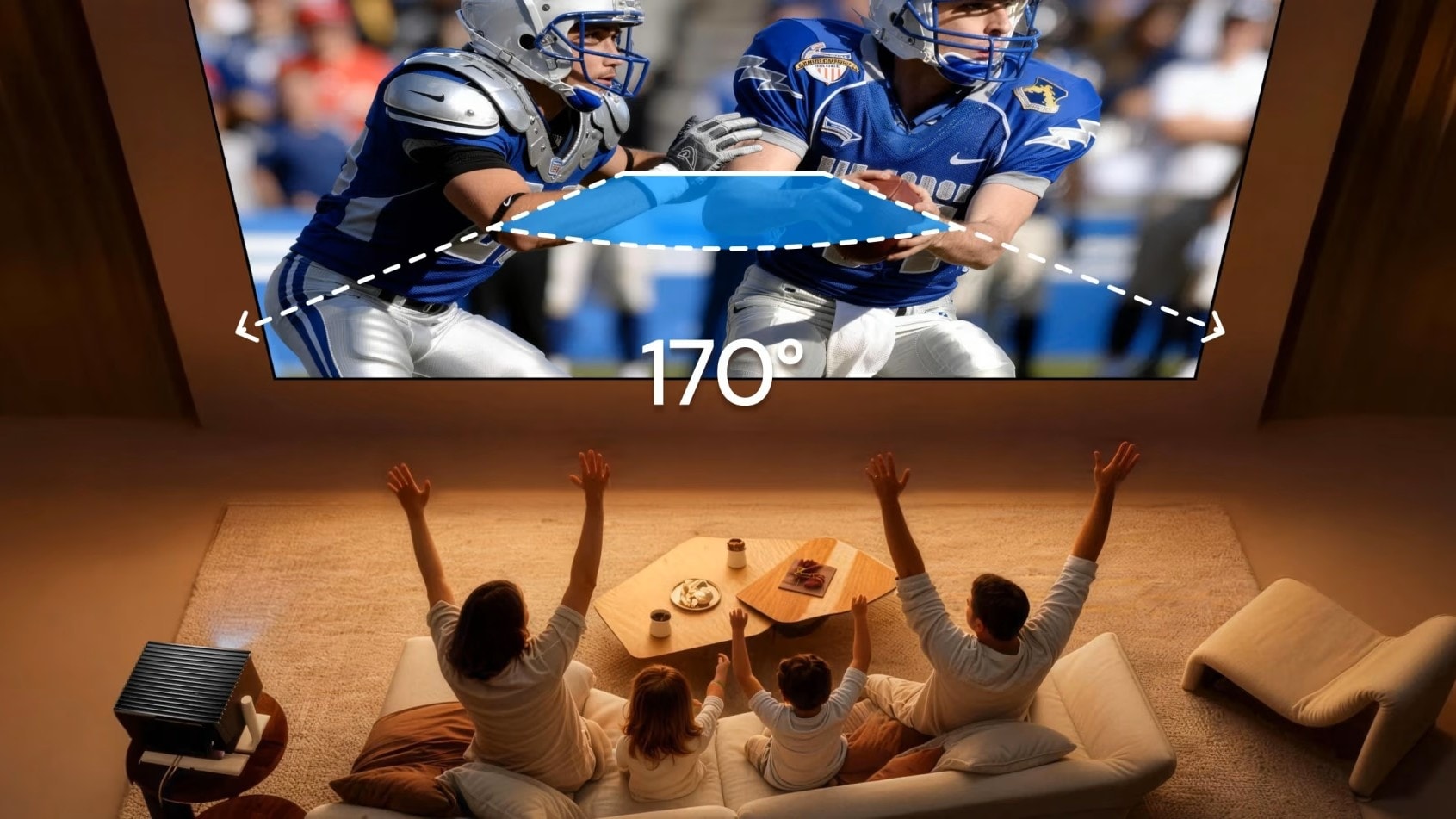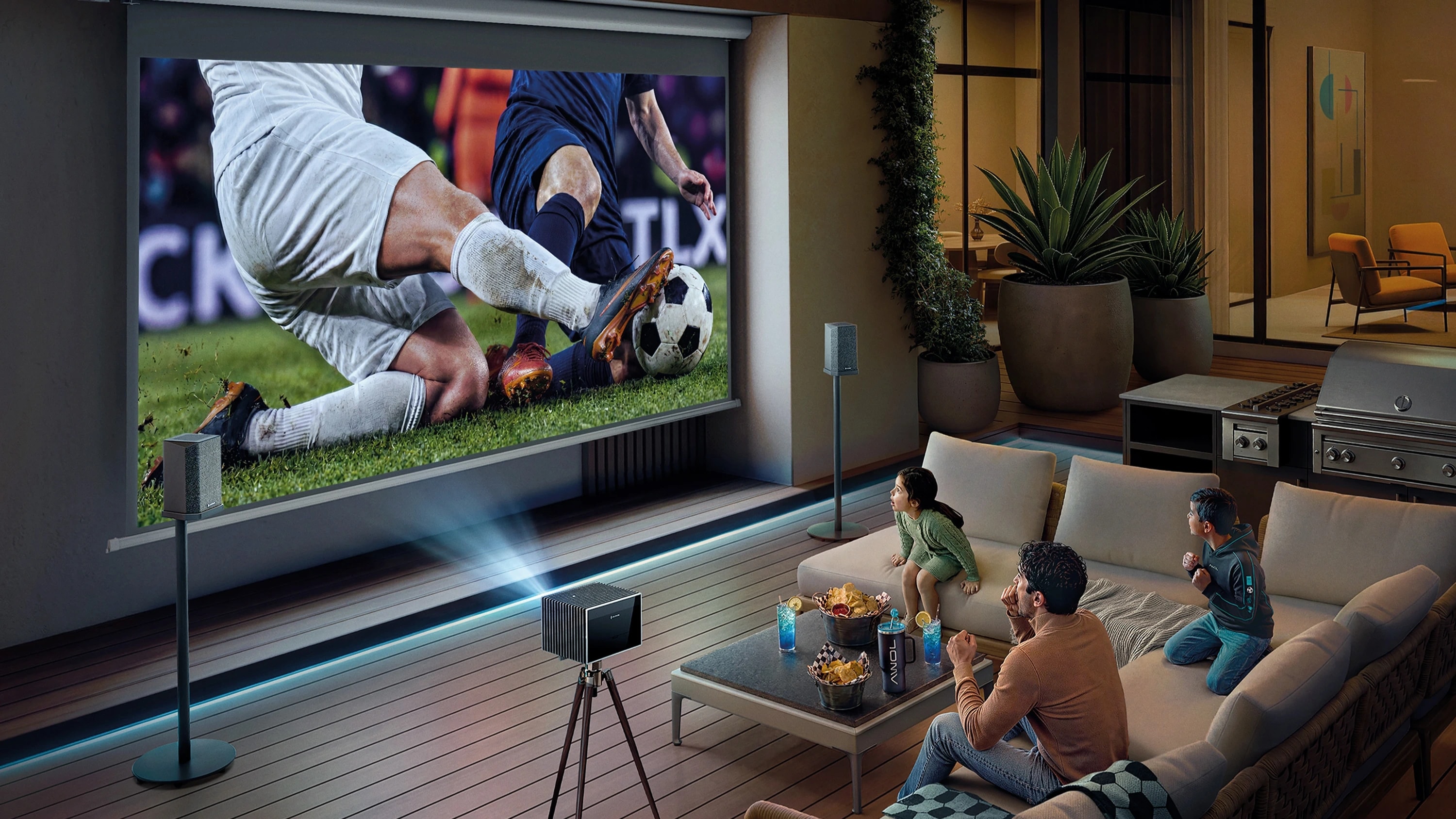
If you want a perfectly aligned image without compromising picture quality, understanding projector lens shift is essential. This feature is the difference between seamlessly fitting a projector into your living room and having to awkwardly redecorate your space just to watch a movie. Depending on where the projector must sit relative to the screen, you may need vertical lens shift, horizontal lens shift, or both.
What Is Projector Lens Shift and How Does It Work?
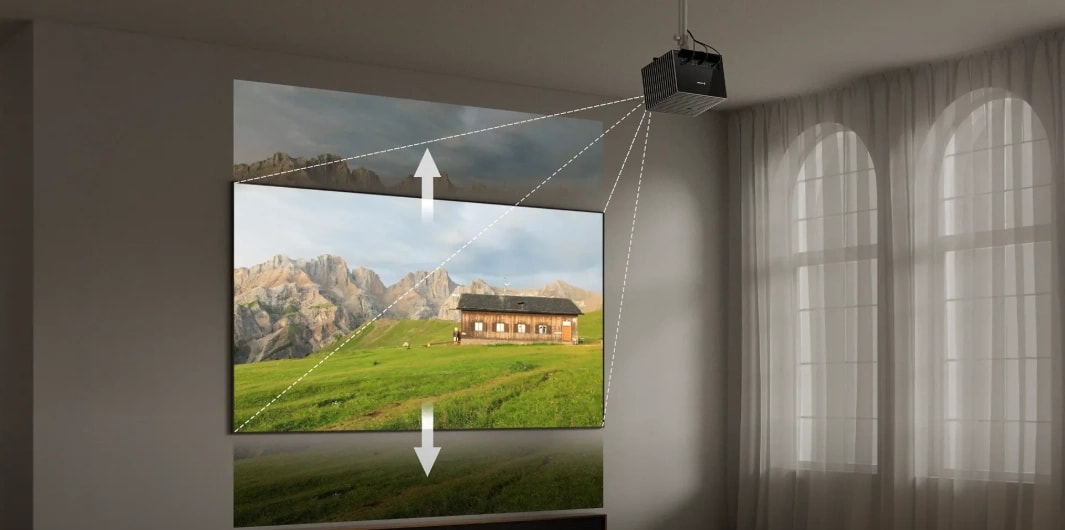
Projector lens shift is a technology that lets you move the projected image vertically, horizontally, or both, without worrying if the projector can work at an angle.
Instead of digitally manipulating the image, lens shift works by physically moving the lens assembly inside the projector's housing. Because lens shift moves the image optically rather than digitally remapping it, it avoids the pixel-mapping changes associated with keystone correction. By keeping the projector perfectly level and aligned with the wall or screen, lens shift allows for flexible room placement while maintaining the projector's native rectangular image geometry without the trapezoidal distortion caused by tilting the projector.
Vertical vs. Horizontal Lens Shift
Vertical lens shift moves the image up and down. This is the most common type of shift and is crucial for ceiling mounts or low table setups. Whereas a horizontal lens projector moves the image left and right. This feature is generally found on models with greater installation flexibility, allowing you to place the projector off-center.
Whether you need vertical lens shift, horizontal lens shift, or both depends entirely on your projector placement. Many standard projectors offer only vertical adjustments, while highly flexible high-end models offer both.
Lens Shift vs. Lens Offset
Lens offset is the projector's fixed image position relative to the lens. Lens shift allows you to adjust that position over a range, letting you place the projector above, below, or to the side of the screen without tilting it.
For example, a projector may have a fixed vertical offset that places the image above the lens when sitting on a table. A projector with vertical lens shift can then move that image farther up or down without tilting the projector. Every projector has some lens offset, even if it is 0%. Only some projectors offer adjustable lens shift to give you placement flexibility.
Lens Shift vs. Keystone Correction
Although both technologies can help a projector work from an off-center position, they handle the image in completely different ways.
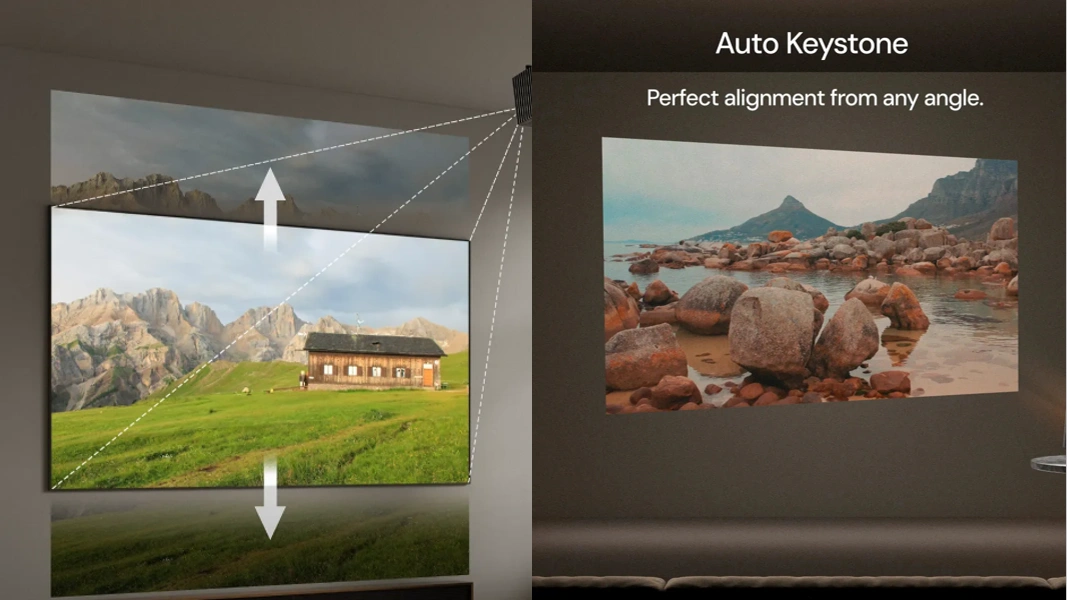
What Keystone Costs You
Because lens shift moves the image optically rather than digitally remapping pixels, it avoids the image-quality compromises associated with digital keystone correction. What is the keystone on a projector?
When you use keystone correction, it digitally remaps the image to force a trapezoid back into a rectangle. This digital remapping can break the native one-to-one pixel mapping and introduce visible artifacts, including moiré patterns in fine, repetitive textures such as blinds, fabric, or tightly spaced lines. Because unused corners of the imaging chip are wasted, heavy keystone correction can also reduce overall image brightness.
When Keystone Correction Is Acceptable
You should rely on digital keystone correction only when you have a portable or travel setup, are presenting in a temporary conference room, or require a very small correction of just a few degrees.
Pixel Shift vs. Lens Shift: What’s the Difference
Whether you are using a vertical or horizontal lens shift projector, pixel shifting is unrelated to lens shift. Lens shift controls image placement; pixel shifting affects how the image is formed. The two technologies solve completely different problems.
In DLP projectors using Texas Instruments' XPR technology, the imaging device rapidly shifts the projected pixels to create a higher-resolution image. Some DLP projectors use a 0.47-inch, 1920×1080 DMD together with pixel-shifting technology to produce a 3840×2160 4K UHD image.
How to Read Projector Lens-Shift Specifications
When shopping for a projector, the shift capabilities are usually listed as a percentage. Understanding what this percentage actually means is critical to planning your room layout.
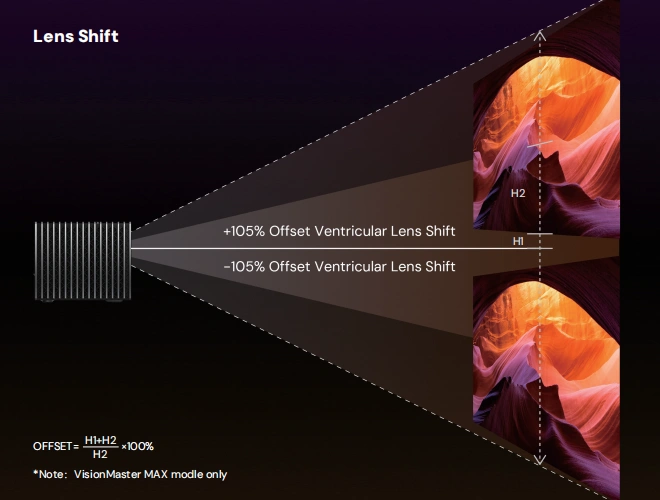
What Does a Lens-Shift Percentage Mean?
A lens-shift percentage describes how far the image can be repositioned relative to a reference point, but manufacturers do not all use the same reference point. Vertical shift is commonly expressed relative to image height, while horizontal shift is commonly expressed relative to image width. Always check the manufacturer's diagram or documentation before converting a percentage into inches.
What ±105% Actually Means
±105% or any percentage in lens shift projector spec is its relativity to image height and image width for the horizontal lens shift projector. A "±105% vertical” spec means the image can move up or down by up to 1.05× the image's height. While most consumer projectors sit in the ±30% to ±50% vertical range, the ±100%+ is featured in the high end projectors.
The 30-Second Calculation
The calculation depends on the manufacturer's definition. Valerion experts recommend this formula to calculate how much image can be shifted to determine if you should invest in that projector.
Formula:
Shift in inches = Percentage × Image Height (or width)
For example, 50% of a 50-inch-high image is 25 inches. But always use the manufacturer's stated reference point before applying the calculation.
For a 100-inch-wide image with ±20% horizontal shift, a manufacturer using image width as the reference would allow ±20 inches from the reference position.
What Happens When Vertical and Horizontal Shift Interact?
When a projector offers both vertical and horizontal lens shift, the two ranges can interact. Moving the lens toward the extreme of one axis may reduce the available range on the other.
Because the physical lens barrel has limited space, the total shiftable area is rarely a clean rectangle; it often resembles a chamfered rectangle or an oval. This is why a spec sheet's "±50%" can be misleading in practice. If you need to push a projector to its absolute placement limits, look for a model with an oversized shift range on the axis you need most. One of the examples from the lineup is AWOL Valerion Max with ±105% vertical lens shift.
Vertical vs. Horizontal Lens Shift: What to Expect
Vertical lens shift is highly common, while horizontal shift is typically reserved for higher-end home-theater models. Vertical shift is essential because ceiling mounts and standard living room tables rarely align perfectly with the vertical center of your screen. Horizontal shift, on the other hand, is only required if your room layout forces you to place the projector off to the left or right side of the viewing area.
Do You Need Lens Shift? A Placement Decision Guide
Placing a projector perfectly off-center sounds incredibly convenient, but your specific room layout will dictate exactly what kind of shift you need.
Ceiling Mount, Shelf and Table Scenarios
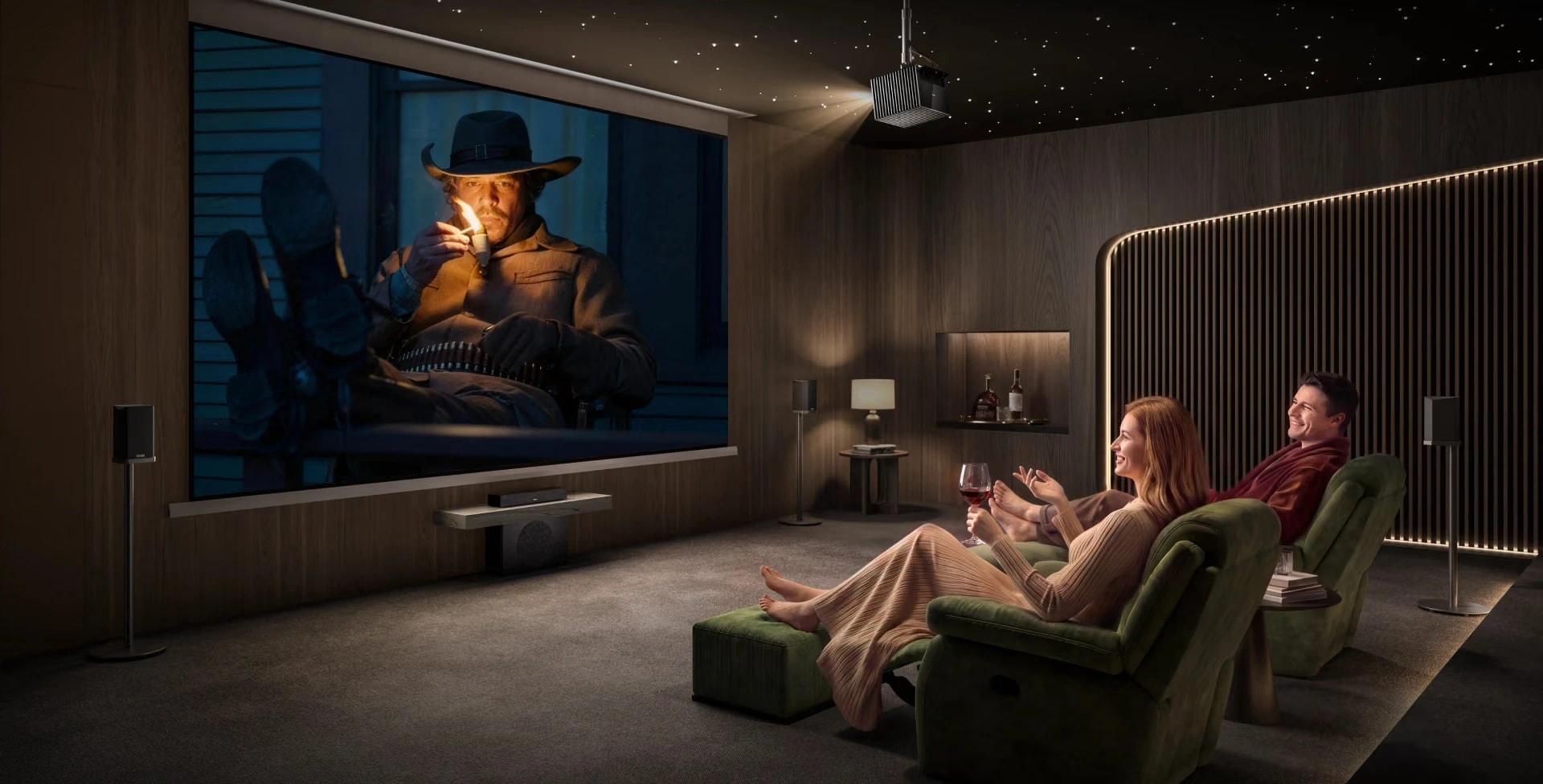
- Ceiling mount: Vertical lens shift can help align the image with the screen without having to tilt the projector downward, which would require keystone correction.
- Rear shelf: Horizontal lens shift is highly useful when the projector must sit to the left or right of the screen's centerline, such as on a bookcase in the back corner of a room.
- Living-room table: Vertical shift helps you avoid projecting onto a low coffee table or missing a high screen when resting the projector on standard furniture.
Quick Lens-Shift Checklist
Before buying, use this checklist to ensure the projector fits your space:
- Where is the lens relative to the screen centerline?
- By how many inches does the image need to move?
- Is that distance within the projector's published shift range?
If the required movement falls within the throw ratio and lens shift range for your intended setup, the projector should be capable of accommodating that placement. If not, you must either move the projector or accept the visual trade-offs of keystone correction.
The Bottom Line
Projectors may offer vertical lens shift, horizontal lens shift, or both. Projector lens shift is a mechanical way to adjust the lens of the projector rather than relying on digital keystone correction to fix off-center placements. Whether you invest in a vertical or horizontal lens shift projector, lens shift is the difference between fitting a projector to a room and compromising a room for a projector. If your space limits where you can place your hardware, browse the projector lineup and compare specs with the AWOL Valerion Max to find the right projector.