AWOL Valerion OTA 3: Refining the Cinematic Experience
September 2, 2026
Firmware Q0718 begins its rollout to AWOL Valerion Max, Pro2, Pro, Plus2, and Plus.
A projector is never really finished. The glass settles, the software learns, and the room you watch in keeps changing shape. With OTA 3, we didn't put a new box on the shelf — we made the one already on your wall a little more cinematic, a little more considerate, and a little more yours.
AWOL Valerion line was built on a simple idea: Hollywood-Standard 4K, at home, without a projectionist. OTA 3 is how that idea keeps earning its keep. Behind it lies quieter work. We've spent more than ten thousand hours tuning our picture platform against thousands of films — and distilled what we learned into the chip. And we haven't stopped: OTA 3 is the latest result of listening to the small frustrations people actually live with. We read them, and we build.
Dynamic Iris — Contrast That Thinks for Itself (AWOL Valerion Max)
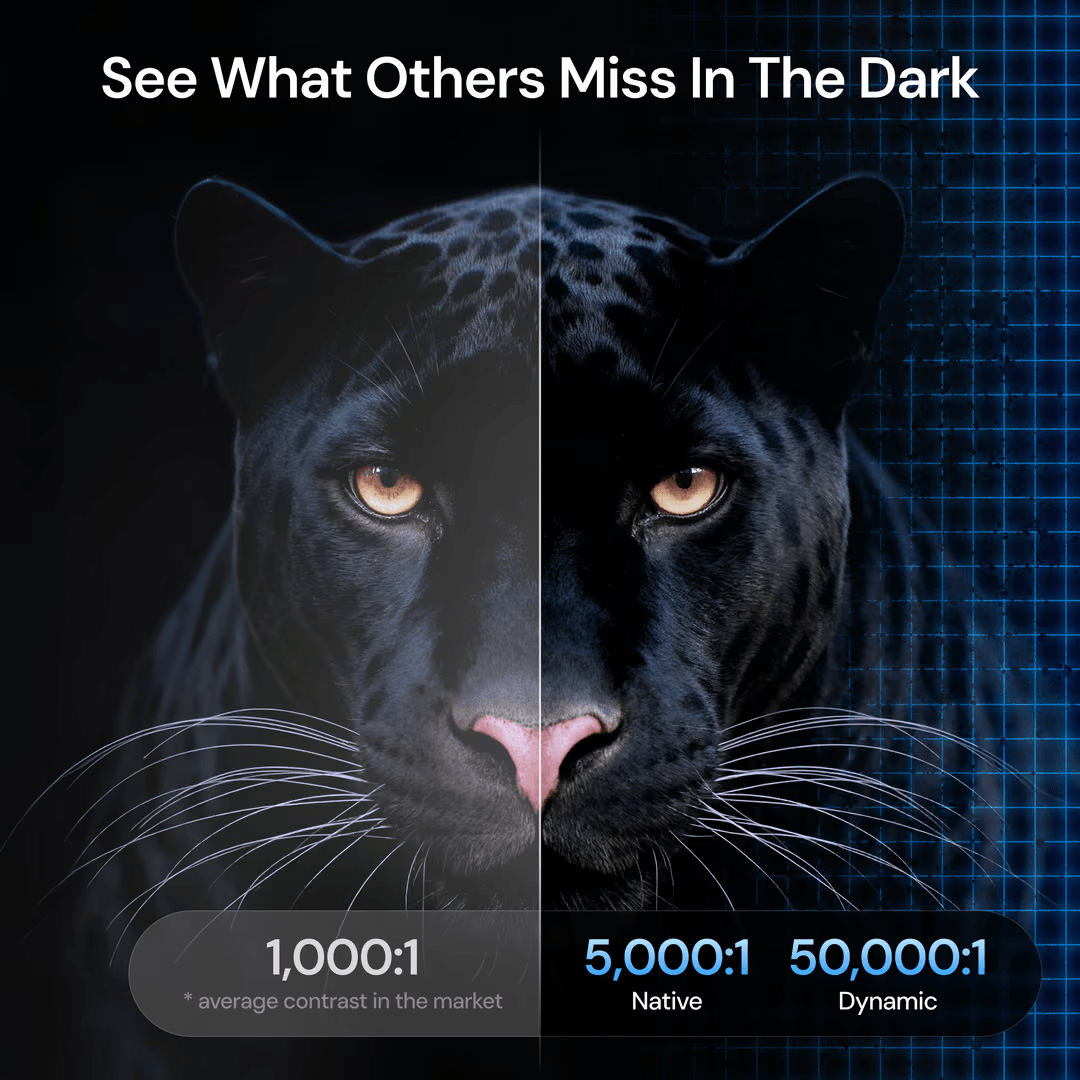
Contrast is the invisible art of cinema. It is the difference between a night sky that feels endless and one that feels flat; between a face lit by candlelight and a face lit by a bulb. Getting it right, frame after frame, is one of the hardest problems in projection.
With Dynamic Iris — exclusive to AWOL Valerion Max — we took that problem off your hands entirely. Your projector now reads the brightness in real time and adjusts the iris automatically, deepening the blacks and lifting the highlights so the picture breathes with genuine, theatrical depth. The effect is subtle and then, suddenly, undeniable: shadows gain weight, highlights gain sparkle, and the image gains a dimensionality that pulls you in. No menus to chase. No manual tuning. Just the image, exactly as it was meant to be seen.
Where to find it: All Settings → Projector → IRIS → Dynamic Iris
ThunderBeat Sound System, now in the OSD
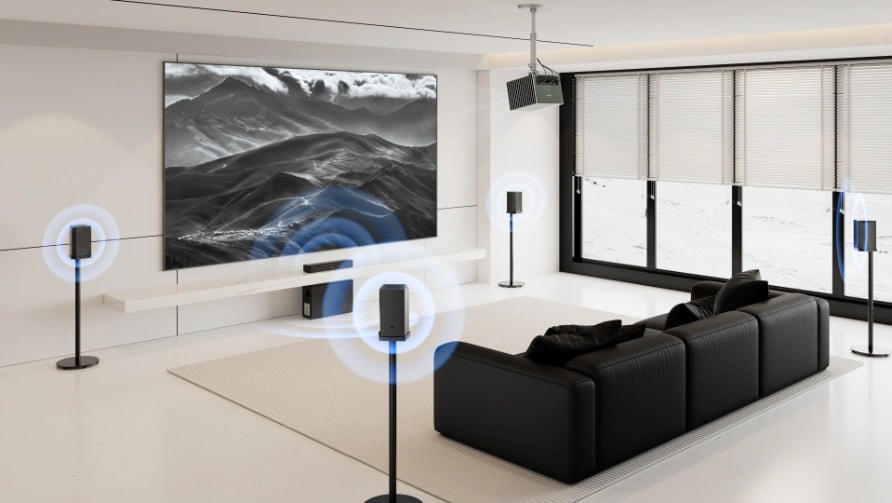
ThunderBeat was always built to fill a room. Now it's built to be tuned. We have given AWOL Valerion ThunderBeat Sound System its own dedicated home inside the on-screen display, so shaping your sound is finally as intentional as shaping your picture. Whether you are settling in for a thunderous action set-piece or a late-night acoustic session, the controls are exactly where your instinct reaches for them — a few presses from your remote, and the room sounds the way the moment demands.
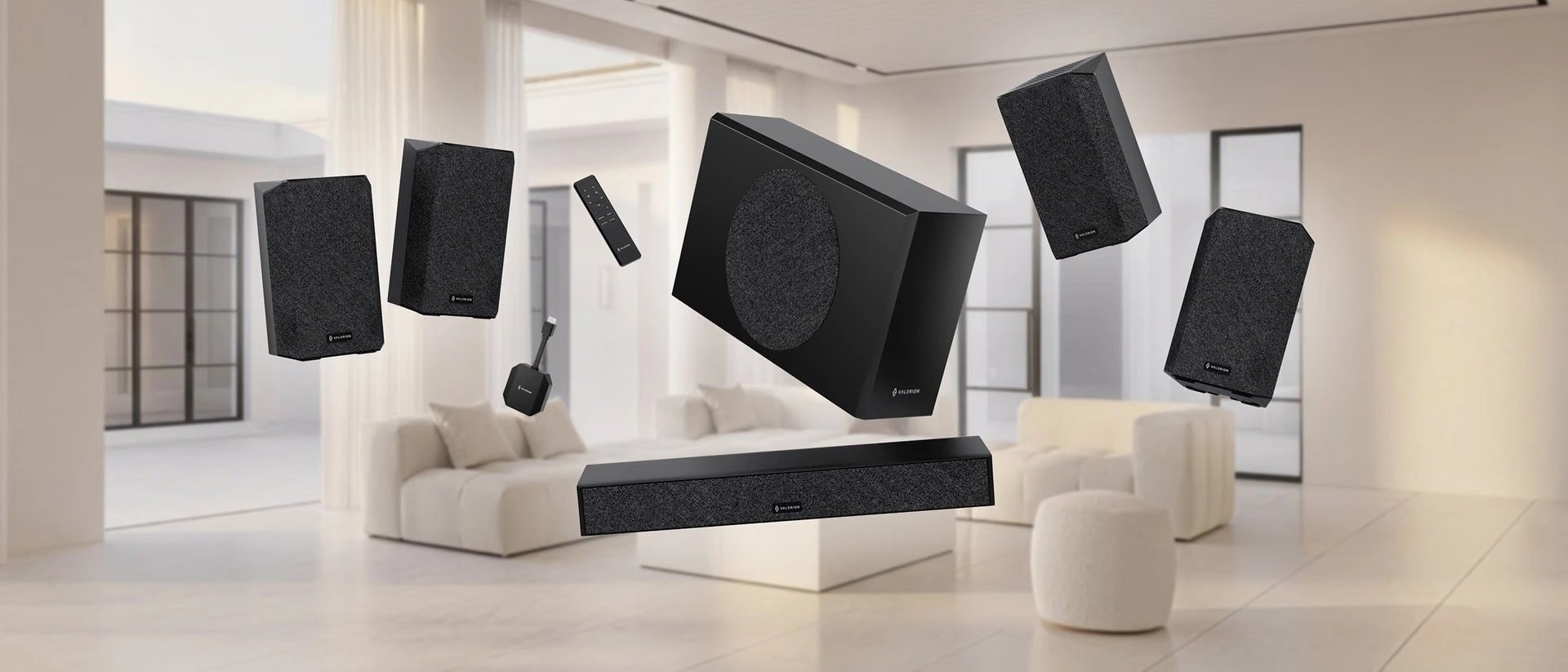
Where to find it: All Settings → Display & Sound → Sound → Audio System → ThunderBeat menu
8-Point Keystone — Frame Perfection, Corner to Corner
Rooms are rarely built for projectors. Walls lean, ceilings slope, and the perfect throw angle is a luxury most of us don't have. Correction has always been part of the answer — but four-point and auto keystone correction could only do so much when a room refused to cooperate.
With 8-point manual keystone correction, you now hold finer, more flexible control than ever before, squaring the image perfectly to your wall or screen right down to each individual corner. It is the kind of precision that turns "good enough" into "exactly right." One honest note: enabling 8-point resets your previous 4-point or auto calibration, and vice versa.
Where to find it: All Settings → Projector → Manual Keystone Correction
The Details That Make the Difference
OTA3 is also a quiet accumulation of refinements you will feel before you can name them — the kind of changes that, once lived with, make the old way feel like a distant memory.
- EBL [Medium] — a new middle ground in our Enhanced Black Level, bridging the gap between EBL Low and High. It applies moderate laser adjustment to keep obvious "pumping" under control while preserving satisfying dark-scene contrast — steady image performance, no compromises.
- AWOL Link Control — your Valerion, finally at home in the smart home. Through the AWOL IP Control protocol, the projector links with your wider ecosystem and answers to your phone, putting cinema control in the palm of your hand.
- Low Noise Mode — when the room goes quiet, so should the fan. Intelligent algorithms gently reduce overall noise for those late-night sessions when the only sound you want is the film's. (With it enabled, laser luminance is automatically managed, so you can simply relax and watch.)
- IR codes for the AWOL Valerion remote — pairing with a universal remote has never been easier. The complete IR key-value list lives in our Help Center, ready when you are.
- Anamorphic 2.0:1 & 1.85:1 — two new ratios for the true cinemascope devotee, putting widescreen fidelity within a single menu tap.
- Eye Protection — Carefree & Focus — a projector should know when someone steps in front of the lens. Carefree switches the display off the instant it senses an obstruction; Focus grants a graceful delay before doing the same, so a passing glance never costs you the frame.
- No more black-scene dimming — brightness now holds steady from scene to scene, so dark moments stay as composed as bright ones.
- Dolby Vision, now resizable — adjust picture size even inside Dolby Vision mode, without ever leaving the format you love.
Frame Packing 3D, fixed
Behind every great night at the movies are a thousand small fixes no one ever sees and everyone eventually feels. In OTA 3, we resolved 3D resolution in Frame Packing scenes — a stubborn edge case that, once corrected, means your next 3D night looks exactly as sharp and clean as it always should have.
Getting OTA 3
Updating is as effortless as the experience it delivers. With System Update enabled, your AWOL Valerion will let you know the moment OTA 3 (Firmware Q0718) is ready to install — a gentle notification, a confirmation, and a restart you barely notice. Prefer not to wait? The update is also available via USB, for those who like to take the wheel. For the full walkthrough — checking your version, the OTA and USB steps, and the fine print — see the full OTA 3 release notes. If you have any questions, please contact support@valerion.com for further assistance.
Member Benefits
Bring Your Cinema Experience Further
Subscribe and receive a $50 Welcome Benefit plus 4 pairs of 3D glasses, along with exclusive Valerion updates.

Points & Rewards

Member Pricing

Early Access

Priority Support
Discover More Insights