What to Look for in a Projector Before You Buy
November 2, 2026
When deciding what to look for in a projector, start with your room, the content you watch, and the equipment you already own. Then compare picture quality, installation flexibility, connections, and ownership support against those requirements.
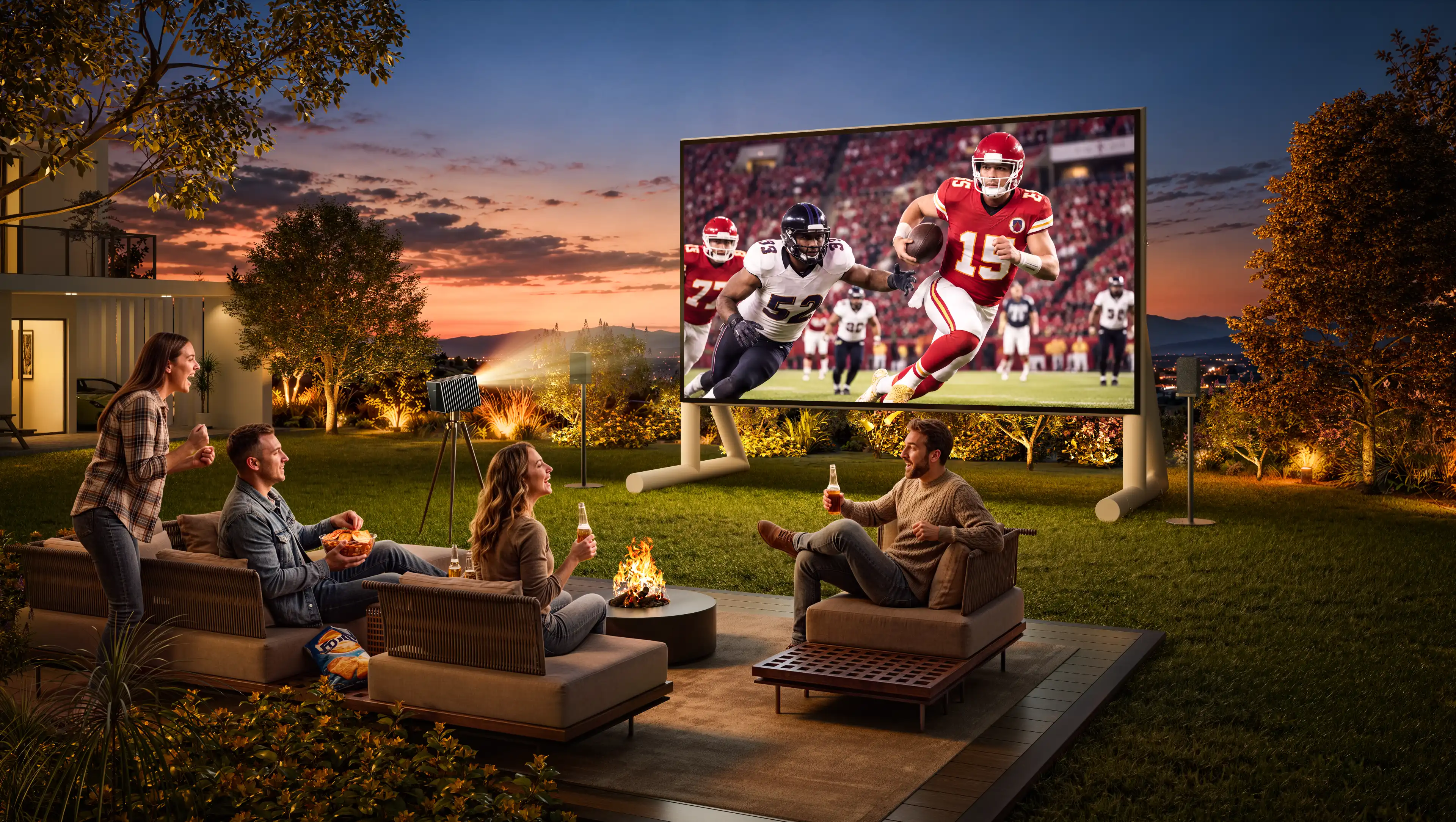
A movie enthusiast with a dark theater and separate speakers has different priorities from someone watching sports in a bright living room. A gamer may care more about responsiveness than built-in streaming apps. Knowing which features deserve your money makes the specifications much easier to interpret.
Start With Your Room and How You Watch
Before comparing models, write down your intended screen size, seating position, available projector location, and usual viewing conditions. Include your main content and any equipment you plan to keep.
Those details establish your priorities:
|
Your situation |
What to prioritize |
What can receive less weight |
|
Dedicated, light-controlled theater |
Black levels, contrast, HDR performance, and sufficient brightness for the screen |
Maximum lumen output alone |
|
Living room with ambient light |
Light control, brightness, screen choice, and practical placement |
Results demonstrated only in a completely dark room |
|
Existing streaming player and sound system |
Video compatibility, connections, and audio integration |
Built-in apps and speakers |
|
Gaming and movies |
Input lag at your intended settings, motion handling, and movie picture quality |
A headline refresh rate without its supported resolution |
|
Restricted installation position |
Throw range, optical zoom, lens shift, and clearance |
Features that cannot solve the placement problem |
For example, if you watch movies after dark through an external streaming player, you may get more value from better contrast and installation flexibility than from a more elaborate smart interface.
If you regularly watch afternoon sports with the curtains open, assess whether you can reduce light falling on the screen. That decision affects both projector and screen selection.
Check Whether the Projector Fits Your Space
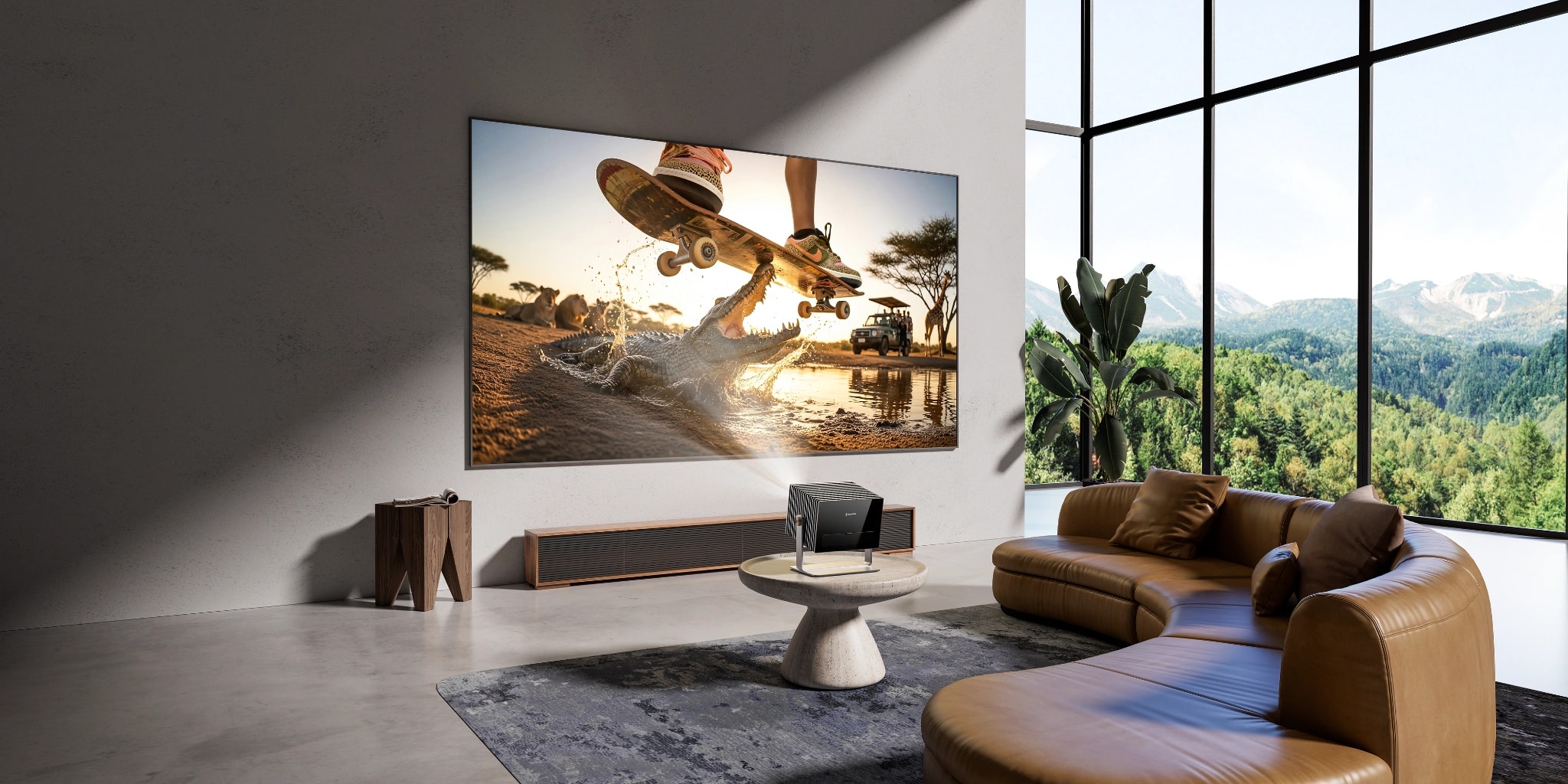
Confirm that a projector can produce your intended image from the available position before comparing smaller differences in performance.
Throw distance is the distance between the projector lens and the screen. Throw ratio relates that distance to image width. Screen sizes are usually advertised diagonally, so a “120-inch screen” does not mean an image 120 inches wide.
Measure the proposed placement and check:
- The screen’s visible dimensions and overall frame size.
- The distance available from the lens to the screen.
- Space for the projector body, cable connections, and ventilation.
- The height of the screen relative to the lens.
- Whether the mount, shelf, or stand can support the projector.
Use the Valerion placement calculator to select a model, image size, and installation mode and review the placement information.
Understand the Adjustment Options
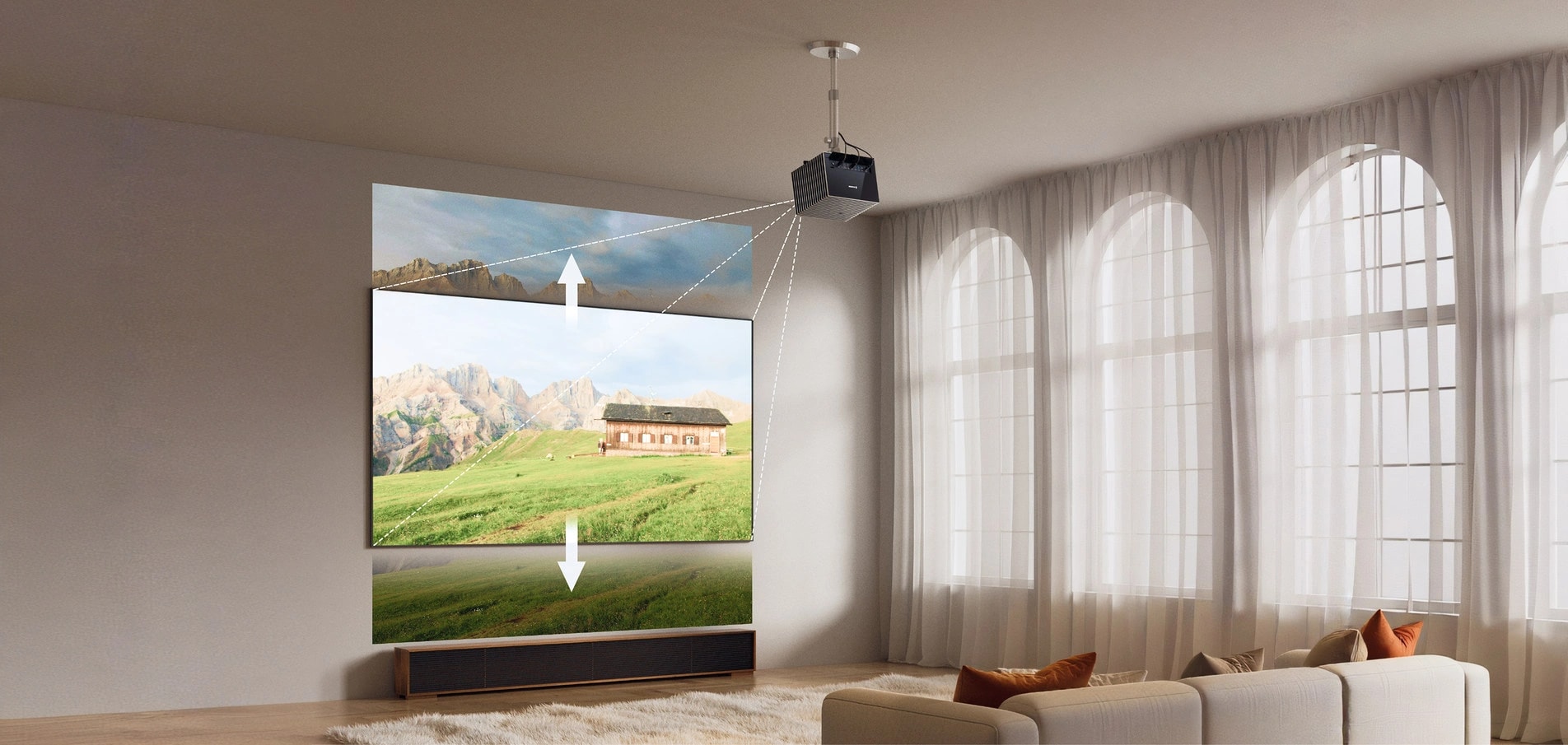
Optical zoom changes image size within the lens’s supported range. Lens shift moves the image without requiring you to tilt the projector. These adjustments are particularly useful when a ceiling mount or shelf limits where the unit can sit.
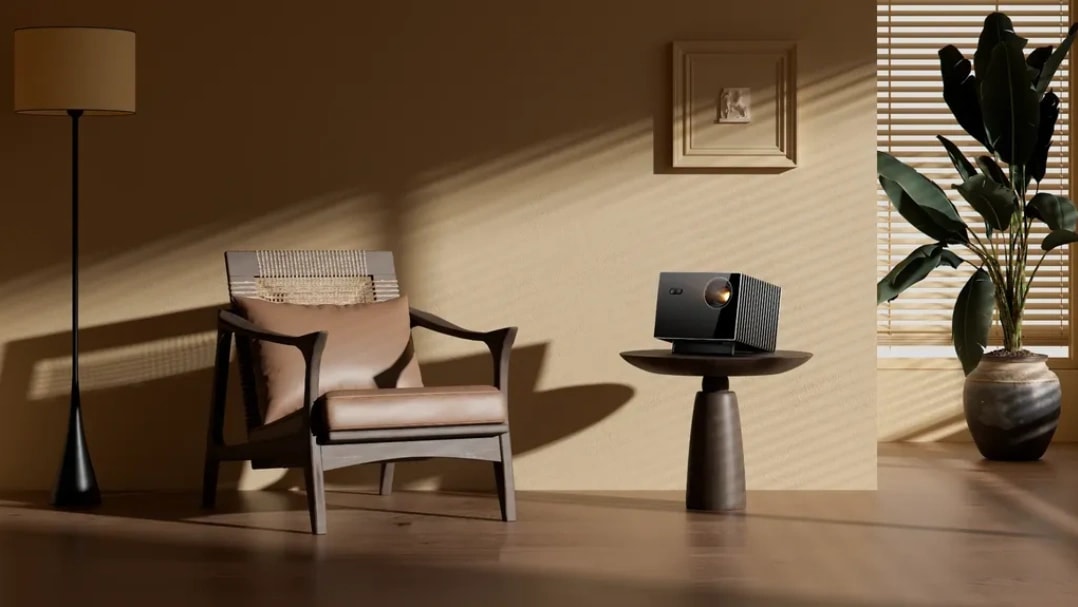
AWOL Valerion Max provides optical zoom and vertical lens shift, giving you ways to adjust image size and height within its installation limits. Confirm the required position before buying; adjustment features still have a defined range.
Keystone correction serves a different purpose. It digitally reshapes an image distorted by angled projection. It can help with alignment, but it does not replace checking throw distance or provide the same adjustment as moving the lens.
Evaluate Picture Quality for Your Viewing Conditions
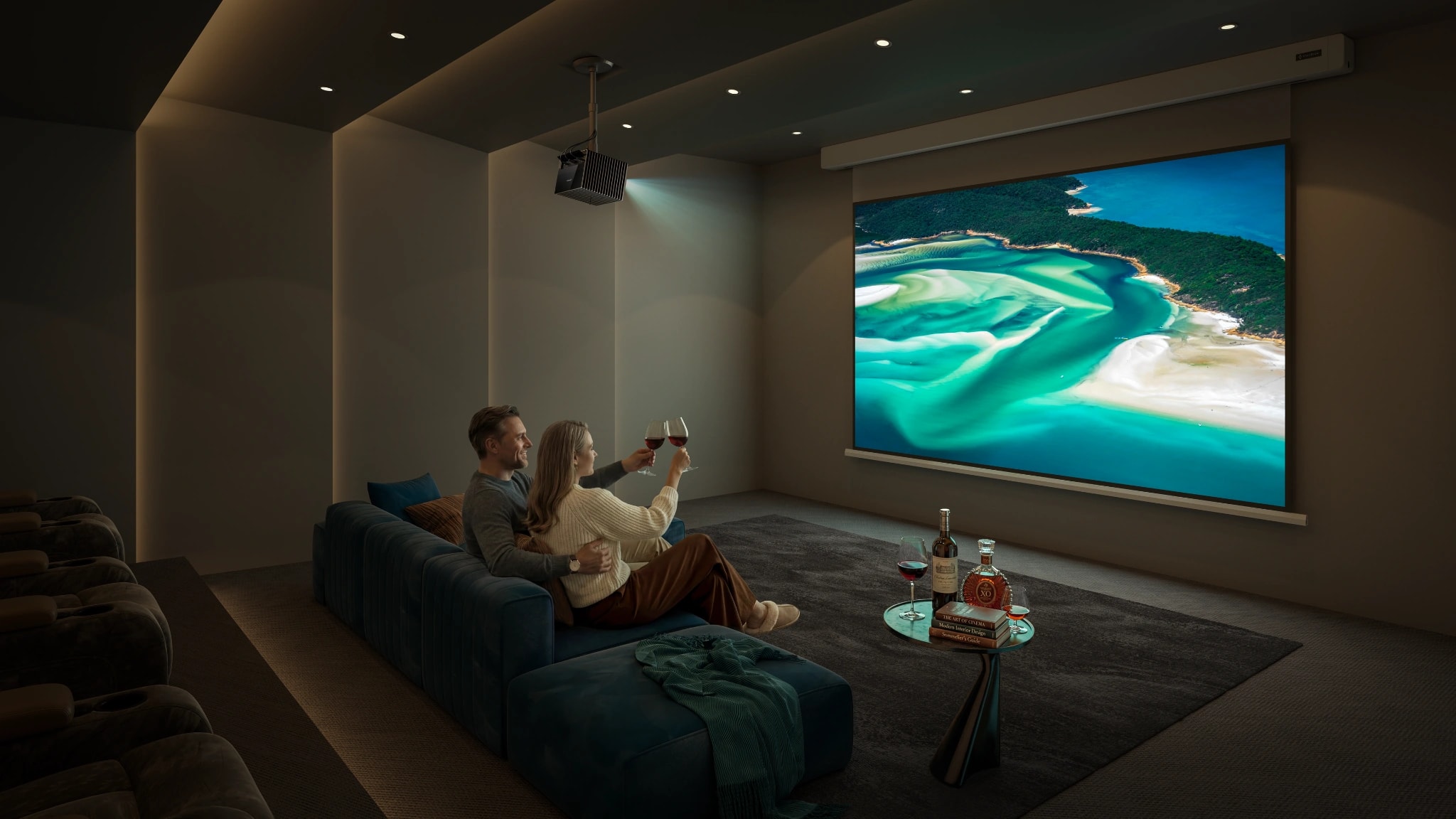
Match Brightness to the Room and Screen
Brightness needs depend on ambient light, image size, screen characteristics, and viewing preferences. There is no single lumen target that makes every home setup work.
In a dark theater, you may have enough brightness for your chosen screen and prefer to prioritize deeper blacks and better shadow detail. Increasing screen size changes that balance: the projector’s light must cover a larger area.
In a living room, light falling on the screen can wash out the image. More output may help, but curtains, light placement, and a suitable screen also deserve attention. A bright projector cannot make unwanted room light disappear.
When comparing specifications, look for a clearly identified measurement standard, such as ANSI or ISO lumens, and check the picture mode used. Treat unlabeled brightness claims cautiously. Independent measurements in a usable movie mode can be more helpful than a maximum-output figure alone.
For demonstrations, ask to see the approximate image size and lighting conditions you expect to use. A small image in darkness tells you relatively little about a much larger image with lamps on.
Match Resolution to Content and Viewing Distance
4K can add visible detail to large images, particularly when you sit close enough to appreciate it and use good-quality source material. The benefit is less compelling if your content is mostly lower-resolution video or your seating position makes fine detail difficult to distinguish.
Check what “4K” means in the specification. Accepting a 4K input does not necessarily mean displaying a 4K image. Projectors can use native imaging panels or pixel-shifting methods to produce their displayed resolution; examine the actual display capability rather than relying on an input-compatibility badge.
Resolution also cannot compensate for poor focus or weak contrast. When viewing a demonstration, look at small text and fine detail near the edges as well as the center.
Assess Contrast, Color, and HDR Together
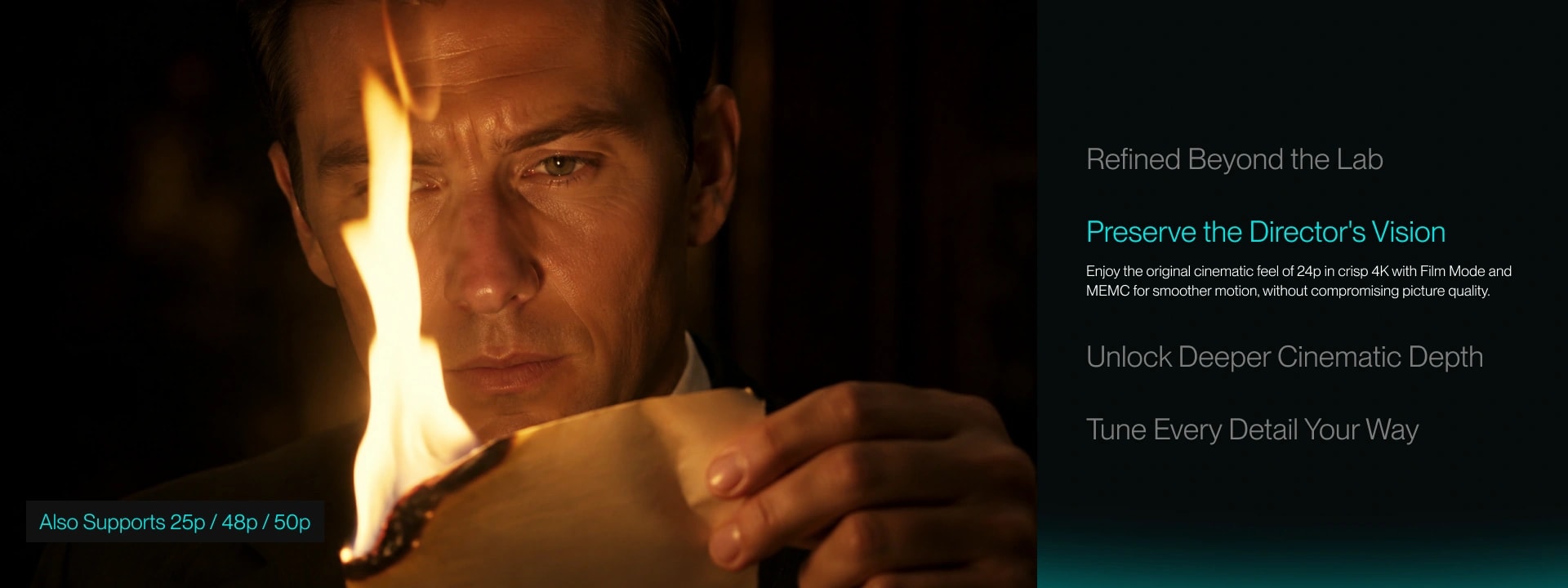
For movie viewing, look beyond how bright a colorful demonstration appears. Watch scenes containing dark clothing, dim interiors, faces, and bright highlights.
Useful questions include:
- Can you distinguish details in dark areas?
- Do blacks look convincingly dark under the viewing conditions?
- Do faces and familiar objects look natural?
- Do bright highlights retain detail?
- Does brightness adjustment become distracting as scenes change?
Advertised contrast ratios may use different measurement methods. A native contrast figure and a dynamic contrast figure describe different behavior, so the larger number is not automatically the better comparison.
HDR support is also a starting point. A projector must map the source’s brightness range to its own capabilities. Look for evaluations of HDR tone mapping and actual content performance, alongside compatibility with the formats you use.
Check the Features Your Equipment Actually Needs
Gaming Performance
For gaming, examine input lag at the resolution, refresh rate, and picture mode you intend to use.
A low-lag figure measured at 1080p with a high refresh rate does not tell you the response at 4K and 60Hz. Confirm that the console or computer can supply the desired signal and that the projector accepts it.
Refresh rate and input lag address different things. Refresh rate describes how often the image updates; input lag concerns the delay before your action appears. Both may matter in a fast game, while a slower strategy game gives you more freedom to prioritize picture quality.
Check whether the required gaming mode changes image processing or restricts adjustment features. For sports viewing, concentrate on motion handling with real broadcasts rather than treating gaming response figures as a complete measure of motion quality.
Streaming, Connections, and Audio
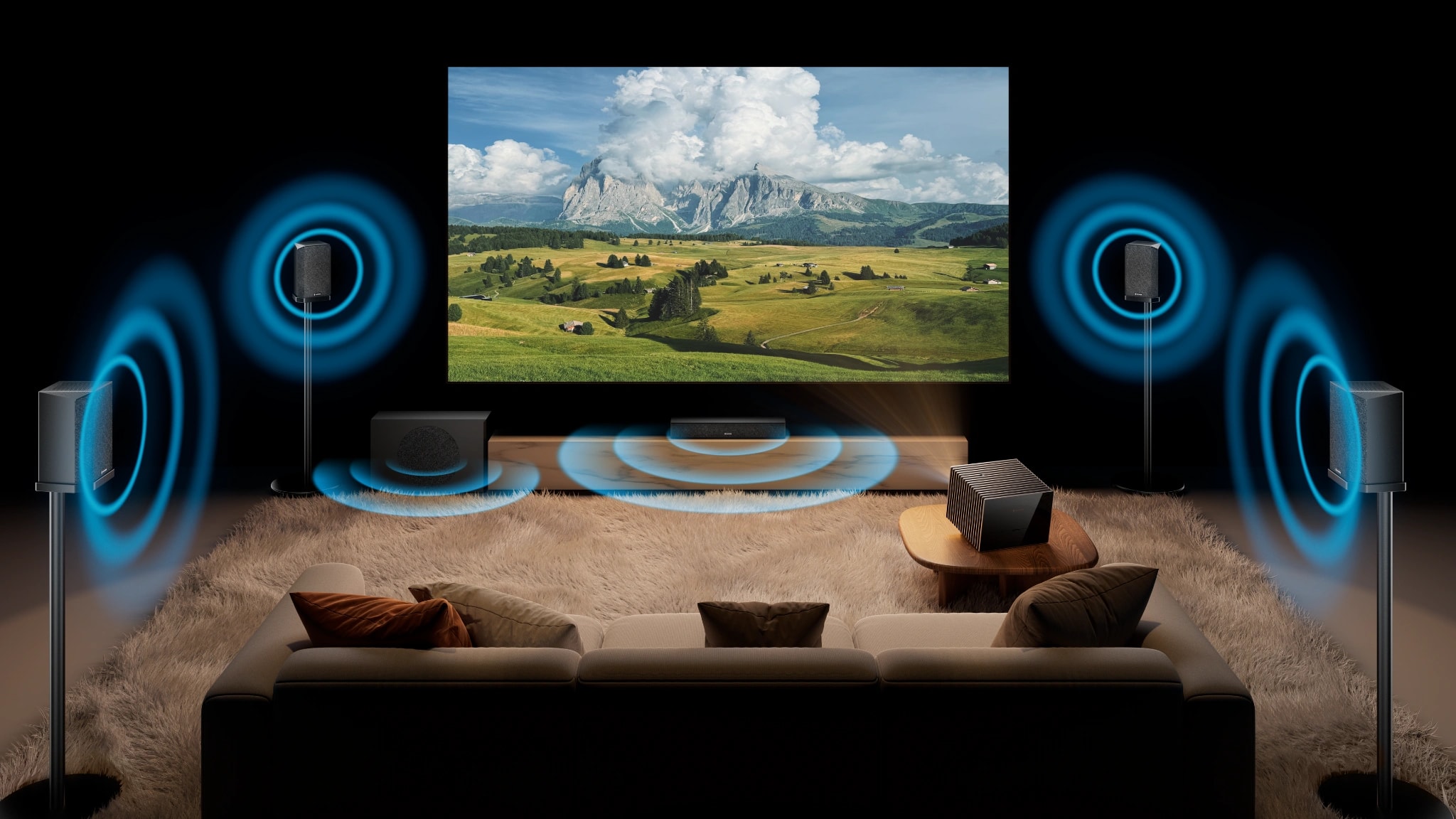
List your sources and follow the signal through the system: player or console, receiver or soundbar if applicable, projector, and speakers.
Confirm the supported video formats, required inputs, and audio connections. If you use a soundbar or receiver, check ARC or eARC support at both ends; the difference between ARC and eARC can affect how you plan the connection.
Built-in streaming and speakers are useful when you want fewer separate devices. If you already have a preferred player and audio system, those integrated features may add little value. Give more attention to whether your existing equipment works together as intended.
A connector label alone does not establish every supported resolution, refresh rate, or audio format. Check the capabilities of the complete connection, including any receiver, adapter, and cable.
Consider Everyday Use and Viewing Comfort
Small operational details become noticeable when a projector is used regularly.
Consider fan noise from the intended seating position, remote responsiveness, menu navigation, startup behavior, and how often you expect to move the unit. A projector used on a different table each weekend presents different setup demands from one installed permanently overhead.
During a demonstration, check focus across the image and watch both quiet dialogue and fast-moving material. Product videos and photographs are useful for understanding a setup, but their exposure and processing make them unreliable for judging exact brightness or black levels.
If you are sensitive to rainbow artifacts on single-chip DLP projectors, make viewing comfort an explicit purchase requirement. Seek relevant evaluations and, where possible, watch the model yourself. Another owner’s report that they saw no artifacts cannot establish how you will respond.
Light-source lifespan deserves similar care. A long rated laser or LED life concerns the light source under specified conditions; it is not a guarantee that every component in the projector will last that long.
Look Beyond Specifications to Brand Reputation and Support
Brand reputation is most useful when it leads you to specific evidence: consistent ownership experiences, clear policies, maintained documentation, and a workable support process.
When reading reviews, consider how closely the reviewer’s setup resembles yours. Someone using a 120-inch screen, external speakers, and disc playback may offer more relevant information than an owner projecting a small image onto a bedroom wall.
Ownership duration matters, too. An enthusiastic first-week review can reveal packaging, setup, and initial picture impressions. Longer follow-ups are more useful for understanding recurring faults, maintenance, firmware changes, and support experiences.
Read across independent reviews, owner discussions, and brand-hosted feedback. Look for repeated patterns and how reported problems were resolved. A single complaint does not establish a failure rate, just as a collection of short-term positive reviews does not prove long-term durability.
Read the Warranty and Return Conditions
Before paying, check:
- Who provides coverage and whether the seller is authorized.
- The standard warranty term and any registration requirement.
- Where the warranty is valid.
- What repair or replacement involves.
- Who pays relevant shipping costs.
- The return deadline and required packaging.
For Valerion, we guarantee a one-year standard warranty plus a one-year free extension, with a registration link. To see specific regional eligibility and coverage conditions, review the current warranty terms for your purchase.
The 30-day return policy requires original packaging and accessories, and buyers pay shipping for non-quality-related returns. Keeping the packaging until you have evaluated the projector is therefore a practical part of the purchase.
Compare the Cost of the Complete Setup
Build your budget around what you still need to make the system work.
|
Cost item |
What to establish |
|
Projector |
The model and configuration that meet your requirements |
|
Screen |
Suitable dimensions, material, and installation type |
|
Mount or stand |
Compatibility, support capacity, and placement |
|
Playback equipment |
Whether existing devices provide the required content and formats |
|
Audio |
Whether current speakers or a soundbar can be reused |
|
Cables and installation |
Connection lengths, routing, mounting, and any professional work |
|
Light control |
Curtains or lighting changes needed for the intended viewing conditions |
Screen selection deserves attention before the budget is finalized. A screen intended for a particular projection geometry may not suit another projector type. Use the projection screen selection guide to explore the relevant options.
When comparing bundles with separate purchases, match the screen size, screen type, support, and accessories. An included item has practical value when it replaces something you would otherwise need to buy. An unwanted accessory should not outweigh a poorer fit for your room.
Once the configuration is settled, compare final prices, applicable offers, and purchase conditions. If you are shopping during the holiday sales period, the Black Friday projector buying guide provides the next step for evaluating discounts and bundle value.
A Final Checklist Before You Buy
Before placing the order, confirm that you can answer these questions:
- Can the projector produce the intended image from the available position?
- Have you assessed picture quality under relevant lighting and screen conditions?
- Will your content sources and audio equipment work with the planned connections?
- Have you checked any essential gaming or viewing-comfort requirements?
- Do you understand the warranty, return process, and possible shipping costs?
- Does the complete setup fit the budget?
If one answer remains uncertain, resolve it with a measurement, manual, demonstration, or specific support question before committing.
Choose Around the Features You Will Use
Start with a few essential requirements: the image must fit, the picture must suit your viewing conditions, and the system must work with your content and equipment. Use those requirements to narrow the choices, then compare the refinements worth paying for. For a home cinema setup that needs flexible image placement, AWOL Valerion Max is an option to assess against that shortlist.
FAQs About Choosing a Projector
Is Brightness or Contrast More Important in a Projector?
Consider the limiting factor in your setup. If room light washes out the screen, improve light control and assess brightness and screen suitability. In a dark room with adequate brightness, black levels and contrast may deserve more attention. Increasing image size can change the balance.
Do You Need a 4K Projector for Home Use?
4K is worth considering for large images, closer seating, and high-quality 4K content. A 1080p projector can still suit casual viewing or a smaller budget. Compare the complete picture and installation fit before choosing on resolution alone.
Can a Projector Replace a TV in a Living Room?
It can, particularly when you want a large image and can manage room light. Check daytime viewing, screen placement, audio, and everyday operation. If you watch frequently in strong daylight and cannot reduce light on the screen, a TV may better suit the space.
Do You Need Built-In Streaming and Speakers?
They can simplify an occasional or frequently moved setup. For a permanent system with an existing streaming player and soundbar or receiver, connection compatibility is usually more relevant. Check that you can access the apps, video formats, and audio features you actually use.
Exclusive Welcome Benefit
Unlock Your AWOL Valerion Cinema Experience
Subscribe to unlock your game day guide and early access to seasonal deals

Points & Rewards

Member Pricing

Priority Support

Early Access
New subscribers receive a $100 discount code by email.
Discover More Insights