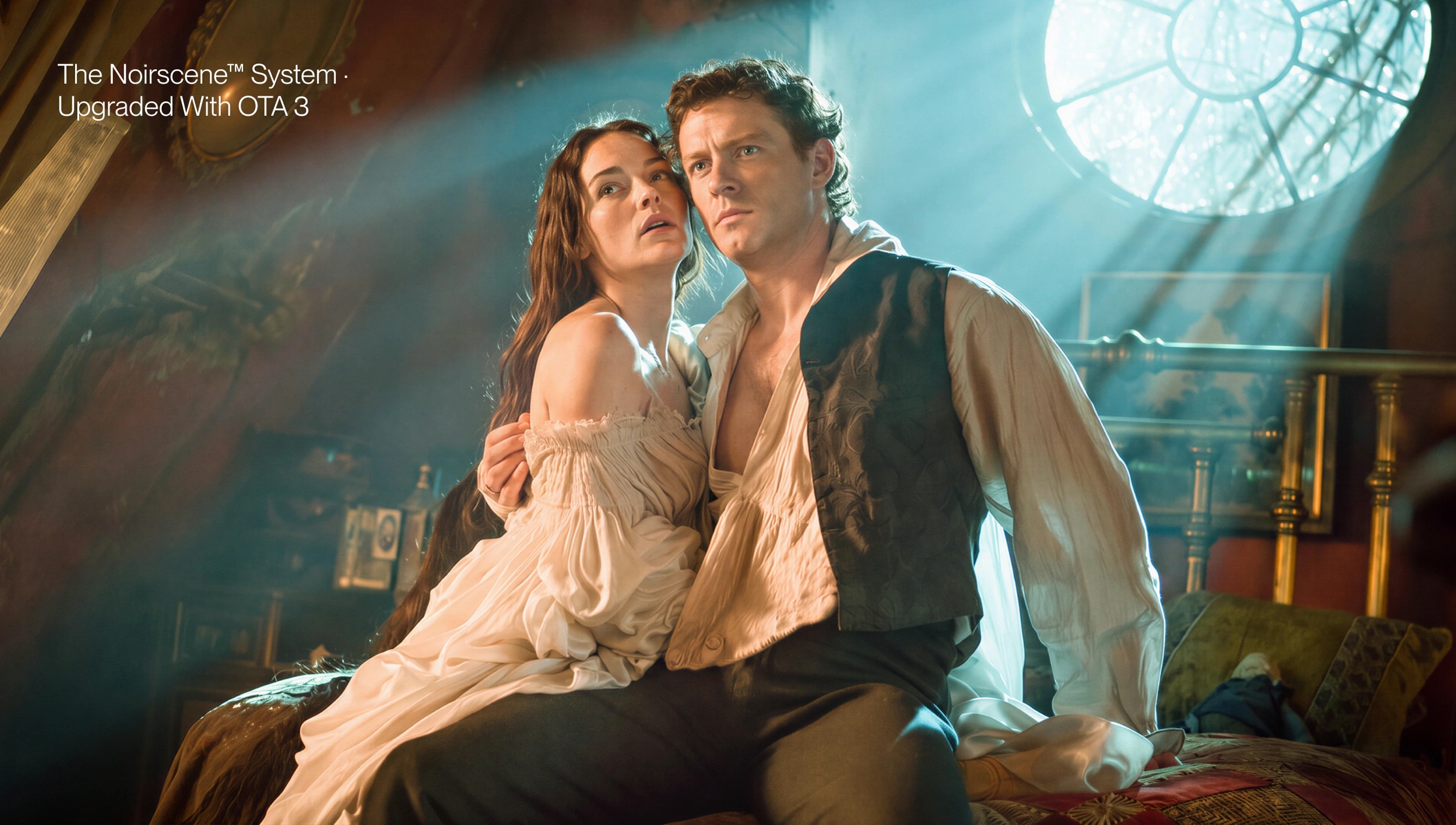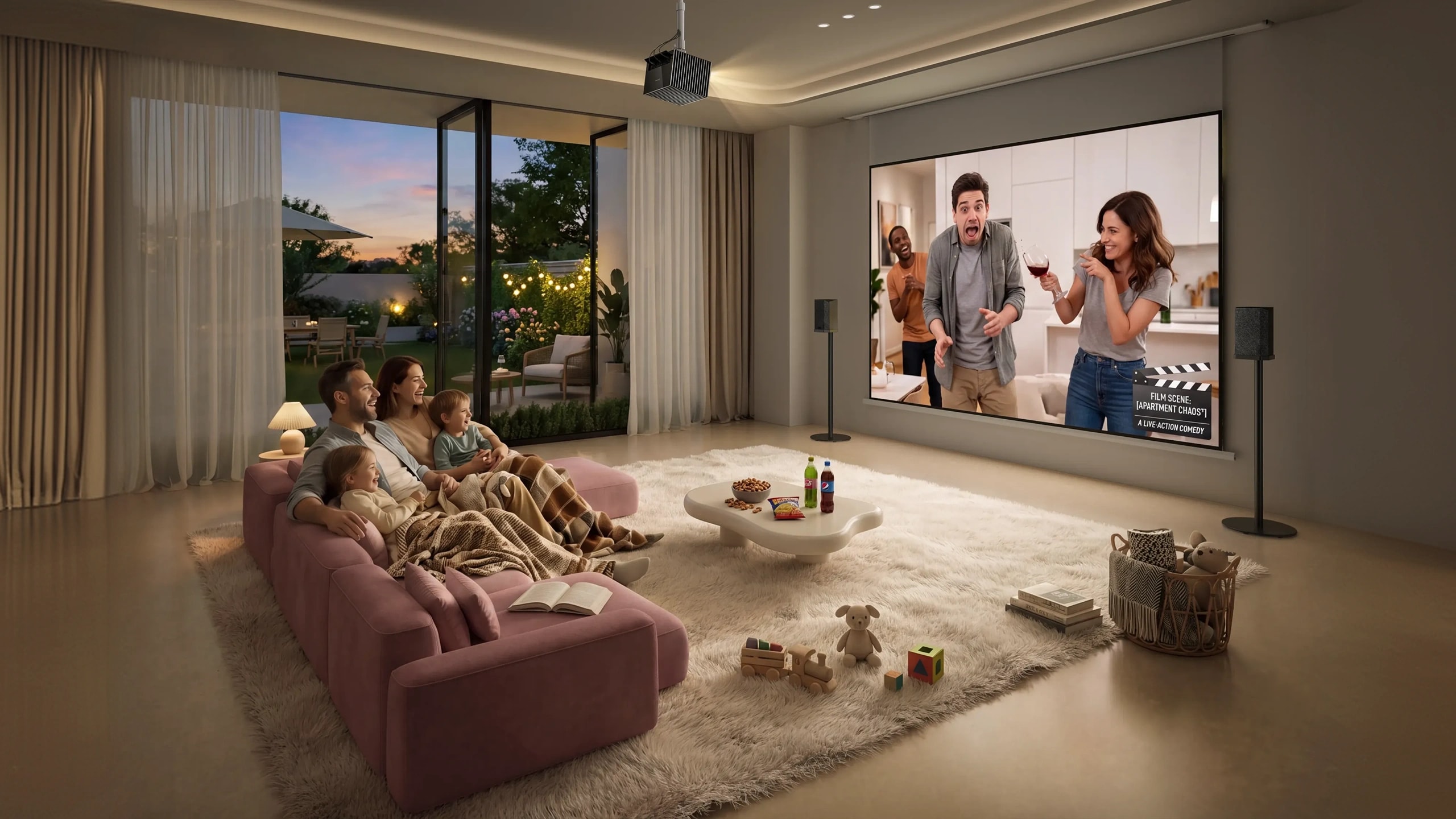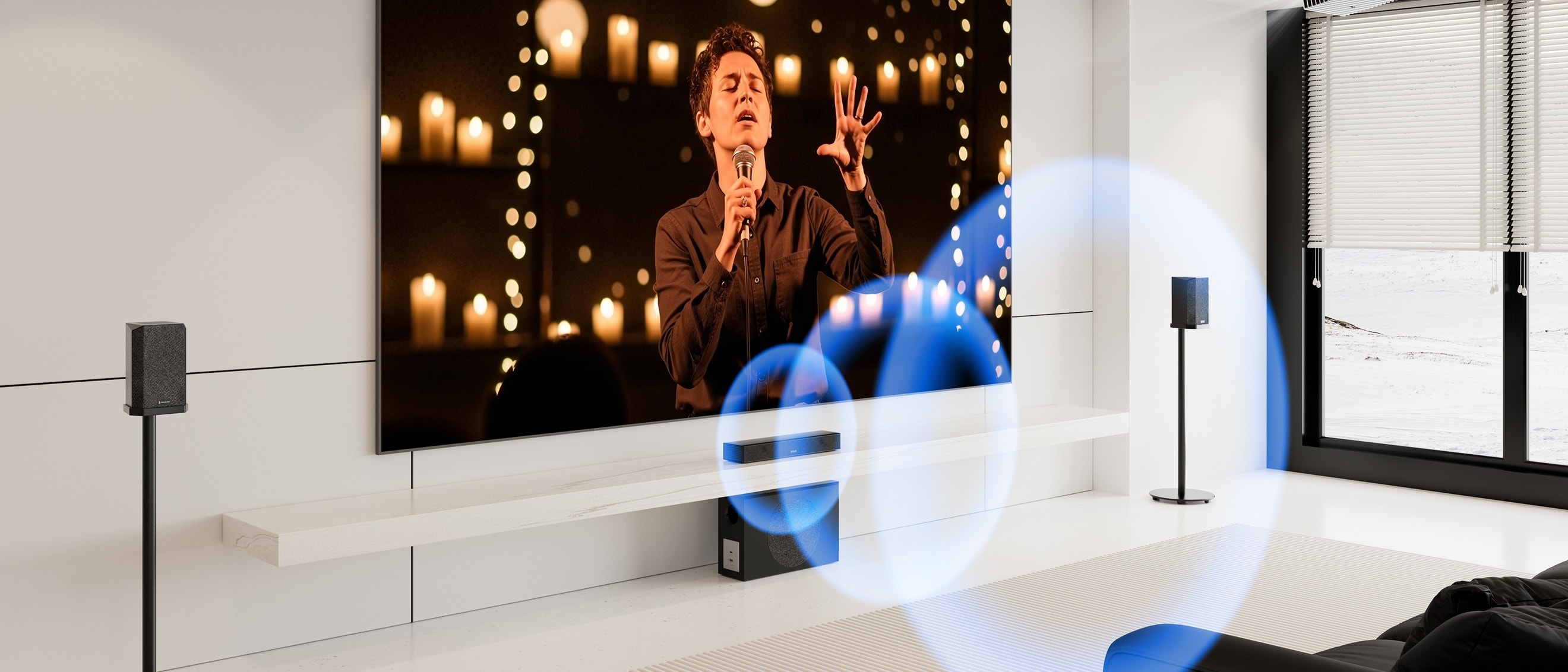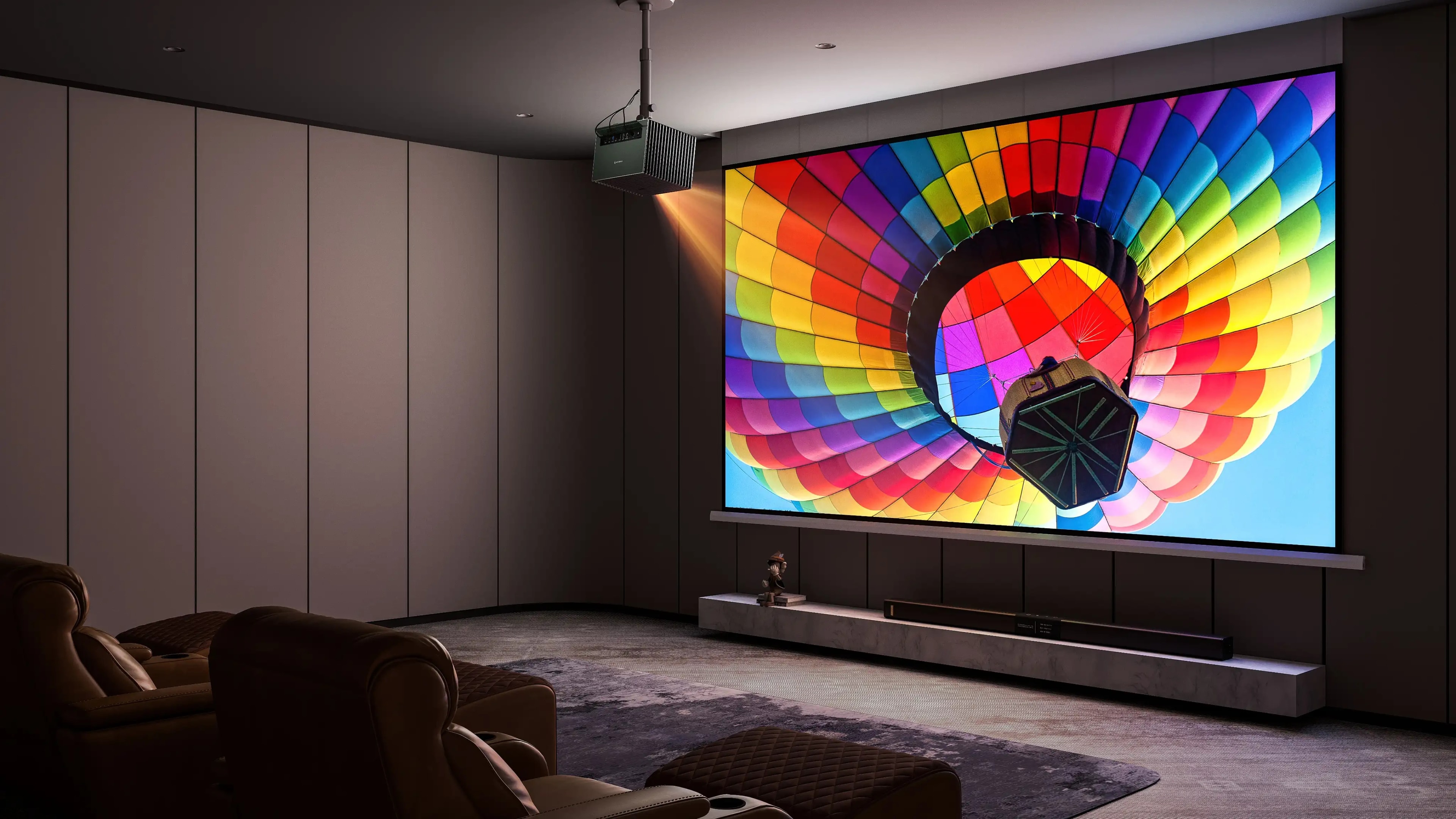
An RGB laser projector can deliver incredible brightness, stunning colors, and a true cinematic viewing experience. However, even the most advanced projector cannot perform at its full potential without the right projection screen.
Many users invest in a premium RGB laser projector but overlook the importance of the screen. As a result, they may experience issues such as uneven images, reduced color accuracy, or visible laser speckle that affects viewing comfort.
The truth is simple: a projector creates the image, but the screen determines how that image is reflected and perceived.
Choosing the right screen helps maximize brightness, preserve color accuracy, improve image smoothness, and create a more immersive home theater experience.
Why Does a Screen Matter for an RGB Laser Projector?
A Screen Controls How Light Is Reflected
A projector works by sending light onto a surface, and the surface determines how that light reaches your eyes.
While a plain wall may seem like a convenient solution, it can introduce several limitations:
- Uneven textures can affect image clarity
- Wall colors can distort projected colors
- Light reflection may be inconsistent
- Fine image details may appear less defined
A dedicated projector screen is designed with a specialized surface structure that helps control light reflection, resulting in a cleaner and more accurate image.
For a high-performance RGB laser projector, a quality screen allows the projector’s brightness, contrast, and color capabilities to be fully utilized.
A Screen Can Affect Color Performance
One of the biggest advantages of RGB laser projectors is their exceptional color performance.
Unlike traditional lamp-based projectors, RGB laser projectors use independent red, green, and blue laser sources to achieve:
- Wider color gamut
- More vibrant images
- More accurate color reproduction
- Better HDR performance
However, the final image quality depends not only on the projector itself but also on how the screen reflects those colors.
A poorly matched screen may reduce brightness or affect color consistency, while a properly designed screen helps maintain the intended image quality.
What Challenges Are Unique to RGB Laser Projectors?
Understanding Laser Speckle
RGB laser projectors use coherent laser light, which can create a phenomenon known as laser speckle.
Laser speckle appears as tiny shimmering patterns or grain-like effects, especially noticeable in bright areas such as:
- White backgrounds
- Snow scenes
- Blue skies
- Movie subtitles
- Bright gaming environments
Although laser speckle does not affect the projector’s resolution or brightness, it can reduce viewing comfort and make the image appear less smooth.
For viewers who want a premium cinema experience, reducing laser speckle becomes an important consideration when choosing a projection screen.
Why Is Laser Speckle More Noticeable on Some Screens?
The visibility of laser speckle depends on several factors, including screen material and surface structure.
Some traditional screen surfaces can enhance light interference patterns, making speckle effects easier to notice.
A screen designed specifically for RGB laser projectors can help minimize these visual distractions by optimizing how laser light is scattered and reflected.
Other factors that may influence laser speckle visibility include:
Viewing Distance
When sitting closer to a large projection screen, small image imperfections become easier to notice.
Image Content
Bright, high-contrast scenes often make speckle more visible compared with darker scenes.
Screen Surface
The structure and texture of the screen material play an important role in how laser light is reflected.
Key Factors When Choosing a Screen for an RGB Laser Projector
1. Choose the Right Screen Material
Screen material is one of the most important factors affecting image quality.
Matte White Screens
Matte white screens are widely used for home theaters because they provide:
- Natural color reproduction
- Wide viewing angles
- Balanced light reflection
- A cinema-like viewing experience
They are especially suitable for rooms where lighting can be controlled.
ALR Screens
Ambient Light Rejecting (ALR) screens are designed to reduce the impact of surrounding light.
They can be useful in brighter rooms, but some ALR materials may have narrower viewing angles or affect color consistency depending on the design.
The best choice depends on your room environment, projector brightness, and viewing preferences.
2. Consider Screen Gain
Screen gain describes how much light a screen reflects compared with a standard reference surface.
A higher gain screen can make images appear brighter, but higher gain is not always better.
An overly high gain may result in:
- Reduced viewing angles
- Uneven brightness across the screen
- Less natural image appearance
For premium RGB laser projectors, maintaining balanced brightness and accurate colors is often more important than simply increasing brightness.
3. Match Screen Size With Your Room
A large screen is one of the biggest advantages of a projector compared with a traditional TV.
However, screen size should match:
- Viewing distance
- Room dimensions
- Projector brightness
- Seating position
For many home theater setups, large-format screens between 100 and 150 inches can create an immersive cinematic experience when paired with a capable RGB laser projector.
4. Choose Between Fixed Frame and Motorized Screens
Fixed Frame Screens
Advantages:
- Excellent flatness
- Professional theater appearance
- Consistent image surface
Best for:
- Dedicated home theaters
Motorized Screens
Advantages:
- Retractable design
- Cleaner room appearance
- Flexible for multi-purpose spaces
A motorized screen can disappear when not in use, allowing a living room or entertainment area to maintain a clean interior design.
Why an Anti-Speckle Screen Is Important for RGB Laser Projection
As RGB laser projectors become more advanced, screen technology must also evolve.
An anti-speckle screen is designed to reduce the visible effects of laser speckle by optimizing the interaction between laser light and the screen surface.
Benefits of an Anti-Speckle Screen
Smoother Bright Scenes
Bright images such as:
- Snow-covered landscapes
- Blue skies
- White text
- Bright gaming environments
can appear smoother and more comfortable to watch.
More Comfortable Long Viewing Sessions
Reducing visual distractions helps create a more relaxing viewing experience for:
- Movies
- Sports
- TV series
- Gaming
Better Matches Premium RGB Laser Projectors
A high-end RGB laser projector and a properly optimized screen work together as a complete projection system.
The projector provides the performance, while the screen helps preserve and present that performance.
Recommended Setup: AWOL Valerion Pro 2 + PureVision Anti-Speckle Motorized Matte White Screen
For users building a premium home theater, the combination of the AWOL Valerion Pro 2 and PureVision Anti-Speckle Motorized Matte White Screen provides a complete large-screen entertainment solution.
The PureVision Anti-Speckle Motorized Matte White Screen complements the projector with:
Together, they create a balanced home theater setup that focuses not only on image size but also on image quality, comfort, and room aesthetics.
Final Checklist: Choosing Your RGB Laser Projector Screen
Before selecting a screen for your RGB laser projector, consider:
✅ Is the screen compatible with RGB laser projection?
✅ Does the screen material match your room environment?
✅ Is the screen size suitable for your viewing distance?
✅ Does the surface help maintain color accuracy?
✅ Does it reduce visual distractions such as laser speckle?
✅ Does the design fit your home theater space?
Conclusion: The Right Screen Unlocks the Full Potential of Your Projector
A premium RGB laser projector deserves more than a basic projection surface.
Choosing the right screen allows you to experience better colors, smoother images, greater viewing comfort, and a more immersive cinema experience.
Whether you are creating a dedicated theater room or upgrading your living room entertainment space, the right projector screen is an essential part of achieving a true home cinema setup.
Pairing an RGB laser projector like the AWOL Valerion Pro 2 with the PureVision Anti-Speckle Motorized Matte White Screen helps bring every detail closer to the way it was meant to be seen.