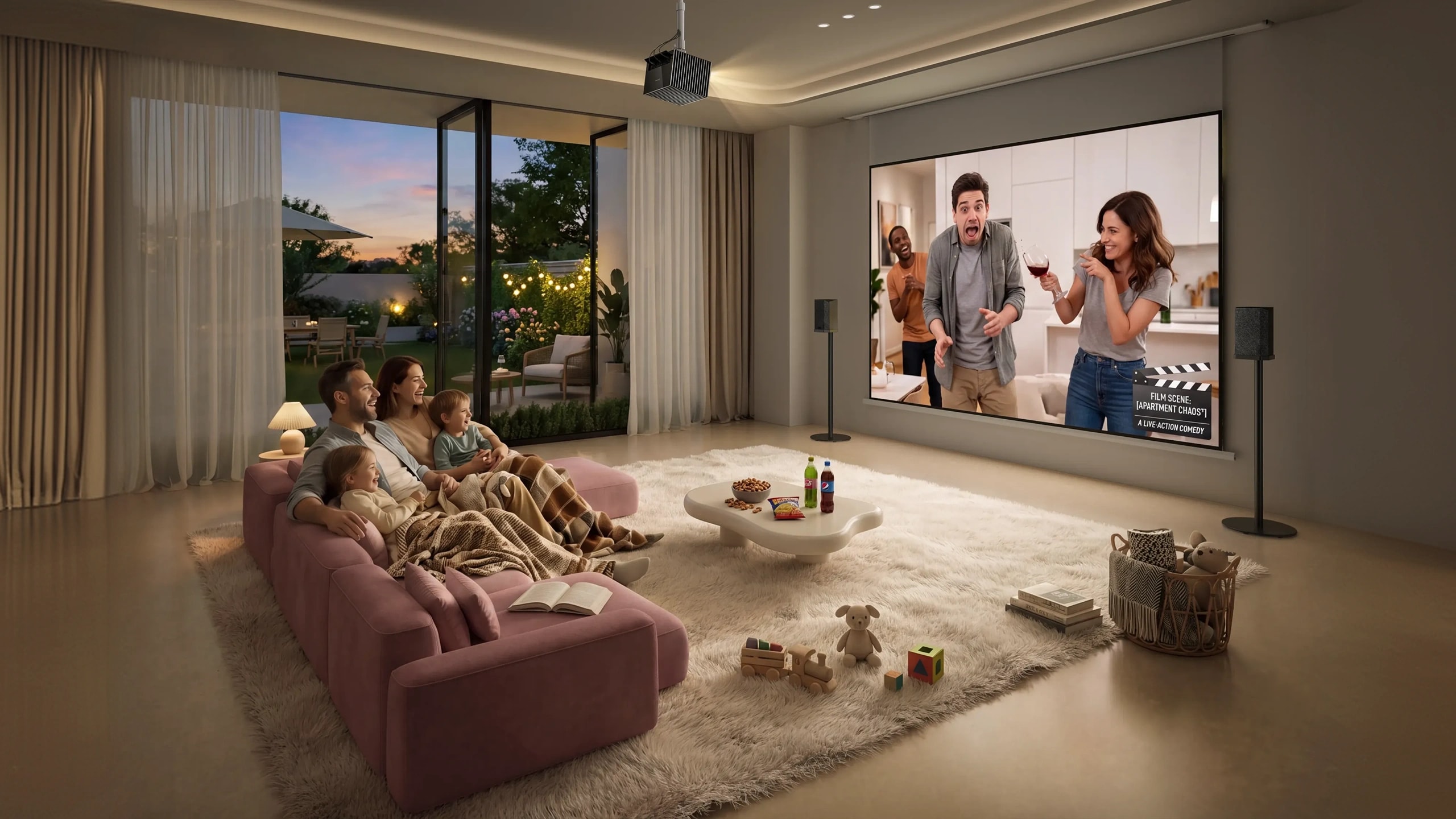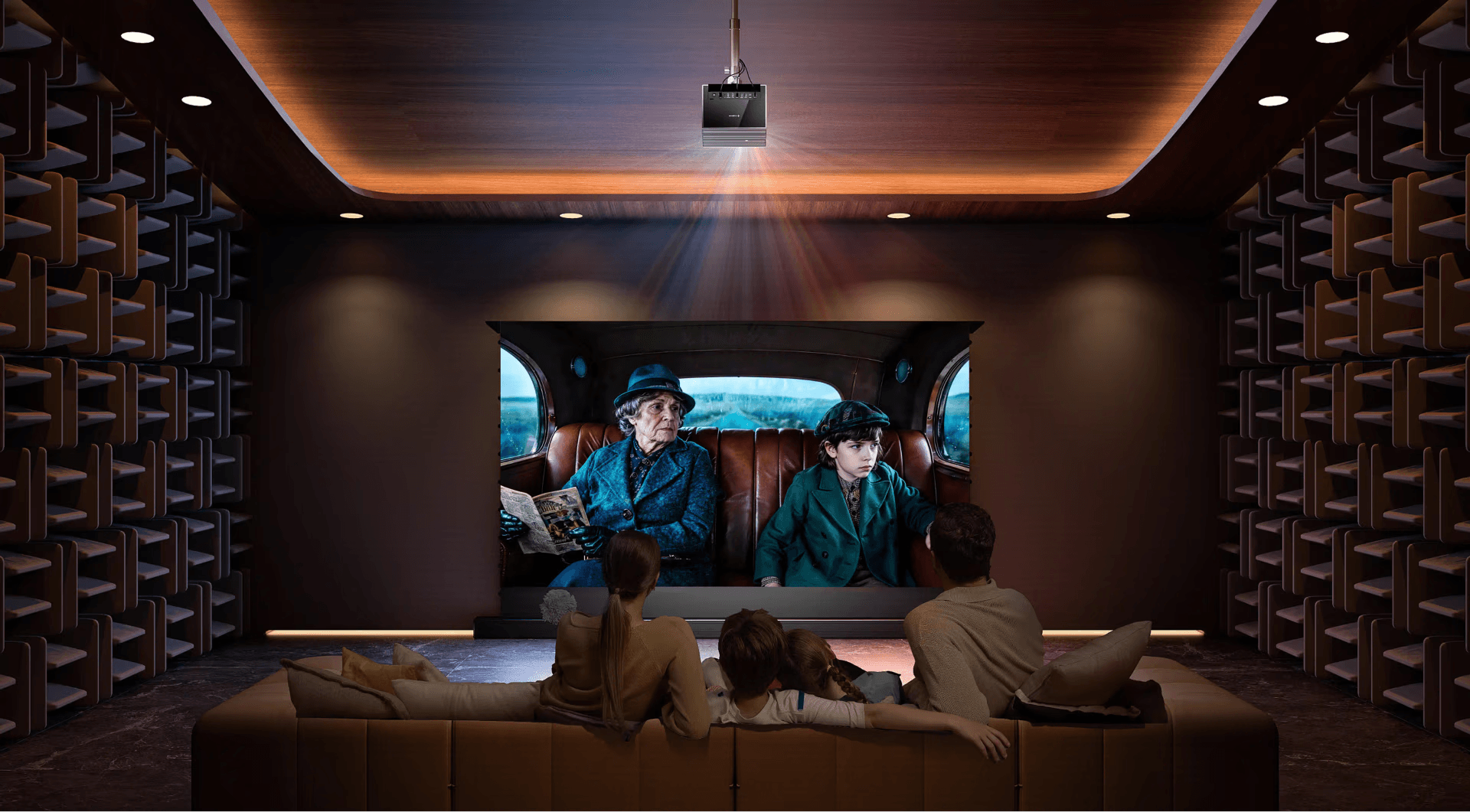
Firmware Q0718 is now rolling out to AWOL Valerion Max, Pro2, Pro, Plus2, and Plus.
A great home cinema experience is built from more than resolution alone. Contrast, sound, installation, viewing comfort and everyday control all shape the way a film feels on screen.
With OTA 3, AWOL Valerion continues to refine that experience through a collection of picture, sound and usability improvements. From dynamic contrast on the AWOL Valerion Max to more precise keystone adjustment and expanded smart-home control, this update brings meaningful improvements to the projectors you already own.
Behind OTA 3 is the same philosophy that has guided the AWOL Valerion platform from the beginning: bring a cinematic, Hollywood-standard 4K experience into the home while making it easier to enjoy without complicated setup or constant adjustment.
Dynamic Iris — Smarter Contrast, Deeper Cinema
Exclusive to AWOL Valerion Max
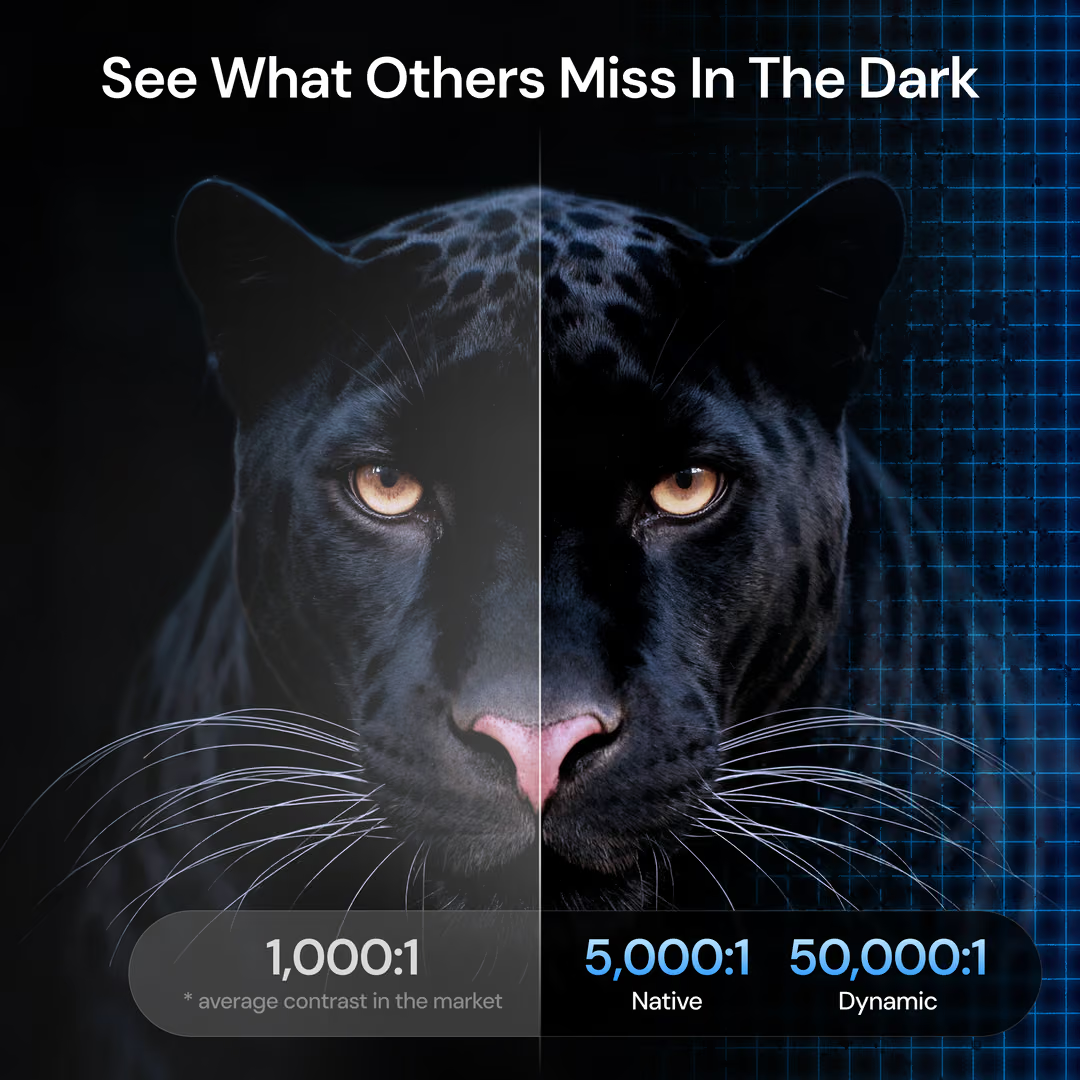
Contrast plays a defining role in how cinematic an image feels. Dark scenes need depth without losing detail, while highlights should remain clear and impactful.
With Dynamic Iris, exclusive to AWOL Valerion Max, the projector analyses image brightness in real time and automatically adjusts the iris to optimise contrast between darker and brighter scenes.
The result is more controlled blacks, more expressive highlights and a greater sense of depth — without requiring manual adjustments from the viewer.
Once enabled, Dynamic Iris works automatically in the background, allowing you to focus on the film rather than the settings.
Where to find it: All Settings → Projector → IRIS → Dynamic Iris
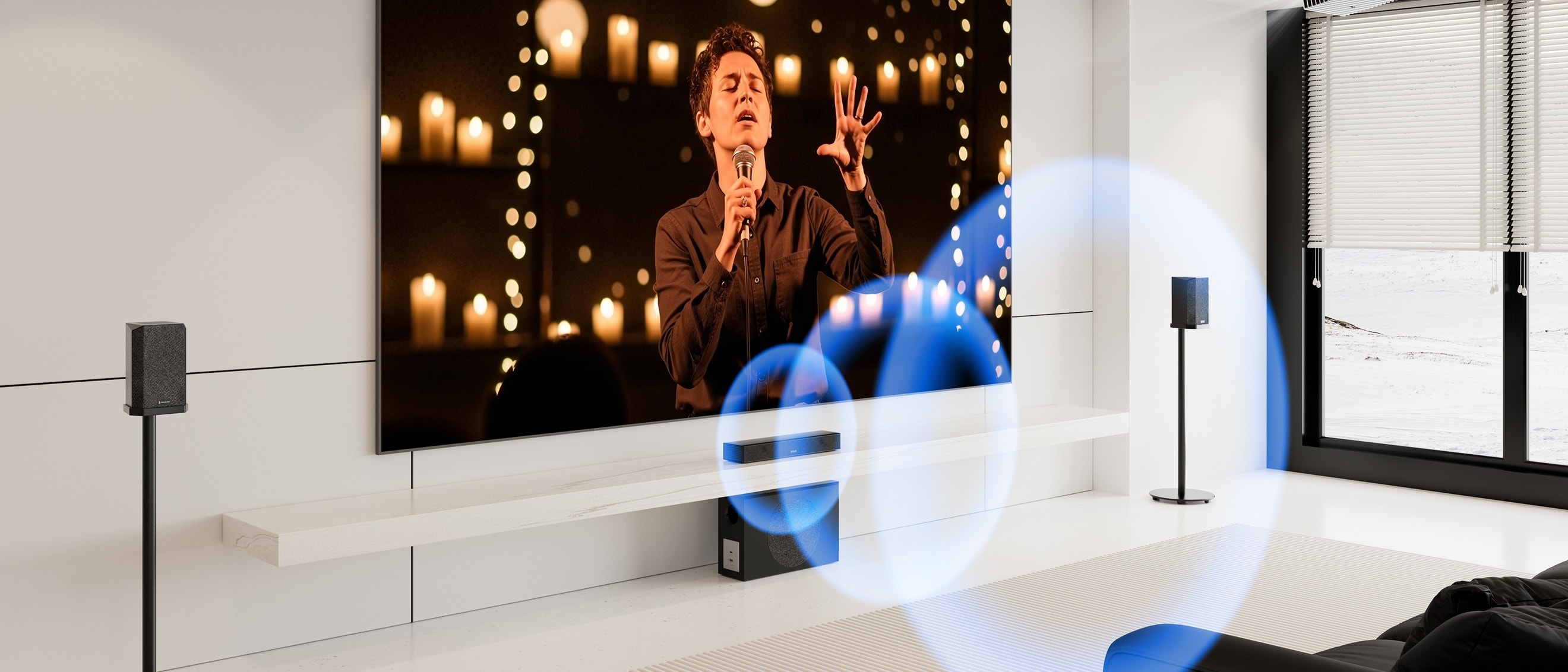
ThunderBeat Sound System — Now Easier to Control
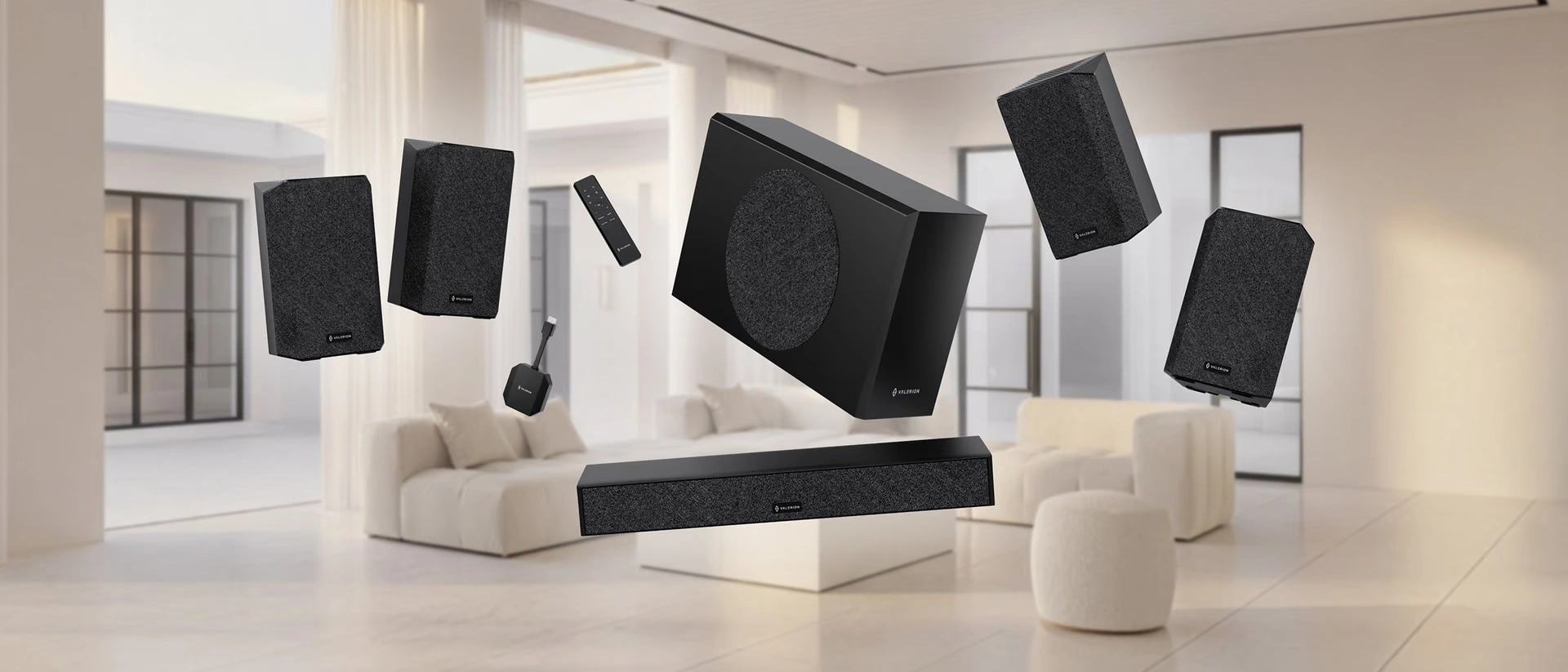
The AWOL Valerion ThunderBeat Sound System is now integrated directly into the on-screen display, giving you more convenient access to sound settings.
Whether you're watching an action film, streaming a concert or settling in for a quieter evening, you can adjust your audio experience directly from the projector interface.
The dedicated ThunderBeat menu puts sound control alongside your other key display and projector settings, making the overall experience simpler and more intuitive.
Where to find it: All Settings → Display & Sound → Sound → Audio System → ThunderBeat menu
8-Point Keystone — More Precise Image Alignment
Not every room provides the ideal conditions for projection. Slightly uneven walls, angled ceilings or less-than-perfect projector placement can all affect image geometry.
OTA 3 introduces 8-point manual keystone correction, giving you more precise control over the projected image than traditional four-point correction.
Instead of adjusting only four corners, you can fine-tune eight individual points to better align the image with your wall or screen.
This provides additional flexibility when installation conditions are less than perfect.
Please note: Enabling 8-point keystone correction resets your previous 4-point or automatic calibration, and switching back does the same.
Where to find it: All Settings → Projector → Manual Keystone Correction
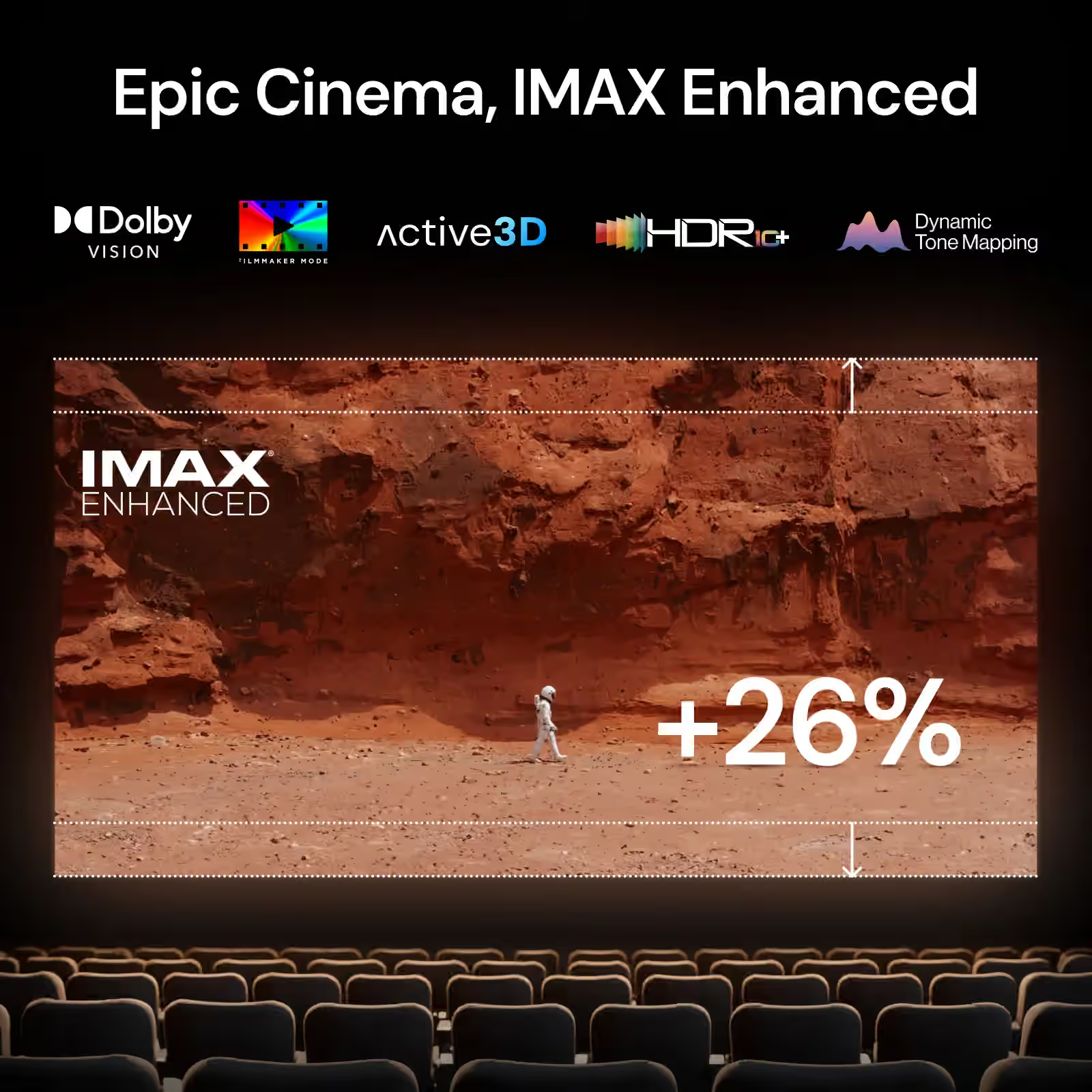
More Refinements Across the Valerion Experience
OTA 3 also introduces a series of smaller improvements designed to make everyday viewing more comfortable and consistent.
- EBL [Medium] — A new Enhanced Black Level setting between EBL Low and High. It provides moderate laser adjustment to help reduce visible brightness fluctuations while maintaining stronger contrast in darker scenes.
- AWOL Link Control — Valerion projectors can now integrate more easily into smart-home setups through the AWOL IP Control protocol, allowing compatible devices and systems to communicate with the projector.
- Low Noise Mode — Reduces overall fan noise for quieter viewing, particularly useful during late-night sessions. When enabled, laser luminance is automatically managed to maintain the intended operating conditions.
- IR Codes for the AWOL Valerion Remote — A complete IR key-value list is available through the Help Center, making integration with universal remote systems easier.
- Anamorphic 2.0:1 & 1.85:1 — Two additional aspect ratios have been added for viewers looking for more flexibility with widescreen content.
- Eye Protection — Carefree & Focus — The projector can respond when an obstruction is detected in front of the lens. Carefree switches the display off immediately, while Focus introduces a short delay before activation.
- Consistent Brightness in Dark Scenes — Brightness is now maintained more consistently during darker scenes, reducing unwanted dimming transitions.
- Resizable Dolby Vision — Picture size can now be adjusted while watching Dolby Vision content, giving you greater flexibility without leaving Dolby Vision mode.
Frame Packing 3D — Resolution Improved
OTA 3 also addresses a resolution issue affecting Frame Packing 3D content.
The update improves resolution handling in Frame Packing scenes, delivering cleaner and sharper 3D playback for supported content.
How to Get OTA 3
With System Update enabled, your AWOL Valerion projector will notify you when Firmware Q0718 (OTA 3) is available.
Simply confirm the update and allow the projector to restart. If you prefer to update manually, OTA 3 is also available through USB.
For firmware versions, detailed OTA and USB instructions, and additional update information, please refer to the full OTA 3 release notes.
For further assistance, please contact support@valerion.com.