Projector for Apartment: Setup, Space & Placement Guide
November 16, 2026
A big-screen movie night doesn't require a dedicated home theater. With the right projector and a little planning, even an apartment living room can become an immersive cinema space.
The challenge is making a projector work with the room you already have. Unlike a dedicated media room, an apartment often has limited floor space, shared living areas, large windows, fixed furniture and restrictions on wall or ceiling mounting. You need a setup that delivers a cinematic picture without making everyday life less convenient.
So, what should you look for when choosing a projector for an apartment? From screen size and throw distance to brightness, placement and installation flexibility, this guide walks you through the practical decisions that help you build an apartment-friendly home theater. We'll also explore how the AWOL Valerion Max fits into different living spaces.
1. Start with Your Apartment Layout Before Choosing a Projector
Before comparing projector specifications, take a closer look at your living room. The best projector for an apartment isn't necessarily the smallest or brightest model. It's the one that fits your available space and viewing habits.
Start by identifying a suitable projection wall and your preferred seating position. Consider the distance between the sofa and the screen, the location of windows and doors, and whether people need to walk through the projection area.
A few simple measurements can help you visualize the setup:
- Available wall space: Check the maximum image width and height your wall can accommodate.
- Viewing distance: Measure the distance from your usual seating position to the proposed screen.
- Projector placement: Identify a practical location on a cabinet, shelf, floor stand or ceiling mount.
- Everyday functionality: Make sure the setup doesn't obstruct walkways, windows, storage or other shared living areas.
One useful trick is to mark your proposed screen boundaries with removable painter's tape, provided it's suitable for your wall finish. Sit on the sofa and check whether the image feels comfortable at that size. Pay particular attention to subtitle visibility, viewing height and how much of the wall the screen occupies.
Also consider how you want the room to look when you're not watching movies. A fixed-frame screen creates a permanent viewing area, while a retractable screen can keep the wall available for other activities. Projecting directly onto a wall is another option, although surface texture, color and flatness can affect the picture.
The goal is simple: create a cinematic viewing experience without sacrificing the flexibility of your living space.
2. Choose the Right Projector Screen Size for Your Apartment
A larger screen can make movies and sports more immersive, but bigger isn't always better in a compact living room. The ideal projector screen size depends on both your available wall space and how far you sit from the image.
For reference, a 16:9 widescreen image has approximately the following dimensions:
| Screen Size | Image Width | Image Height |
|---|---|---|
| 100 inches | 2.21 m | 1.25 m |
| 120 inches | 2.66 m | 1.49 m |
| 150 inches | 3.32 m | 1.87 m |
These measurements help you determine whether your apartment can comfortably accommodate a 100-inch, 120-inch or even 150-inch projection screen.
Don't forget to consider your seating distance. A screen that looks impressive in a product demonstration may feel overwhelming when viewed from a nearby sofa.
For smaller apartments, a 100-inch or 120-inch screen can be a practical starting point. If you have a longer living room and sufficient wall space, a larger screen may deliver a more immersive experience.
Rather than choosing the largest screen available, find a balance between image size, viewing distance and room proportions.
3. Calculate Projector Throw Distance Before Buying
One of the most important considerations when choosing an apartment projector is throw distance. It determines where your projector can sit relative to the screen and whether your preferred furniture arrangement will work.
Throw ratio describes the relationship between the distance from the projector lens to the screen and the width of the projected image.
Throw Distance = Image Width × Throw Ratio
For example, a 100-inch, 16:9 screen is approximately 2.21 meters wide. If your projector has a throw ratio of 0.9–1.5:1, the required lens-to-screen distance is approximately 1.99–3.32 meters.
This means the projector needs to sit within that distance range to produce the desired image size using its native optical range.
Remember that throw distance is measured from the projector lens, not the back of the projector or the wall behind it. You should also leave enough clearance for the projector body, ventilation and cable connections.
Before purchasing, compare the calculated distance with your available placement options. A projector that requires a position in the middle of a walkway may not be the best choice, even if its image specifications look impressive.
If you're unsure, use a projector throw distance calculator to check whether your desired screen size and mounting position are compatible.
4. Look for Optical Zoom and Lens Shift for Flexible Placement
Apartment living rooms rarely offer unlimited projector placement options. You may have a suitable cabinet but not the exact distance required, or your ceiling height may not align with the ideal image position.
That's where optical zoom and lens shift become particularly useful.
Optical Zoom: More Flexibility in Projector Distance
Optical zoom allows you to adjust image size without physically moving the projector. This makes it easier to accommodate different mounting distances while maintaining your preferred screen size.
For example, if your projector needs to sit on an existing rear cabinet, optical zoom can help fine-tune the image to fit your screen without requiring you to move the furniture.
A wider throw-ratio range also provides more flexibility when working with different room dimensions.
Lens Shift: Adjust Image Position Without Moving the Projector
Lens shift solves a different problem. Instead of changing the image size, it allows you to reposition the projected image vertically or horizontally within the lens's supported adjustment range.
This is particularly helpful in apartments where the projector must sit on a fixed-height shelf or cabinet. Vertical lens shift can help align the image with your screen without having to reposition the entire unit.
Keep in mind that vertical lens shift doesn't provide unlimited placement freedom. Its adjustment range is model-dependent, and horizontal alignment still needs to be considered separately.
How the AWOL Valerion Max Fits Apartment Setups
The AWOL Valerion Max combines a native 0.9–1.5:1 throw ratio with optical zoom and vertical lens shift, offering additional flexibility when planning a home theater around existing furniture.
Instead of redesigning your living room around a fixed projector position, you can evaluate whether the Max's optical adjustments accommodate your preferred cabinet, shelf or mounting location.
For apartment owners, this flexibility can make the difference between a setup that works in theory and one that's genuinely convenient to use.
5. Consider Brightness and Ambient Light in Your Living Room
Brightness is another important factor when choosing a projector for an apartment, especially if your living room has large windows or limited options for blocking sunlight.
A projector's brightness is measured in lumens, but the number alone doesn't determine how good the picture will look. Screen size, ambient light, image settings and screen characteristics all affect perceived image quality.
Before choosing a projector, think about when you'll use it most.
For daytime viewing: Check how much natural light reaches your projection wall. Direct sunlight and bright windows can wash out the image. Blackout curtains or light-blocking blinds can help improve viewing conditions.
For evening movie nights: You have more control over ambient light, making it easier to enjoy deeper blacks, better perceived contrast and more vibrant colors.
For mixed-use living rooms: Consider a projector with sufficient brightness headroom to accommodate different screen sizes and viewing conditions.
The AWOL Valerion Max is rated at 3,500 ISO lumens, providing substantial light output for a large-screen home theater setup. However, this doesn't mean every apartment will deliver the same daytime viewing experience. Room lighting, screen size and picture settings still matter.
If possible, evaluate the projector under lighting conditions similar to those in your own living room rather than relying exclusively on showroom demonstrations.
6. Make Installation Easy for Apartment Living
A great apartment projector setup should be easy to use and shouldn't require permanent changes to your home.
This is particularly important for renters, who may have restrictions on drilling walls, installing ceiling mounts or making structural modifications.
Consider these common placement options:
Living Room Cabinet
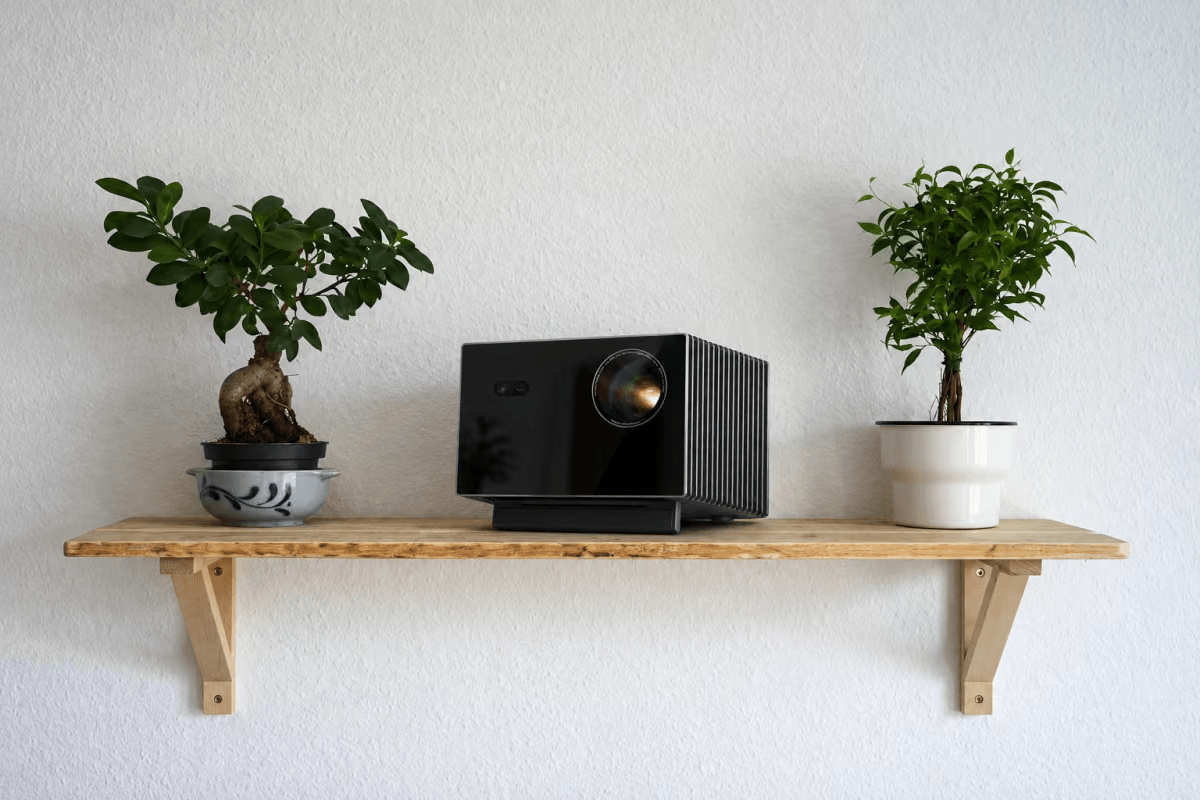
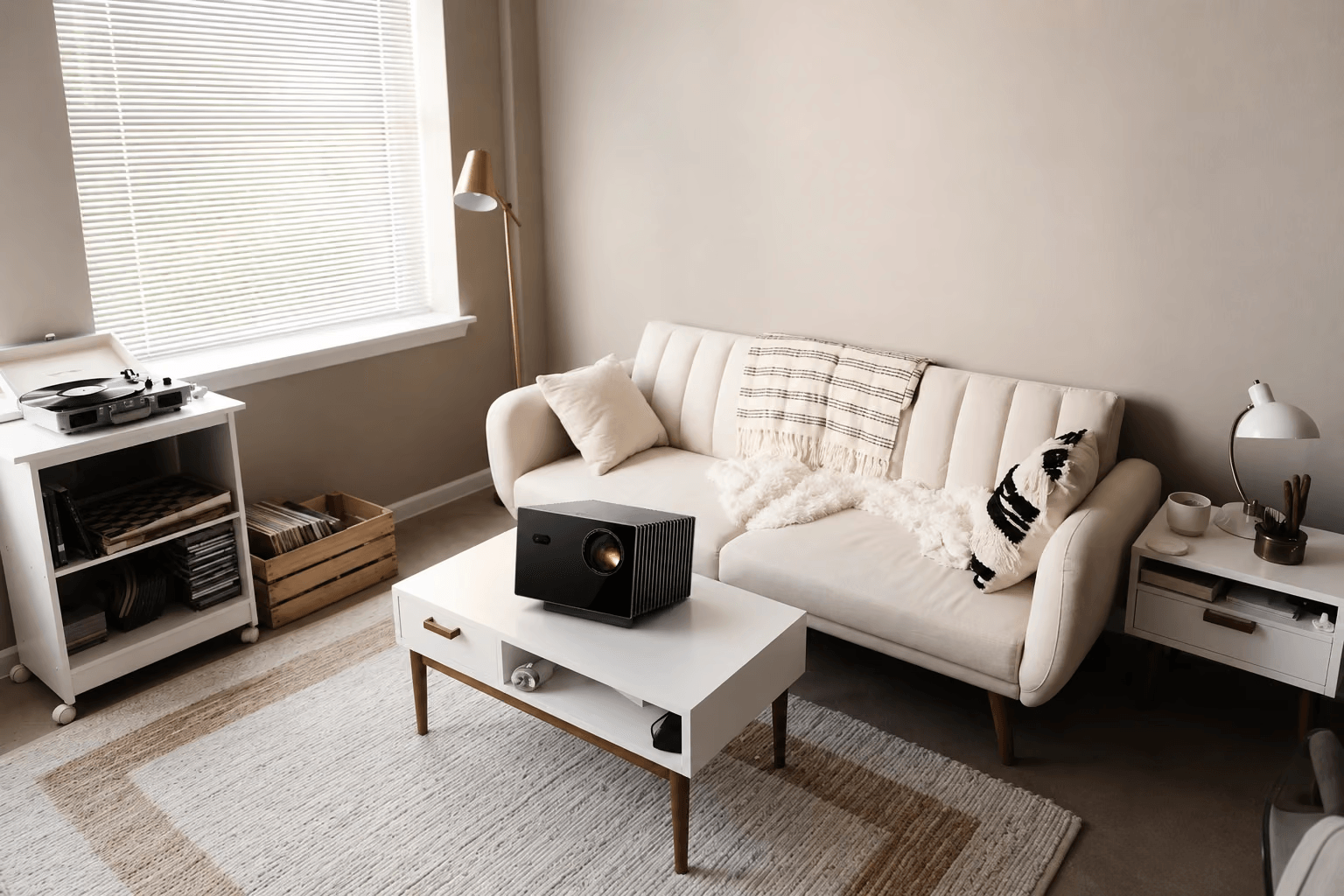
A rear cabinet or media console can provide a convenient home for your projector. It keeps the equipment accessible and avoids permanent installation. Make sure the furniture can support the projector's weight and allows adequate ventilation.
Freestanding Projector Stand
A dedicated projector stand offers more placement flexibility without requiring wall or ceiling modifications. It's also useful if you occasionally rearrange your living room.
Ceiling Mount
If your apartment allows permanent installation, a ceiling mount can keep the projector out of the way and create a cleaner viewing area. Before installing one, check the mounting requirements, ceiling structure and cable routing.
Regardless of the placement option, plan your power and HDMI connections in advance. Avoid running cables across walkways, and make sure gaming consoles, streaming devices and other equipment can connect conveniently.
You should also consider projector fan noise. A projector positioned directly behind your sofa may be more noticeable during quiet movie scenes than one placed farther away. If possible, listen to the projector in a quiet environment before making your decision.
Finally, think about how quickly you can start a movie and return your room to its everyday arrangement. A setup that requires repeated adjustments or complicated cable management may become inconvenient over time.
7. Is a Full-Size 4K Projector Worth It for an Apartment?
Portable projectors are attractive for apartment living because they're compact, easy to move and simple to store. However, they aren't necessarily the best choice for everyone.
If you have a dedicated cabinet or a consistent projection position, a full-size home theater projector may offer a more suitable combination of brightness, optical flexibility, image quality and connectivity.
The AWOL Valerion Max is worth considering if you're looking for a more substantial apartment home theater experience.
Its key features include:
- 4K RGB Triple Laser: Delivers detailed images and vibrant colors for movies, sports and gaming.
- 3,500 ISO Lumens: Provides high light output for large-screen projection.
- 0.9–1.5:1 Throw Ratio: Supports flexible projector placement across different room layouts.
- Optical Zoom and Vertical Lens Shift: Help accommodate existing furniture and mounting positions.
- Large-Screen Projection: Supports immersive home theater experiences with screens up to 300 inches.
Of course, a projector rated for a 300-inch screen doesn't mean that size is appropriate for every apartment. Your available wall width, throw distance and viewing position should determine the final screen size.
If your main priority is casual daytime television with minimal setup, a conventional TV may be more practical. But if you enjoy large-screen movies, sports and gaming, and have a suitable projector position, a full-size 4K projector can turn an ordinary apartment living room into a much more immersive entertainment space.
8. Apartment Projector Setup Checklist
Before purchasing your projector, walk through your planned viewing experience from beginning to end.
Use this checklist to make sure you've considered the details that matter:
- Measure the available projection wall and choose a suitable screen size.
- Check the viewing distance from your sofa.
- Calculate the required projector throw distance.
- Confirm that the projector's optical zoom range accommodates your placement.
- Check whether lens shift can achieve your desired image height.
- Evaluate ambient light during your usual viewing hours.
- Choose a practical screen and mounting solution.
- Plan power cables, HDMI connections and ventilation.
- Consider projector noise and everyday accessibility.
A little planning before purchase can save you from rearranging furniture, replacing mounting hardware or compromising on your preferred screen size later.
Create Your Own Apartment Home Theater with AWOL Valerion
You don't need a dedicated media room to enjoy a cinematic big-screen experience. The right projector, a suitable screen and a well-planned installation can transform an ordinary apartment living room into a versatile entertainment space.
The key is to choose equipment that adapts to your room rather than forcing your room to adapt to the equipment.
With its 4K RGB triple-laser technology, 3,500 ISO lumens, 0.9–1.5:1 throw ratio, optical zoom and vertical lens shift, the AWOL Valerion Max offers a combination of performance and placement flexibility worth considering for apartment home theaters.
Ready to plan your setup? Explore the AWOL Valerion Max and use our projector calculator to check your preferred screen size and installation distance before choosing your home theater configuration.
Discover More Insights