Best Bright Room Projectors: A Complete Buying Guide for 2026
September 4, 2026
If you've ever tried to watch the game or a movie on a projector with the curtains open, you already know the problem. The picture looks washed out, blacks turn gray, and colors go flat — no matter how many "lumens" were printed on the box.
The instinct is to assume the fix is simple: buy the projector with the biggest brightness number. That's part of the answer, but not all of it. This guide walks through what actually determines whether a projector holds up in a bright room, and points to the setup that gets it right for a room that has to work as a real living room — not a blacked-out screening room.
Quick answer: look for at least 3,000 ANSI-class lumens, a laser light engine (not a lamp), strong native contrast handling, and a screen actually matched to that light source. Our pick that checks every one of those boxes is the AWOL Valerion Max paired with the PureVision Anti-Speckle Motorized Matte White Screen — more on why below.
Why Bright Rooms Are the Hardest Test for Any Projector
A projector doesn't struggle in daylight simply because it runs out of light. It struggles because ambient light competes with it. Every bit of sunlight or lamp light that lands on your screen adds brightness to the parts of the image that are supposed to be dark, which raises the "black floor" of the whole picture. That's why a projector can look great in a dim showroom and disappointing in your living room — contrast, not raw brightness, is usually what breaks down first.
A few things worth knowing before you shop:
- Marketing lumens and real lumens aren't the same number. Look specifically for ANSI-class lumens, ideally confirmed by an independent review — manufacturer specs are often measured under best-case lab conditions.
- Lamp-based brightness fades with use. A bulb that looks great on day one can lose a meaningful share of its output within a year or two of regular viewing. Laser light sources hold their brightness far more consistently over a much longer lifespan.
- Sustained brightness matters more than the number on the box. Many projectors run brightest for the first few minutes after power-on, then quietly step down to protect the light engine.
- Contrast handling is what actually separates a good bright-room projector from a merely bright one. Two projectors with identical lumens can look completely different in a sunlit room depending on how well each one manages black levels.
What Actually Matters When Choosing a Bright-Room Projector
- Real brightness, not just the headline number
As a rough rule, moderate ambient light (a few windows, some daytime glow) calls for at least 3,000 ANSI-class lumens. A living room with large, uncovered windows or all-day sun benefits from something closer to 3,500–5,000+ lumens.
2. Laser over lamp
For anyone shopping specifically for a bright room, a laser or laser-hybrid light engine is the single biggest upgrade available. Laser sources are typically rated for tens of thousands of hours and hold their output far more consistently across that lifespan than a traditional lamp.
3. Native contrast and black-level engineering
Big dynamic contrast numbers look impressive on a spec sheet, but they're measured in a dark room and don't tell you much about how a projector performs at 2 p.m. What matters more day to day is how well a projector manages its iris, black-level processing, and stray-light control — the engineering that keeps shadows looking like shadows instead of gray fog once the lights are on.
4. A wide, accurate color gamut
Ambient light doesn't just wash out brightness — it desaturates color. A projector with a wide color gamut has more room to lose before its colors start looking flat, which is exactly the buffer you want in a room that's rarely fully dark.
5. Resolution and installation flexibility
Softness is far more noticeable in bright conditions than in a dark room, so 4K earns its keep here. It's also worth checking the lens shift range and throw ratio: a projector you can install off to the side or on a shelf — instead of dead-center on the ceiling — gives you real control over how much ambient light it has to fight, simply by letting you angle it away from your windows.
The Part Most Buying Guides Skip: Your Screen Is Doing Half the Work
Most people spend all their research time comparing projectors and none of it thinking about what they're projecting onto. That's a mistake. A bare wall — even a freshly painted white one — scatters light unevenly, has no engineered surface for accurate color, and does nothing to manage the specific quirks of whatever light source is hitting it.
This matters even more with laser projectors specifically. Laser light is coherent, which can produce a faint sparkly or grainy texture on ordinary surfaces, an artifact usually called "speckle." A screen engineered around laser projection, rather than a generic surface, cuts down on that artifact and lets the projector's actual sharpness and color gamut reach your eyes the way it was designed to.
Screen size matters too, and it's easy to get backwards: the same projector throwing the same lumens will look noticeably brighter on a 100" screen than on a 120"+ screen, simply because that light is spread over less area. If your room runs bright most of the day, sizing down slightly is a free brightness upgrade.
Our Pick for a Real (Bright) Living Room: AWOL Valerion Max + PureVision Motorized Screen
Once you weigh all of the above, the case for a purpose-built laser projector and a properly matched screen gets pretty strong — which is why the AWOL Valerion Max paired with the PureVision Anti-Speckle Motorized Matte White Screen is our pick for anyone trying to get real cinema-quality viewing out of a room that also has to function as, well, a living room.
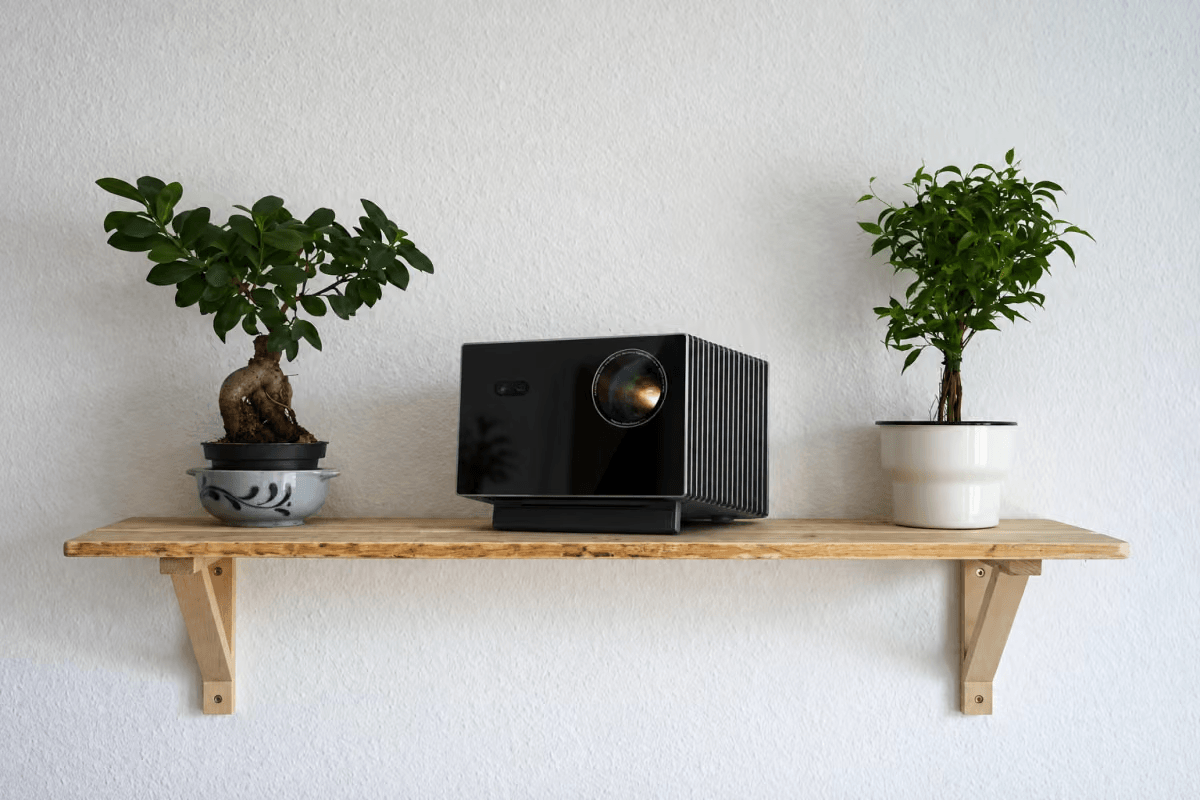
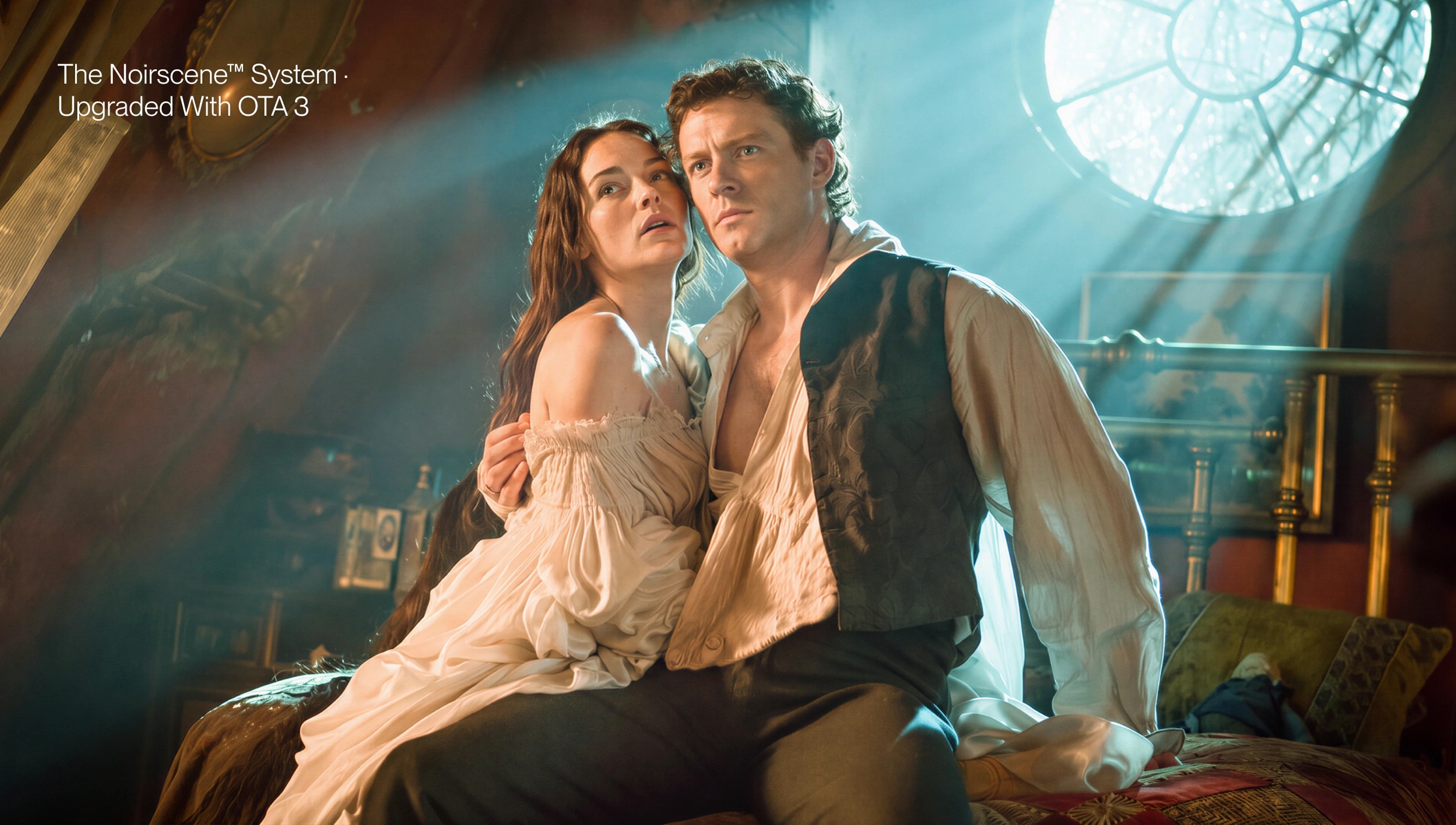
On the projector side, the AWOL Valerion Max is built around an RGB triple-laser light engine rated at 3,500 ISO lumens — comfortably inside the range you want for a bright room — paired with a 110% Rec.2020 color gamut, so colors stay rich instead of washing out the moment the lights come on. Its NoirScene Dark Field Engine combines enhanced black-level processing, a precision iris, and stray-light shielding to keep native contrast strong, with dynamic contrast reaching a claimed 50,000:1 for scenes that call for it. Anti-rainbow processing is said to cut a common single-chip DLP artifact by 99.99%, worth knowing if anyone in your household is sensitive to flicker during long viewing sessions. On the practical side, automated lens shift (±105% vertical), motorized zoom and focus, and automatic geometry correction mean you're not stuck hiring an installer just to get a clean, square image in a room that was never built around a projector in the first place.
On the screen side, the PureVision Anti-Speckle Motorized Matte White Screen is engineered specifically to complement that triple-laser engine rather than fight it — reducing speckle and preserving color purity for a claimed 80% improvement in sharpness, color, and contrast over projecting onto a plain wall. What makes it genuinely suited to a living room, rather than a dedicated theater, is the motorized drop-down design: it lowers automatically when the projector powers on and retracts out of sight when you're done, with up to 20 inches of adjustable drop so it can be tuned to your ceiling height and seating position. It's a screen that disappears when it's not showtime, which matters when the same wall is also where the rest of your life happens. It's available in 100" and 120" sizes, so you can size it to your room rather than the other way around.
One thing worth being upfront about: this is a matte white screen, not an ambient-light-rejecting (ALR) screen. Its job is to get the most out of the projector's laser engine and to live comfortably in a real room — not to physically block ambient light the way a dedicated ALR surface does. For a typical living room with some daylight and indoor lighting, the Max's own brightness and contrast engineering do most of that heavy lifting. If your space gets hit with direct, unfiltered sun for hours at a stretch, closing a blind during peak glare will still get you the best possible image — brightness, contrast engineering, and screen choice all work together rather than any one of them doing the job alone.
What This Actually Looks Like Day to Day
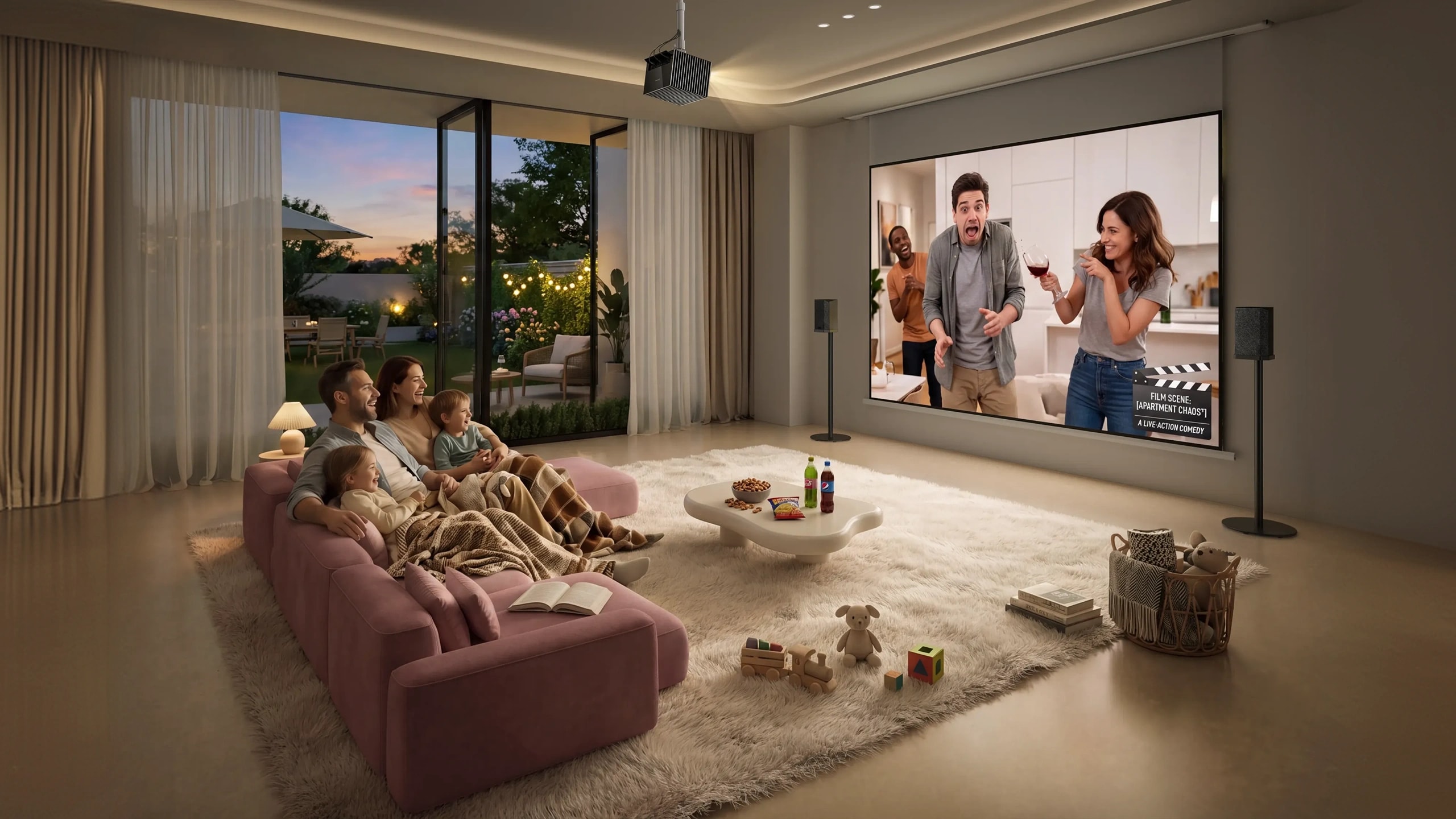
This is really a question of how a projector fits into a home that's actually being lived in:
- Sunday afternoon football, blinds half open, without anyone hovering over the remote fighting glare on the screen.
- A rainy-day movie with the kids at 3 p.m. without turning the living room into a cave first.
- Weeknight dinner and a show, kitchen lights still on, a lamp going in the corner.
- An occasional work-from-home presentation on the same setup — screen down, screen up, no one thinks twice about it.
- Movie night after dark, when the same projector that handled 2 p.m. sunlight now delivers a genuinely deep, cinema-grade black level.
That range — holding up in daylight and still impressing after dark — is really the definition of a good bright-room projector. It shouldn't ask your household to build its schedule around blackout curtains.
Bright-Room Projector FAQ
How many lumens do I need for a bright room?
Aim for at least 3,000 ANSI-class lumens for moderate daylight, and 3,500+ if your room has large windows or gets direct sun for part of the day.
Do I need a laser projector, or is a bright lamp-based model good enough?
A bright lamp projector can look great on day one, but its output declines with use. If the room stays bright year-round, a laser engine is what keeps that brightness consistent over years rather than just out of the box.
Is a plain white wall really that different from a proper screen?
Yes. A dedicated screen surface — especially one matched to your projector's light source — meaningfully improves sharpness, color accuracy, and evenness compared to any wall, regardless of how good the paint job is.
Does screen size affect brightness?
Yes — the same projector looks brighter on a smaller screen because the same light output is spread over less area. In a very bright room, sizing down (say, 100" instead of 120") is a simple way to get a punchier image.
Do I need blackout curtains if I buy a bright-room projector?
Not for normal daytime and evening use. For rooms that get direct, unfiltered sun on the screen for hours, even the best projector benefits from managing that specific glare — a blind or curtain for just the brightest part of the day is usually enough.
Is a motorized drop-down screen worth it over a fixed-frame screen?
If the room doubles as a living space, yes. A screen that disappears when you're not watching keeps the room from feeling like a dedicated theater — which matters for a family room a lot more than it does for a basement.
The Bottom Line
A genuinely good bright-room setup comes down to three things working together: real, sustained brightness from a laser engine; contrast and color engineering that hold up once ambient light enters the picture; and a screen built to match that light source instead of just any flat surface. The AWOL Valerion Max and PureVision Motorized Screen combination checks all three boxes for a room that has to work as both a living room and a home theater — which, for most of us, is the only kind of room we actually have.
Discover More Insights