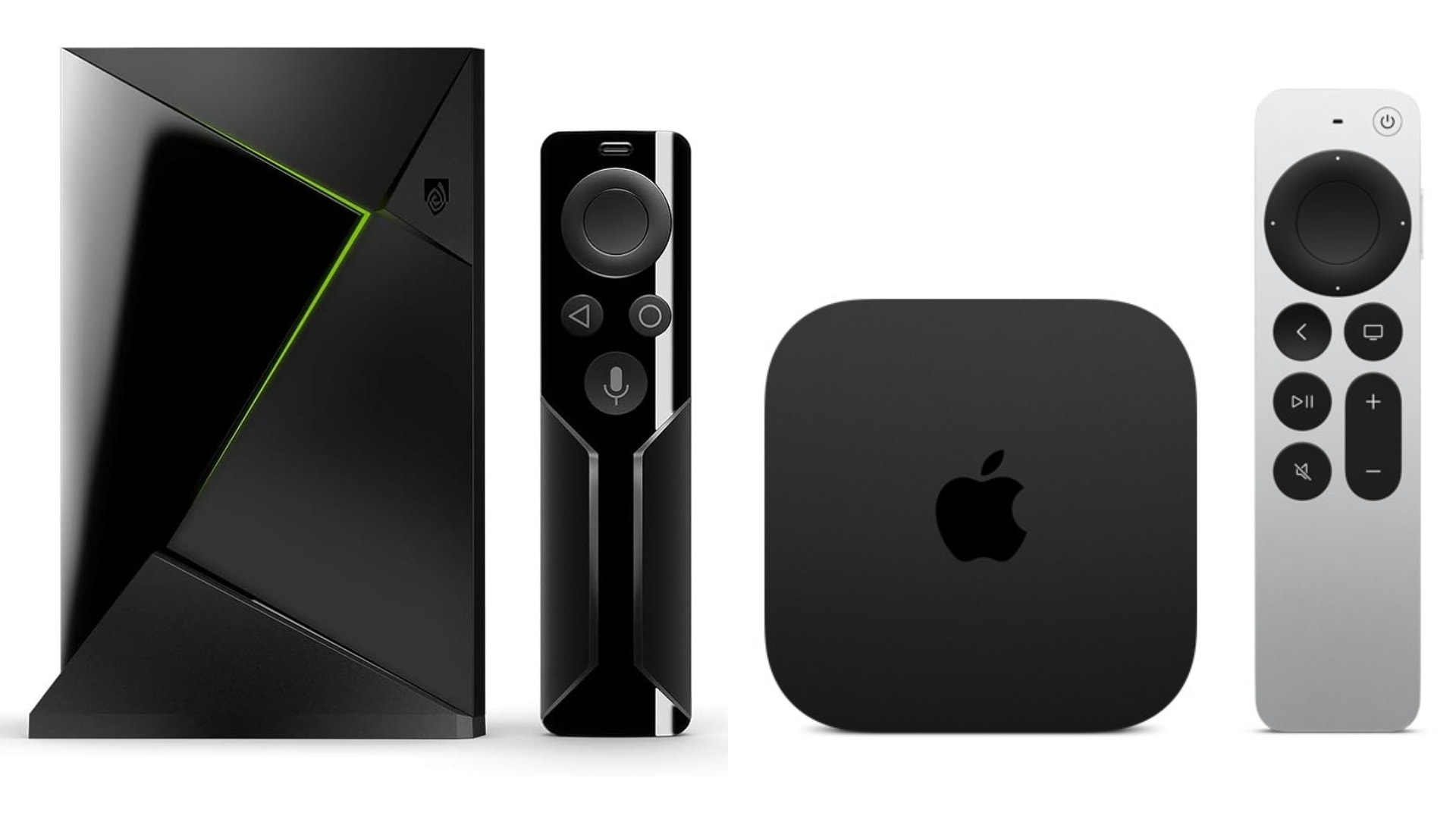
An external streaming device can dramatically extend your TV's lifespan, but when it comes to the Nvidia Shield Pro vs Apple TV 4K, which high-end streamer truly belongs in your home theater? This remains the ultimate question for audio/video enthusiasts in 2026.
The Nvidia Shield Pro, built on older architecture, remains incredibly relevant thanks to unmatched audio passthrough capabilities and robust local network streaming support. In contrast, the newer Apple TV 4K delivers a blazing-fast, snappier experience powered by Apple Silicon, offering seamless integration for users already locked into the Apple ecosystem. Your choice ultimately depends on your media habits. Because you must decide whether you rely on a Plex media server, demand lossless audio, or prioritize a fluid, artifact-free user interface
The Quick Verdict: Matching Media Habits to Streamers
When comparing the Nvidia Shield Pro to the Apple TV 4K, your viewing habits dictate the winner. Both devices are excellent, but they serve very different types of users.
Choose the Apple TV 4K if you want:
- Apple ecosystem integration
- Faster UI
- Better frame-rate matching
Choose the Nvidia Shield Pro if you want:
- Support for Plex and local servers
- Lossless audio passthrough
- Sideload open-source apps
- Advanced cloud gaming via GeForce Now
Hardware Comparison of Shield Pro and Apple TV
While both are premium devices, their underlying hardware philosophies differ greatly.
| Feature | Apple TV 4K | Nvidia Shield Pro |
|---|---|---|
| Processor | Apple Silicon (A-Series) | Nvidia Tegra X1+ |
| Lossless Audio Passthrough | No (Decodes to LPCM) | Yes (Dolby TrueHD, DTS:X) |
| Frame Rate Matching | Automatic (Most apps) | Manual / Beta feature |
| AV1 Decoding | No | No |
| Sideloading Apps | Restricted | Yes (Android TV) |
Processing Power and Modern Codecs
The Apple TV 4K boasts a significant advantage in raw processing power thanks to its A-series architecture. This translates to incredibly fast app loading times and a buttery-smooth interface. While neither the current Apple TV 4K nor the Shield Pro feature native hardware decoding for the AV1 codec, the Apple TV's sheer processing overhead handles high-bitrate streaming effortlessly.
The Nvidia Shield Pro hardware remains based on the Tegra X1+ platform introduced in 2019. While it lacks hardware decoding for modern formats, its NVDEC hardware remains incredibly robust, effortlessly handling massive local bitrates from 4K Blu-ray remux files without breaking a sweat.
AI Upscaling vs Native Color Calibration
The Shield Pro utilizes its onboard AI to intelligently analyze, sharpen, and upscale sub-4K content (like 1080p sports streams) into brilliant 4K frame-by-frame.
Apple takes a purist approach. Instead of manipulating the video signal with AI, it focuses on clean, artifact-free output. It even offers a system-level color calibration tool using your iPhone's camera to ensure accurate color reproduction on your display.
Audio Performance: Lossless Passthrough vs. LPCM decoding
For home theater enthusiasts, the audio ecosystem is often the deciding factor. A streaming device is only the delivery medium, but how it handles audio transmission matters immensely.
Why Home Theaters Need Audio Passthrough
Audio passthrough allows a streamer to send raw, unprocessed audio signals directly to an AV receiver or soundbar. This preserves the original format intended by sound engineers, delivering a true cinema experience. For example, streaming devices must have Dolby Atmos 3D audio codec to be able send those audio signals. For TrueHD Atmos, it must have lossless audio codec.
The Shield Pro's Lossless Advantage
The Nvidia Shield Pro excels at passthrough. It passes lossless audio signals like Dolby TrueHD Atmos, DTS:X, and DTS-HD MA directly via HDMI without altering the track. If you stream massive local files via Plex, the Shield ensures you get the exact uncompressed bitstream your receiver needs.
How Apple TV 4K Handles Audio
The Apple TV 4K does not support TrueHD or DTS:X bitstream passthrough. Instead, it decodes audio internally into LPCM (Linear Pulse Code Modulation). For standard streaming apps (like Netflix or Max), the Apple TV outputs Dolby Atmos via Dolby MAT, which sounds phenomenal on most setups.
However, if you are playing local 4K Blu-ray remix files, Apple TV cannot pass Dolby TrueHD Atmos bitstreams directly to a receiver through HDMI 2.1 or HDMI 2.0, which can limit full Atmos metadata preservation on certain local media workflows.
Unlocking True HD Atmos and High-Fidelity Audio Layouts
For True HD Atmos, either 5.1.2 or 7.2.4 is required with a streaming device that can support its metadata. For an immersive experience, matching a lossless bitstream hub with display systems built to handle high-fidelity decoding natively. For example, the Valerion VisionMaster Max supports native DTS:X and Dolby Audio alongside its 2x12W DTS Virtual:X architecture to ensure no spatial channels are dropped and you enjoy lossless audio in 3D space.
UI Fluidity, Frame Rates, and the App Ecosystem Compared of Shield PRo and Apple TV 4K
Your daily interaction with a streamer is dictated by its operating system. Here, you must choose between commercial stability and open-source freedom. Neither device is universally better. The Shield Pro prioritizes flexibility through sideloading, while the Apple TV 4K prioritizes stability and consistency.
tvOS vs Android TV
Apple enforces strict optimization rules for developers on the App Store. As a result, commercial apps generally deliver a highly stable experience with fewer bugs on Apple hardware.
Conversely, Android TV does not have to be cluttered or filled with ads. It gives you the freedom to personalize your interface according to your taste. The unbeatable advantage of Android TV is the ability to sideload custom tools, alternative launchers, advanced IPTV players, and direct network scrapers (like Stremio or Kodi). Because of this freedom, the Shield Pro remains one of the most capable local media players available for heavy local streaming.
Frame Rate Matching
What if the frame rate is mismatched? It causes micro-stutters, a distracting visual flaw when 24 FPS movie content plays over a 60Hz output. Apple TV 4K is widely regarded as one of the best streaming devices for automatic frame-rate matching across most official apps. The Shield Pro relies on third-party app settings or a manual beta hotfix, which can occasionally cause HDMI handshake drops if mismanaged.
Maximize Visual Delivery: Color Space and Projectors
Whether you use an Nvidia Shield Pro or an Apple TV 4K, your viewing environment and display technology impact the final image just as much as the streamer's tech.
Projecting True Cinematic Scale
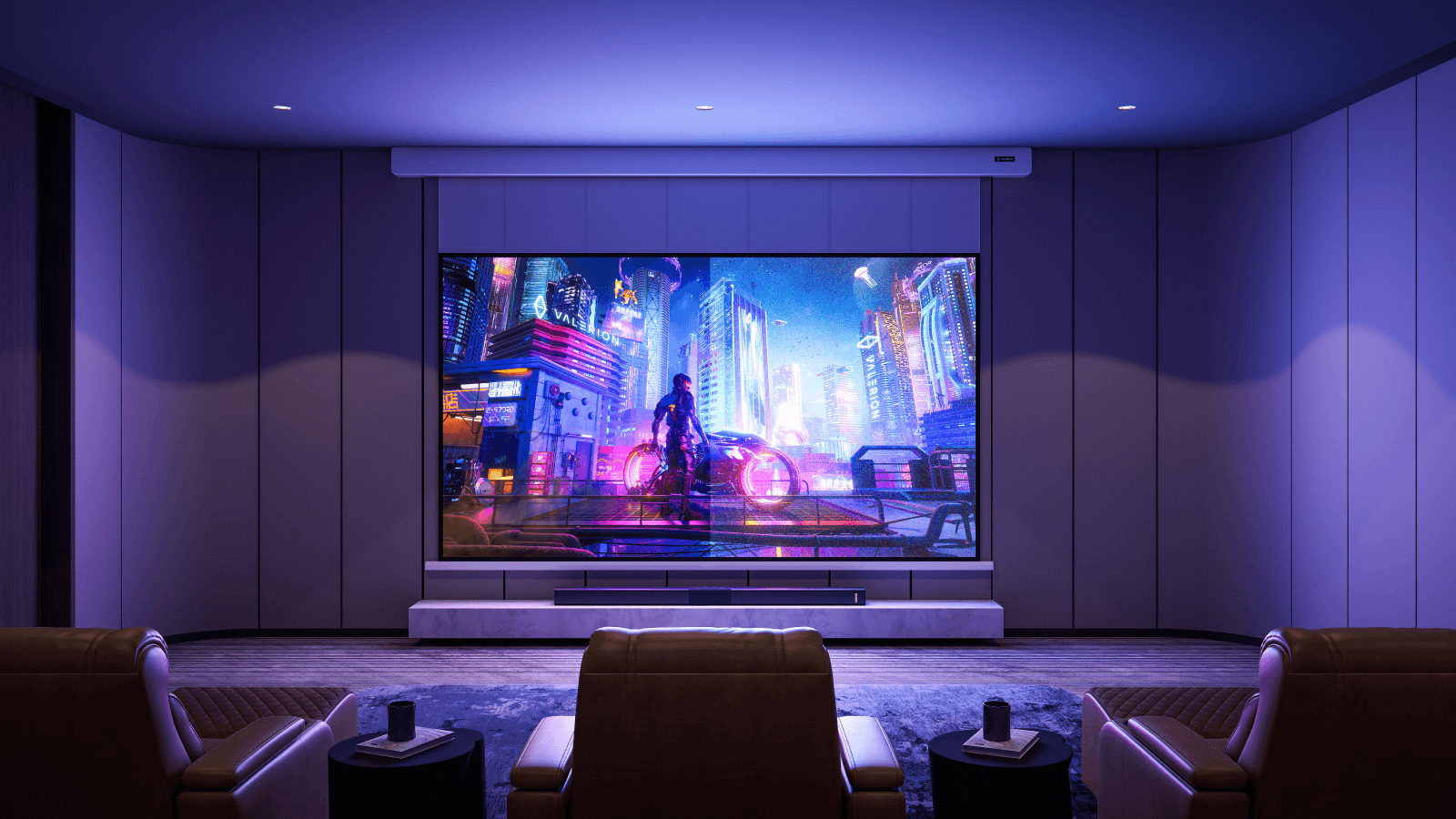
A professional projector screen helps you extract the most accurate colors, like a 110% Rec.2020 color gamut from your hardware. Premium streamers require capable displays to fully resolve massive HDR data streams, such as Dolby Vision and IMAX Enhanced.
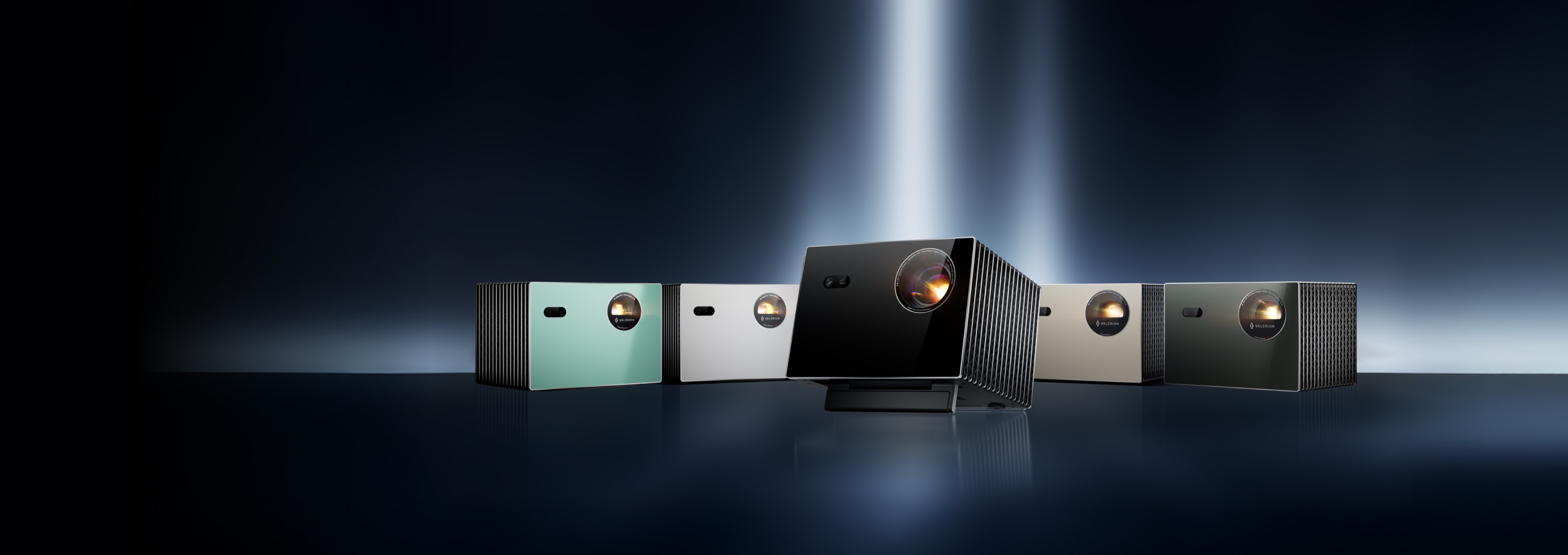
Pairing your advanced streamer with a high-end projector, like the Valerion VisionMaster Max, allows its RGB Triple Laser system to accurately render high-bitrate Dolby Vision and Filmmaker Mode content at up to 300 inches. This aligns your video performance with top-tier verification frameworks like an ISF certified projector gold standard.
Overcoming Ambient Light in Everyday Spaces
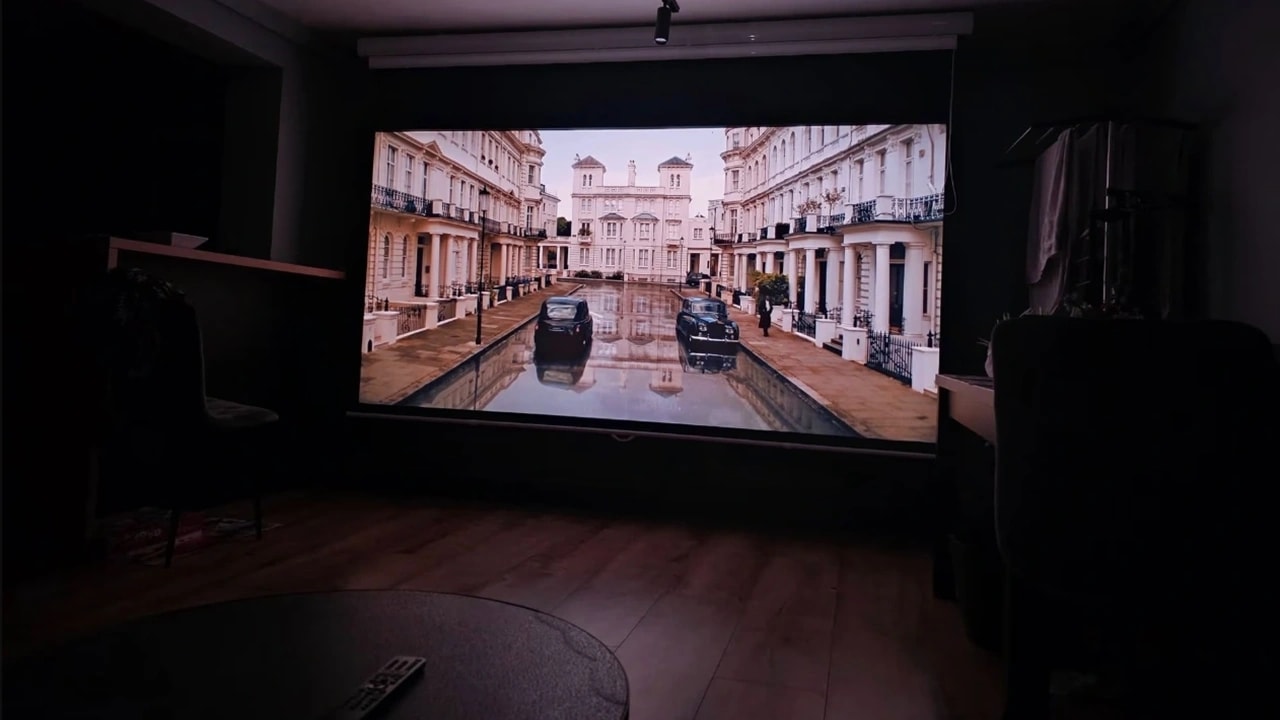
Ambient light destroys image contrast, making pictures appear dull in bright living rooms. Setting up your Apple TV or Shield with a projector in these spaces requires specialized accessories, like the Valerion 100”/120” Fresnel Ambient Light Rejecting (ALR) Screen, to keep interfaces crisp during the day.
Fresnel and Lenticular ALR screens serve the same purpose. ALR screens are made for rejecting ambient light while reflecting the projector's light back to the audience. They differ simply in their manufacturing process, one utilizes microscopic circular grooves, while the other features horizontal grooves.
Cloud Gaming and Local Network Streaming
Which is better for gaming? The Shield Pro takes the crown here, leveraging its Android OS and GeForce Now integration to offer a much wider gaming library than what is natively available on Apple TV.
GeForce Now and Moonlight Performance
The Shield Pro can double as a silent gaming console for cloud networks or local PC streaming. Using tools like Moonlight, it allows your local PC to harness its full GPU power and deliver maximum gaming performance directly to your living room display.
Eliminating Input Lag and Handshake Delay
Input lag is the delay between pressing a button and seeing the action appear on screen. When playing input-sensitive games, a latency-optimized display is crucial.
For instance, Valerion’s Auto Low Latency Mode (ALLM) eliminates the need to manually change settings every time you boot up a game. It automatically adjusts to deliver a blistering 4ms response time at 1080p/240Hz, ensuring your wireless controller inputs stay perfectly aligned with fast-paced video streams. To handle this ultra-smooth rendering 240Hz for gaming, high-bandwidth HDMI 2.1 over 2.0 connections are recommended to seamlessly transmit the data.
Final Selection: Nvidia Shield Pro vs. Apple TV 4K Based on Your Scenario

The Nvidia Shield Pro vs Apple TV 4K debate isn't about which streamer is universally superior; it's about which one seamlessly aligns with your entertainment ecosystem. For Apple users who primarily watch commercial streaming services (Netflix, Apple TV+, Max) and want an incredibly fast, ad-free, and stable UI, the Apple TV 4K is unmatched.
However, the Nvidia Shield Pro continues to stand out in the home theater market despite its aging hardware. For enthusiasts utilizing a Plex server, NAS storage, a massive Blu-ray remux library, or a cloud gaming setup, few devices can match its flexibility. Its support for lossless audio passthrough, extensive codec compatibility, and deep Android TV customization make it the preferred choice for dedicated, audiophile-grade home theater environments. To fully benefit from features like Dolby Vision, HDR, DTS:X, TrueHD Atmos, AI upscaling, or low-latency gaming, consider investing in Valerion VisionMaster Max projector to project IMAX at 300” screen for at home cinema experience.